LU200 User Interface
43
► To configure the S&F quality:
1 Navigate to the S&F Settings option in the Configuration screen using the
Up and Down buttons on the joystick.
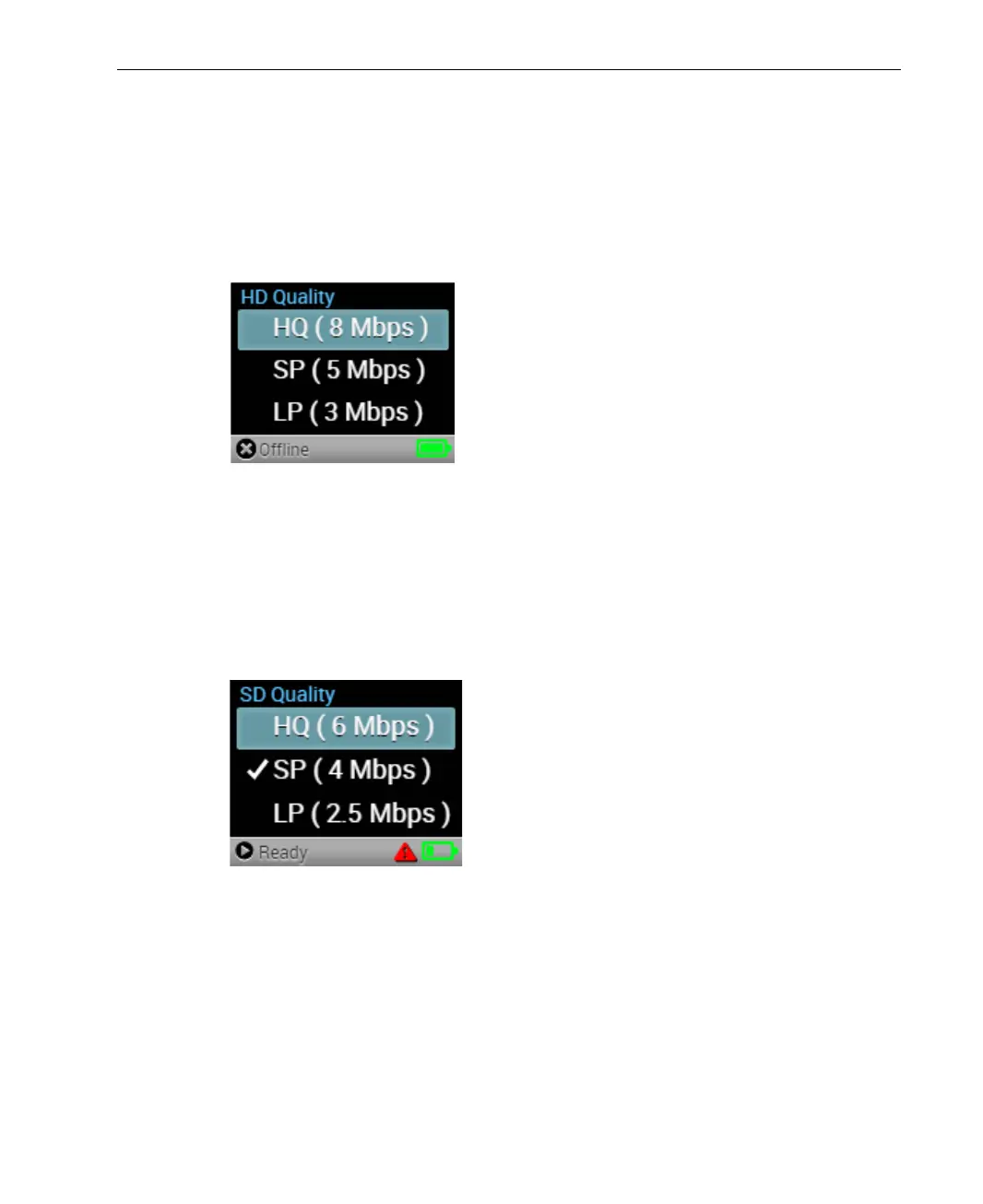
2 Navigate to the HD Quality option in the S&F Settings screen and press
the Right or Center (OK) buttons on the joystick. The following screen
displays:
Figure 51: HD Quality Screen
3 Select the HD video quality for the stored file. You can select one of the
following options: HQ (High Quality), SP (Standard Play) or LP (Long
Play). Press the Center (OK) button on the joystick to set the value.
4 Navigate to the SD Quality option in the S&F Settings screen and press
the Right or Center (OK) buttons on the joystick. The following screen
displays:
Figure 52: SD Quality Screen
5 Select the SD video quality for the stored file. You can select one of the
following options: HQ (High Quality), SP (Standard Play) or LP (Long
Play). Press the Center (OK) button on the joystick to set the value.



 To Next Page