Getting Started
29
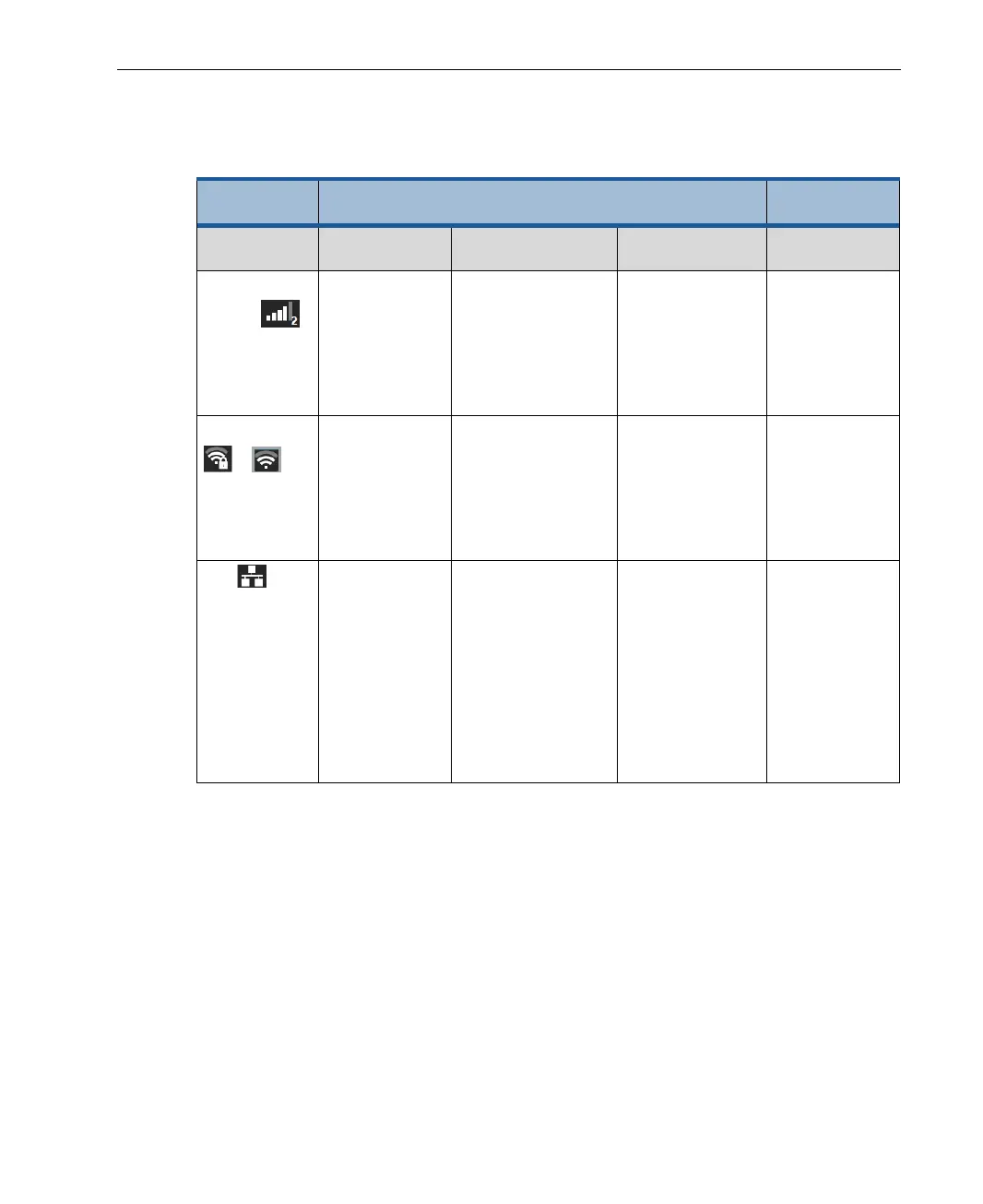
Before you begin streaming, you may want to check the quality of the
connected interfaces. The following table describes interface connectivity
indications.
Interface
Type
Enabled Disabled
Connected Not Connected /
Not Inserted
Dialing
Cellular
Modem
RSSI bars are
green.
Shows the
operator name.
RSSI bars are gray. RSSI bars are
yellow.
Shows the
operator name.
RSSI bars are
gray.
Shows
Disabled in
red.
WiFi
/
RSSI bars are
green.
of the access
point.
RSSI bars are
yellow.
The network is not
detected.
RSSI bars are
yellow.
The network is
not selected.
RSSI bars are
gray.
Shows
Disabled in
red.
LAN Icon is green.
Shows the IP
address.
Icon is yellow.
Shows an empty
field if there is no IP
address when DHCP
is ON, or the IP
address for a static
IP (when DHCP is
OFF).
Not applicable. Icon is gray.
Shows
Disabled in
red.
Enabling/Disabling an Interface
You can enable or disable one or all LU200 interfaces, including cellular
modems, WiFi and LAN interfaces. Each interface must be enabled/disabled
separately. The examples below describe how to enable/disable cellular
modem interfaces. These procedures are the same for all interface types
(cellular modems, WiFi and LAN interfaces).



 To Next Page