LiveU LU200 User Guide
42
► To configure the S&F prefix:
1 Navigate to the S&F Settings option in the Configuration screen using the
Up and Down buttons on the joystick.
2 Navigate to the Prefix option in the S&F Settings screen and press the
Right or Center (OK) buttons on the joystick. The following screen
displays:
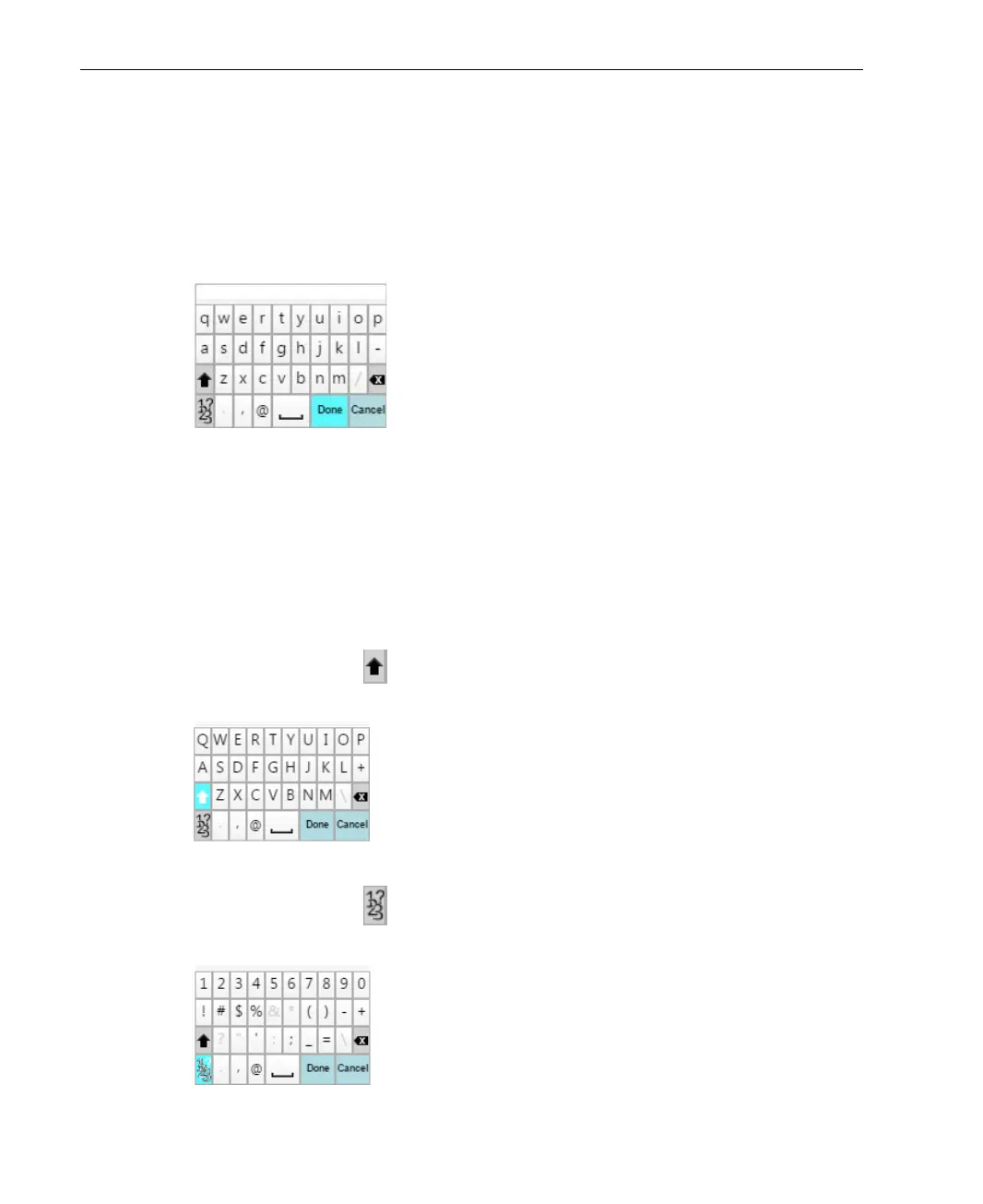
Figure 48: Prefix Screen
3 Enter the prefix to be appended to the filename for the files streamed from
the LU200, and then press Done. The prefix enables you to differentiate
between files that were stored and forwarded.
To use the keyboard, navigate through the keyboard characters using the
Up, Down and Right buttons on the joystick. To select a character, press
the Center (OK) button.
When pressing the button, the letters on the keyboard change from
lower case to upper case, as shown below:
Figure 49: Prefix Screen – Capital Letters
When pressing the button, the letters on the keyboard change to
numbers and special characters, as shown below:
Figure 50: Prefix Screen – Numbers and Special Characters



 To Next Page