LU200 User Interface
47
If any of the information on this screen is longer than the screen permits, two
dots (..) are displayed at the end of the relevant line. After a few seconds, the
currently selected information line starts to scroll so that you can see the rest
of the information.
When contacting a support representative, make sure to have the last four
digits of the LU200 unit’s serial number available.
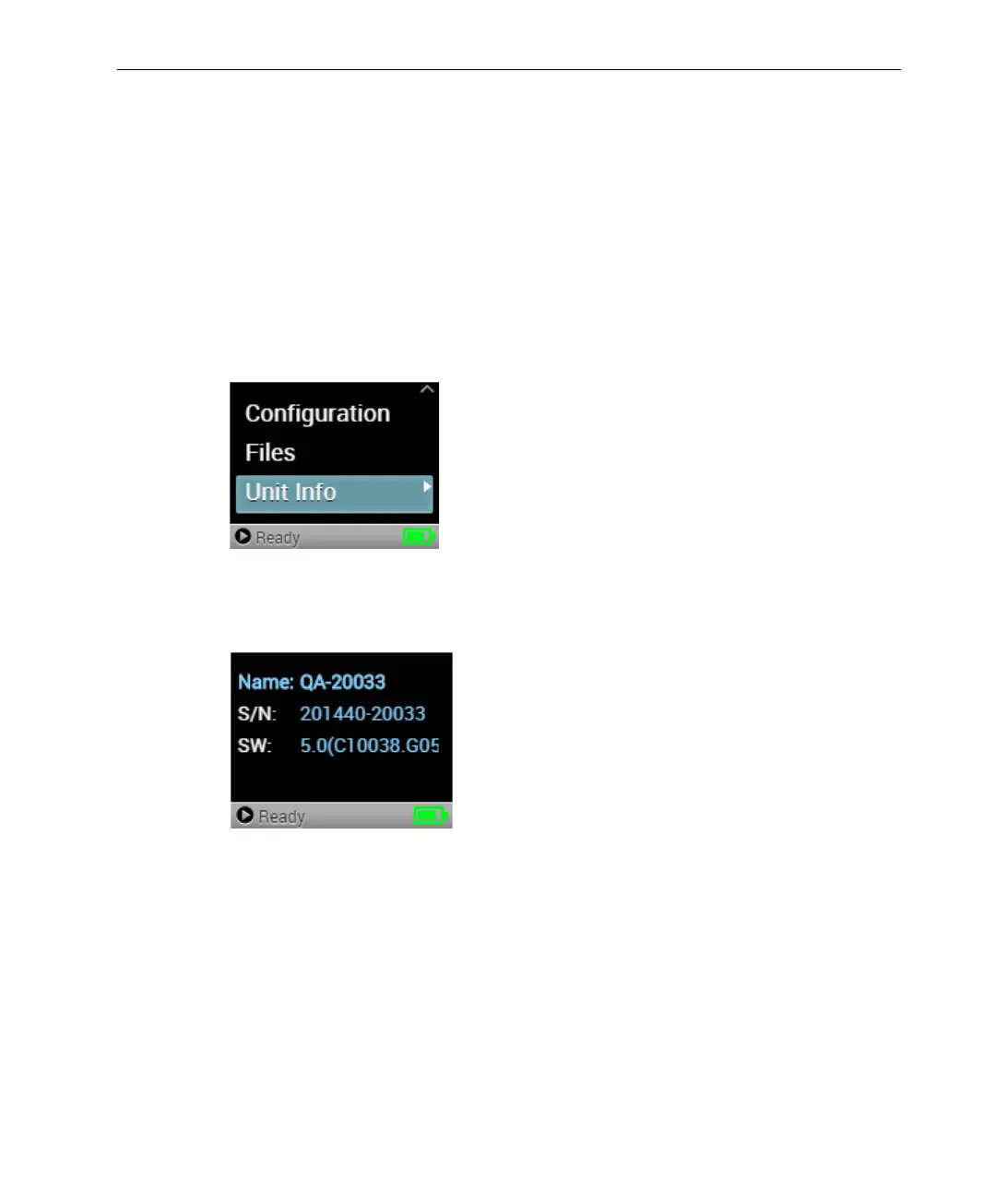
► To view unit information:
1 In the Main screen, use the arrows on the joystick to navigate to the Unit
Info option.
Figure 60: Main Screen
2 Press the Center (OK) button on the joystick to display the Unit Info
screen.
Figure 61: Unit Info Screen



 To Next Page