LiveU LU200 User Guide
50
IFB Setup
Perform the step below before beginning streaming, in order to ensure proper
IFB operation.
► To set up IFB:
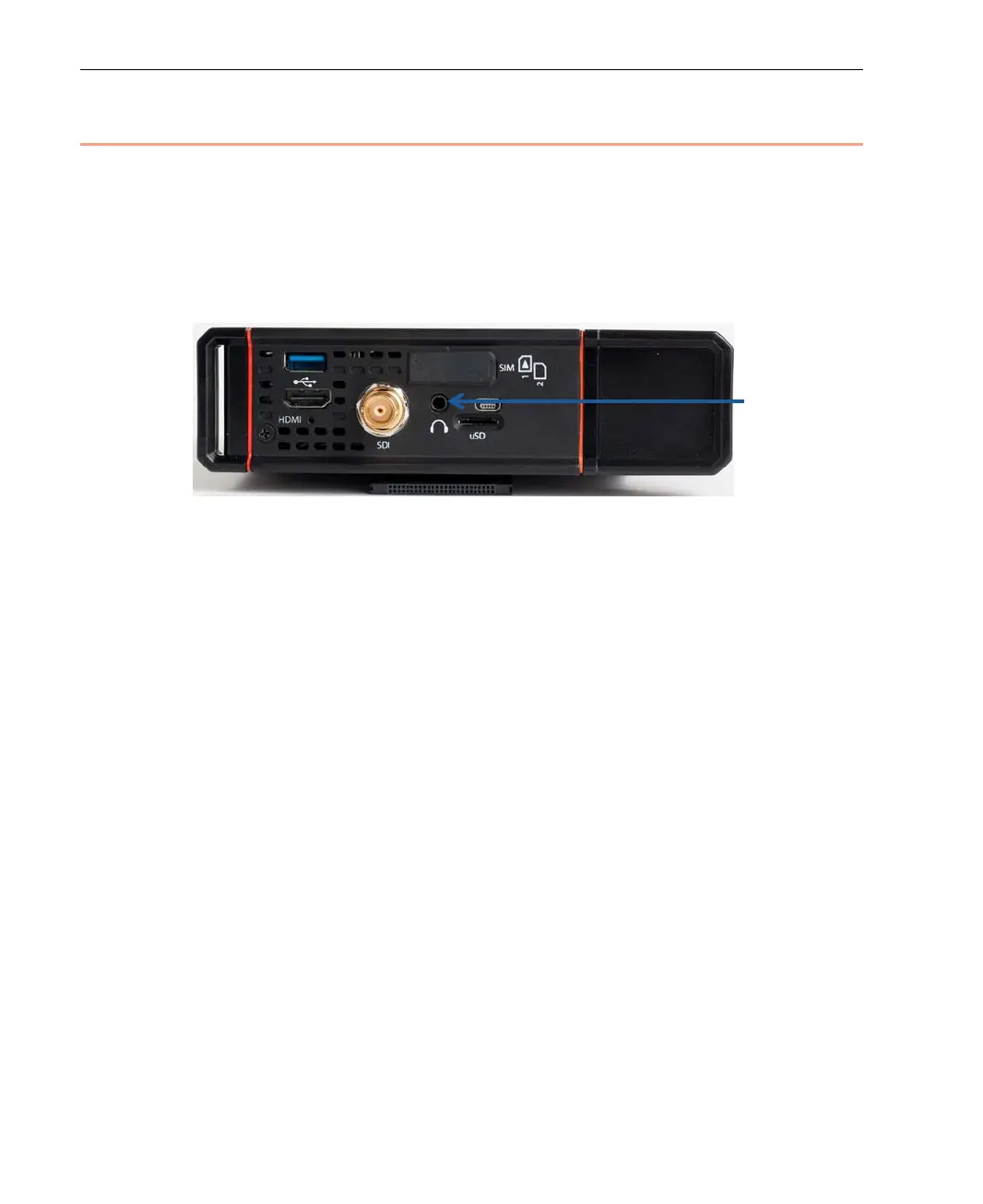
• Plug in the earphones/headphones into the microphone connector on the
LU200. No other setup or configuration is required on the LU200.
Figure 62: Earphones/Headphones Connector
If the earphones/headphones are connected after streaming starts, the
LU200 operator cannot hear anything on the IFB channel. Be sure to
connect them before starting to stream.
During streaming, IFB has an 800ms delay.



 To Next Page