LiveU LU200 User Guide
44
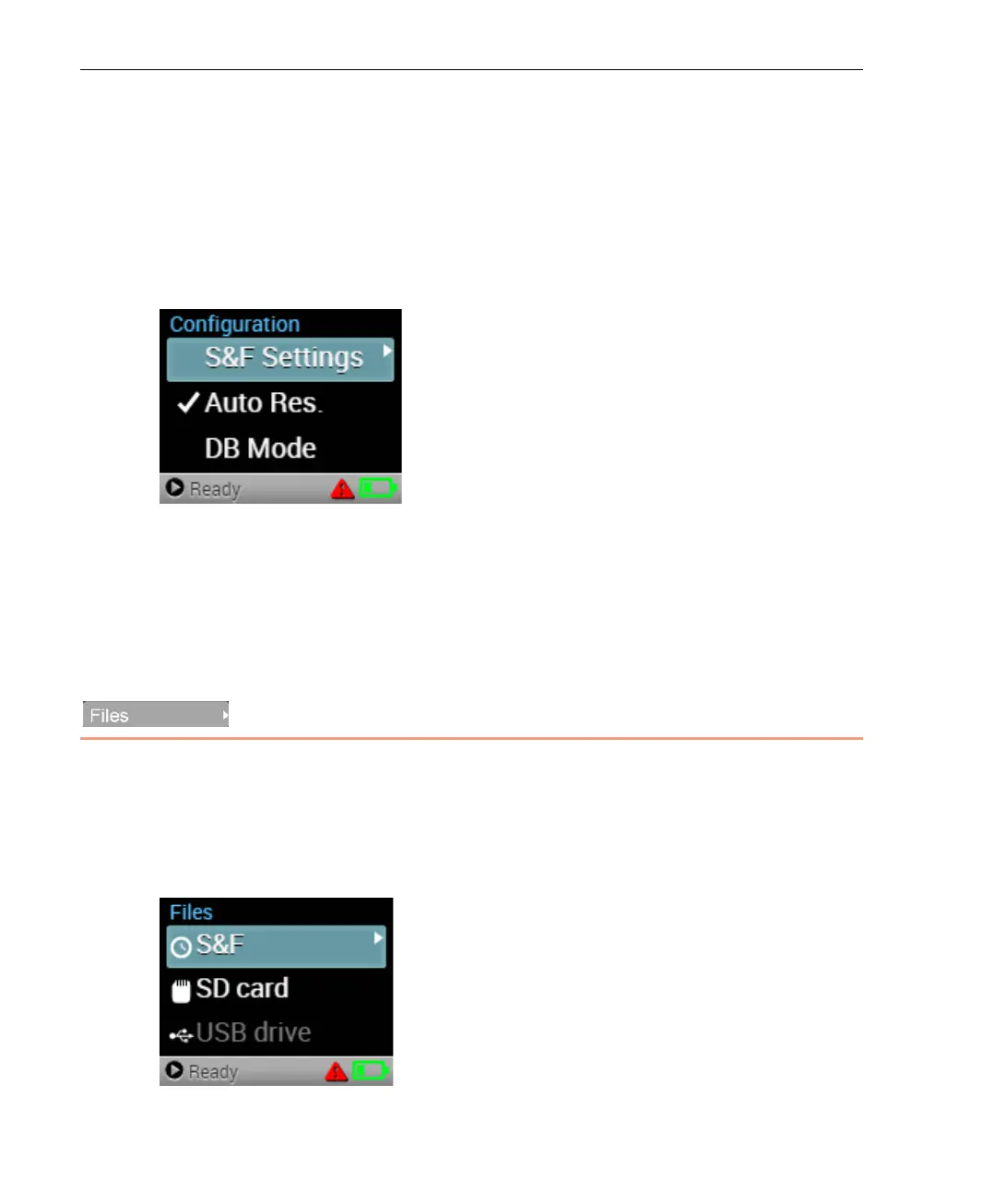
Enabling Auto Resolution
When Auto Resolution is enabled, the LU200 automatically adjusts the
resolution at which it transmits according to the bit rate that is available in
order to provide the best available video quality on the server side. To enable
this feature, navigate to the Auto Res. option in the Configuration screen and
then press the Right or Center (OK) buttons on the joystick to enable or
disable, as required. This feature is enabled by default.
Figure 39: Auto Res. Setting
Operating as a DataBridge
The LU200 unit can operate as a DataBridge when working in DataBridge (DB)
mode, as described in Chapter 5, DataBridge Operation on page 51.
Files
The Files option enables you to perform the following operations:
• Display S&F Files, page 45
• Display SD Card Files, page 45
• Display USB Drive Files, page 46
Figure 53: Files Options



 To Next Page