LiveU LU200 User Guide
18
Step 2, Powering On the LU200 Unit
The following describes the procedure for turning on the LU200. The LU200
contains an internal battery that when fully charged, enables up to two hours
of standalone operation.
Charging the LU200
We recommend charging the battery for at least 4 hours before using the
LU200.
► To charge the battery:
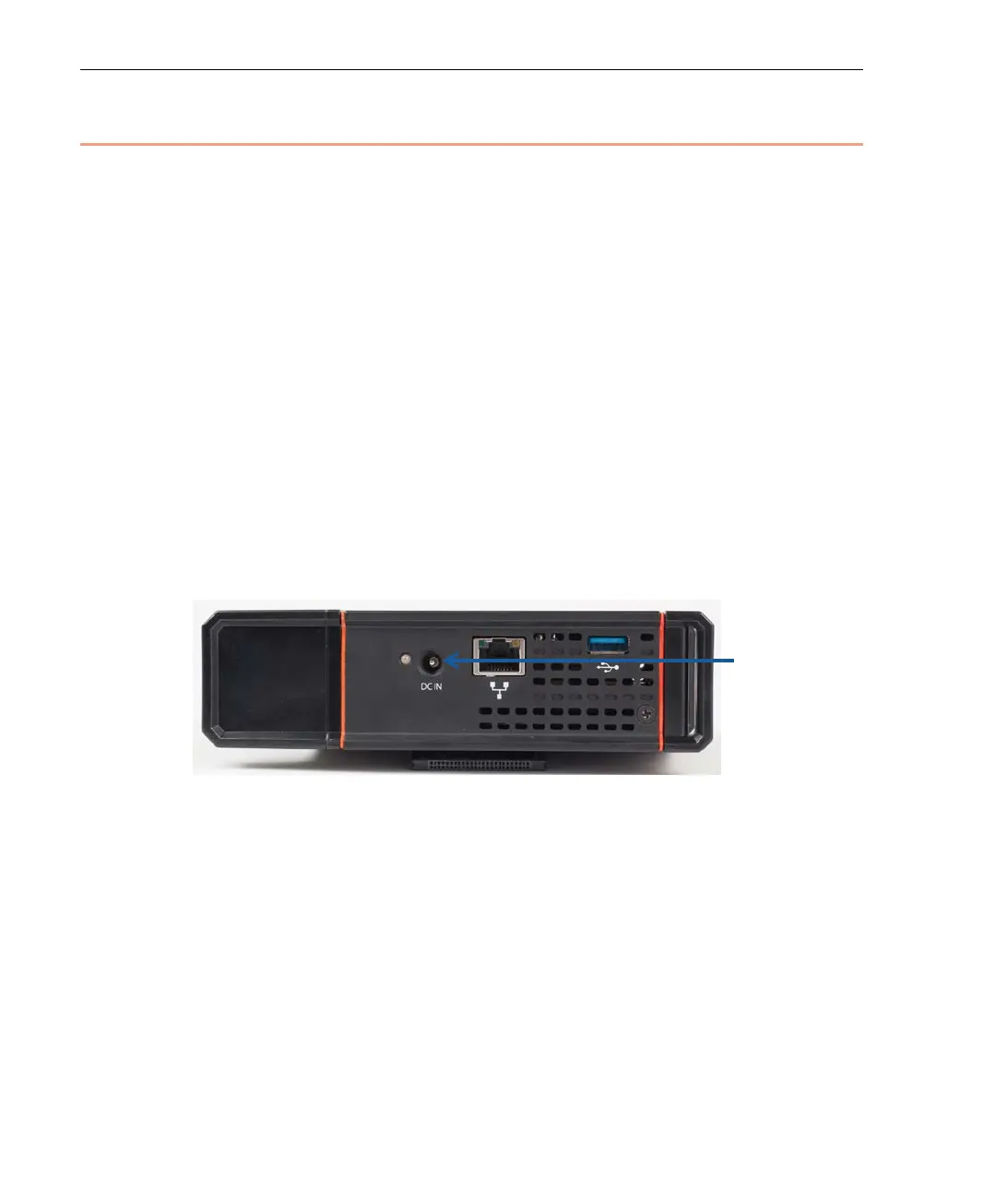
• Plug the AC Power Adapter into the DC IN connector on the LU200.
It is good practice to keep the unit plugged into a power outlet when it is
not in use in order to keep it charged and ready for operation.
While charging, the LED near the DC IN connector is red. When the battery
is fully charged, the LED turns green.
The battery charges even when the unit is turned off.
Figure 14: DC IN Connection



 To Next Page