15
Getting Started
This chapter describes how to get started using the LU200, including powering
on, connecting the camera, selecting a channel, profile and delay and
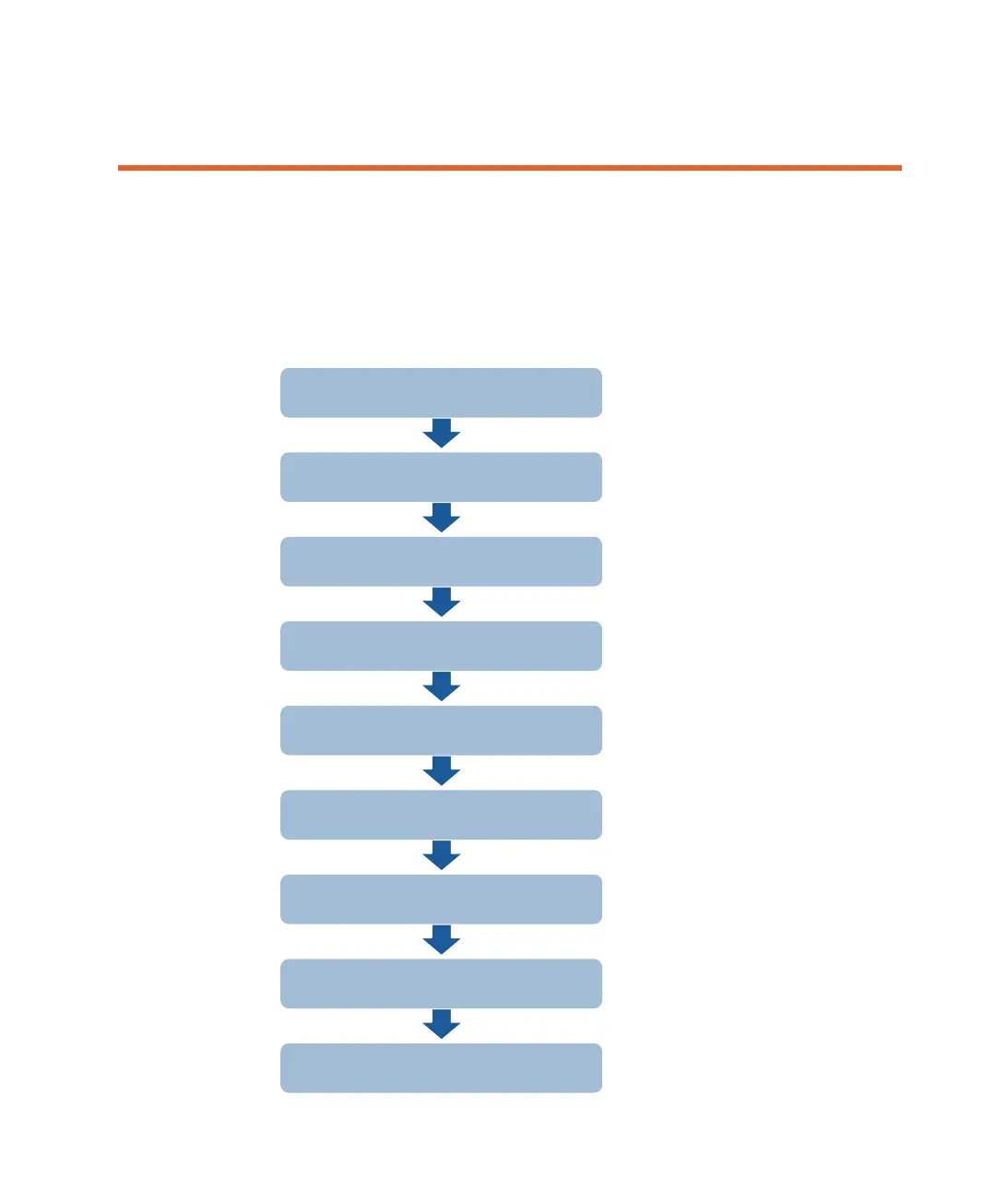
broadcasting (playing). The following is an overview of the workflow described
in this chapter.
16
16
21
24
26
27
34
35
35
Connecting the Video
Powering On the LU200 Unit
Selecting a Channel
Selecting a Profile
Setting the Delay
Handling Interfaces
Going Live or S&F
Handling Alerts



 To Next Page