DataBridge Operation
55
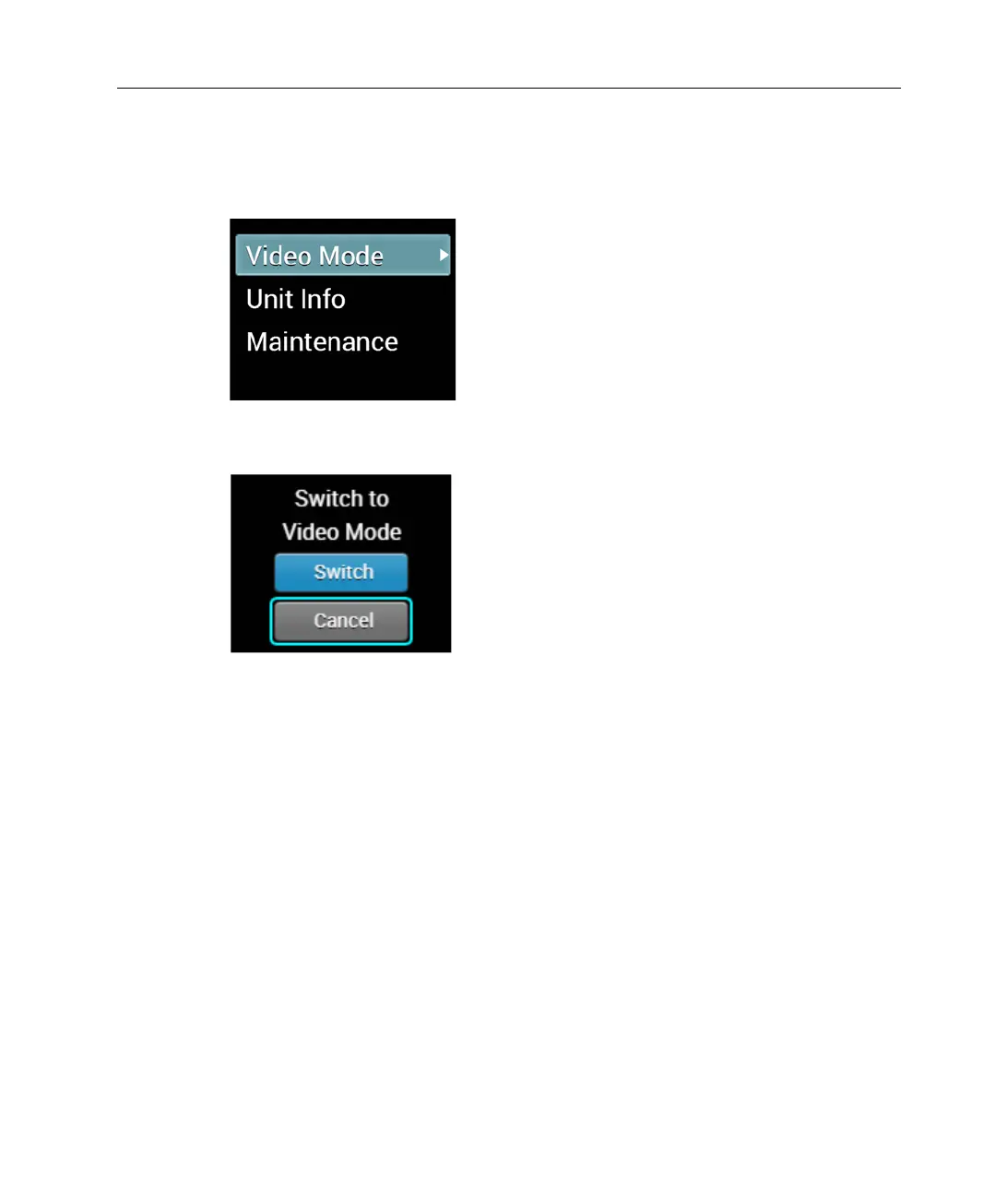
► To change back to Video Mode from DB Mode:
1 In the Main screen, use the Up and Down buttons on the joystick to
navigate to the Video Mode option and then press the Center (OK)
button on the joystick to select it.
Figure 68: Changing to Video Mode from DB Mode
The following screen displays:
Figure 69: Back to Video Mode
2 Navigate to the Switch option using the Up and Down buttons on the
joystick and then press the Center (OK) button on the joystick to select it.
The LU200 reboots and operates in Video mode (the default).



 To Next Page