The User Interface
114
Remote Support
Purpose
If the metal detector has been connected to a network, tapping on the Remote Support icon in the
System Settings
screen enables users to connect remotely to the metal detector from their PC using
the VNC Viewer.
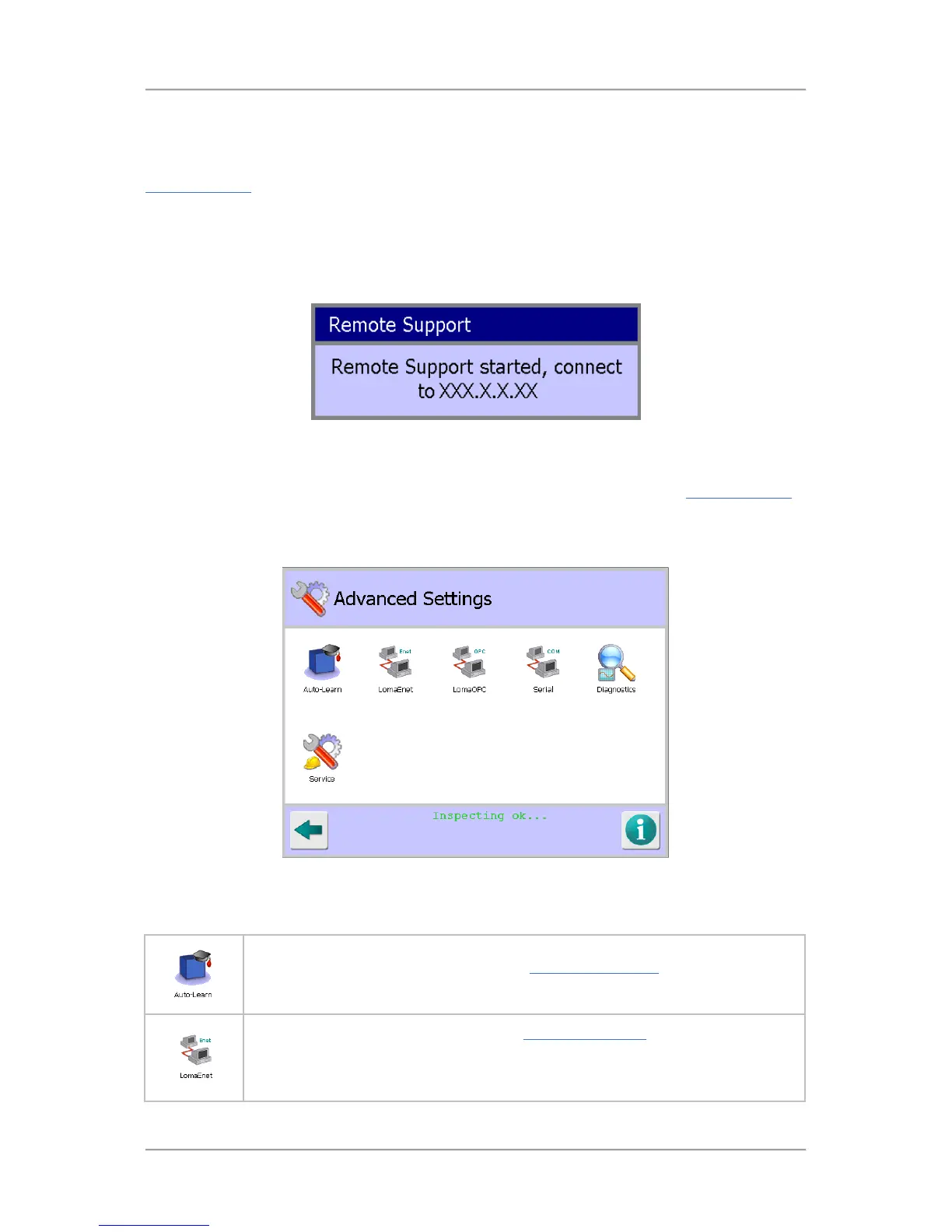
The screenshot shown below is briefly displayed until the remote connection facility has been
enabled.
Note that the IP address for the metal detector will be displayed but this has been replaced with
XXX.X.X.XX in the screenshot.
Advanced Settings
Purpose
The Advanced Settings screen is displayed by tapping on the Advanced icon in the System Settings
screen.
The purpose of the screen is to provide access to advanced areas of the system so that their related
settings can be configured as required.
Screen Contents
The screen contains a number of icons described in the table below which when selected provide
access to other screens.
Tap on the Auto-Learn icon to display the Auto-Learn Settings screen to select and
configure the options to be used for the Learn process.
Tap on the LomaEnet icon to display the LomaEnet Capture screen in which you
can view the latest report sent to the LomaEnet Capture application, enter or
change the address and communications Port number for the server and view any
diagnostic messages.



 To Next Page