Logs and Reports
218
Status Report
Purpose
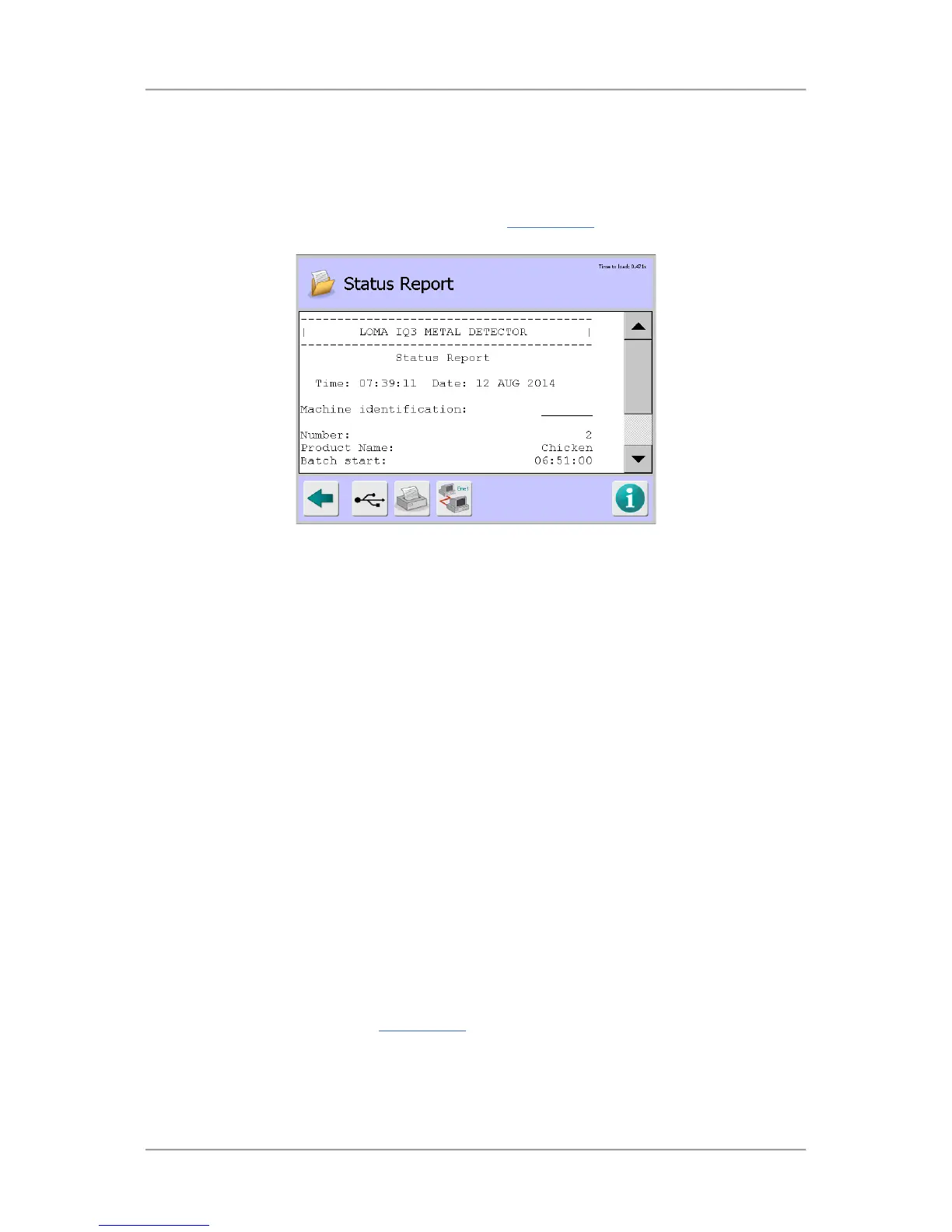
The Status Report contains accumulated product run data for the currently running product at the time
it is sent. It contains similar information to the batch Report. Sending a Status Report does not reset
the batch values. Select the Status Report option in the Logs/Reports
screen to display the Status
Report screen
Screen Contents
The report contains information in several sections as described below.
Status Report - This section contains the following general information:
o Time – Displays the time that the report was generated.
o Date – Displays the date that the report was generated.
o Machine Identification – Displays the machine ID.
o Number – Displays the product number.
o Product Name – Displays the product name.
o Batch start – Displays the batch start time.
o Batch finish – Displays the batch finish time.
o Number of bad packs – Displays the number of packs rejected
Access Log
Purpose
The Access Log provides a record of all user actions on the metal detector which is a useful feature
when carrying out investigations to resolve problems. The log cannot be deleted or manually edited.
Select the Access Log option in the Logs/Reports
screen to display the Access Log screen.



 To Next Page