Logs and Reports
211
Screen Contents
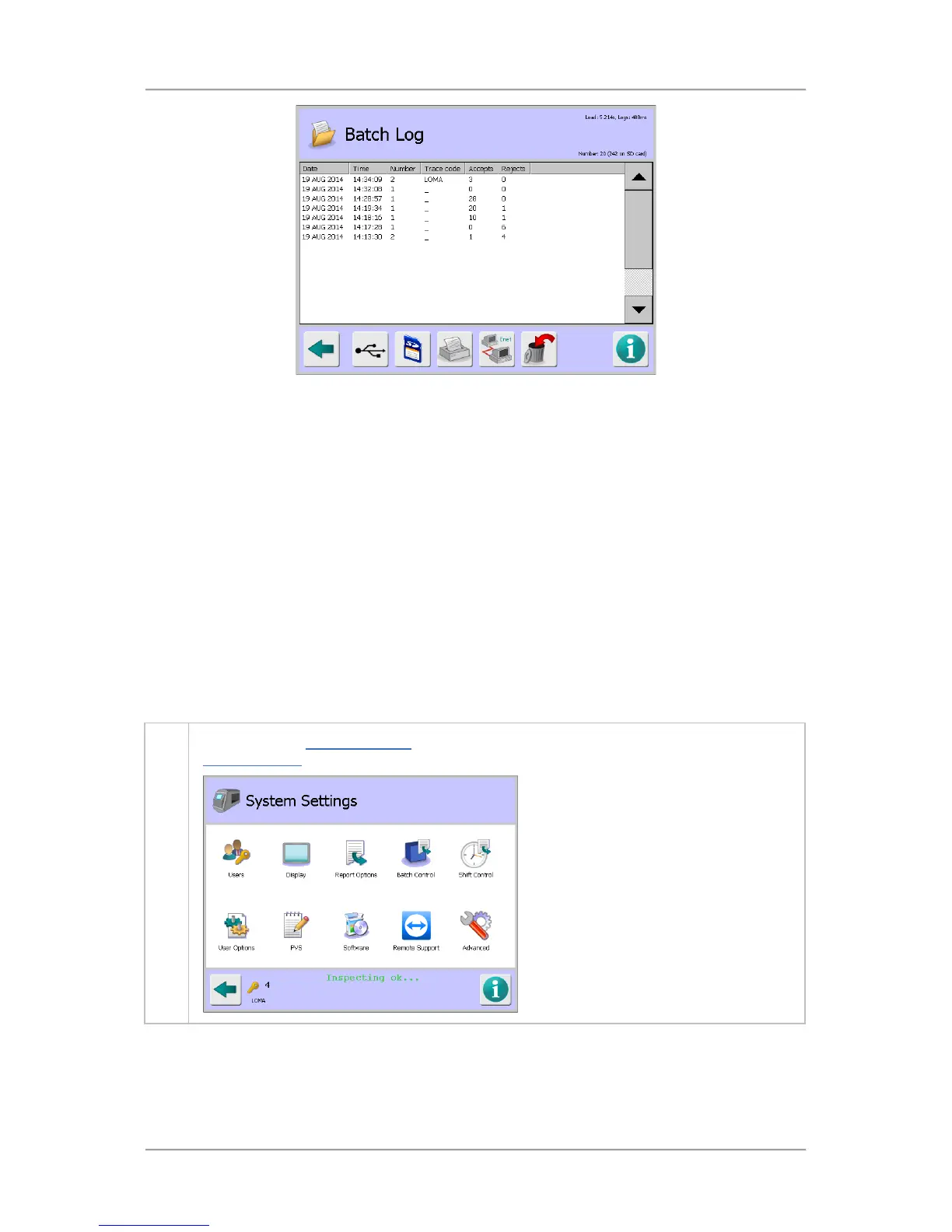
The screen displays a list of system faults under the following column headings:
Date – Displays the report date.
Time – Displays the report time.
Trace Code – Displays the Traceability code assigned to the batch, available if this option
has been enabled in the Batch Control screen.
Accepts – Displays the number of accepted products inspected, available if the Product
Registration PEC is fitted to the conveyor.
Rejects – Displays the number of rejected products.
The log can hold up to 20 system fault records. If this number is exceeded and the log has not been
sent as a report, then the oldest record is deleted to provide space for a new record
Configuring a Batch Log
To configure a batch log, proceed as follows:
1. Navigate to the System Settings
screen. Then tap on the Report Options icon to display the
Report Options screen



 To Next Page