Getting Started
63
Quality - (Level 3)
This level of access benefits staff that monitor and analyse inspection data to ensure that
acceptable quality standards are achieved and maintained for all products inspected to meet
customer and legislative requirements. It also includes access to features and functionality
available to the Operator and Supervisor users. The user can reset batches, adjust
thresholds, perform product learns, setup product parameters, perform log and report
functions, setup the calendar, setup logs and reports, setup PV tests and also setup user
accounts.
Engineer - (Level 4)
This level of access is aimed at engineers and technicians who need to carry out routine
servicing and maintenance tasks to assure the high availability and performance of the
machine. It also includes access to features and functionality available to the Operator,
Supervisor and Quality users. The user can set up data comms, rejects, conveyor settings,
user options, search head settings, VF drives, languages and perform LOMA service
functions
When this access level is selected you will be able to access some screens that cause
inspection to stop until you navigate away from the screen.
It is recommended that you select the Log Off access level once you have completed your
activities to prevent unauthorised access to features and functionality.
Logging In and Out
This section provides guidance for logging in and out of the IQ
3
+ ST Metal Detector.
the ENGINEER access level.
Logging In
To log in to the machine using your account details, proceed as follows:
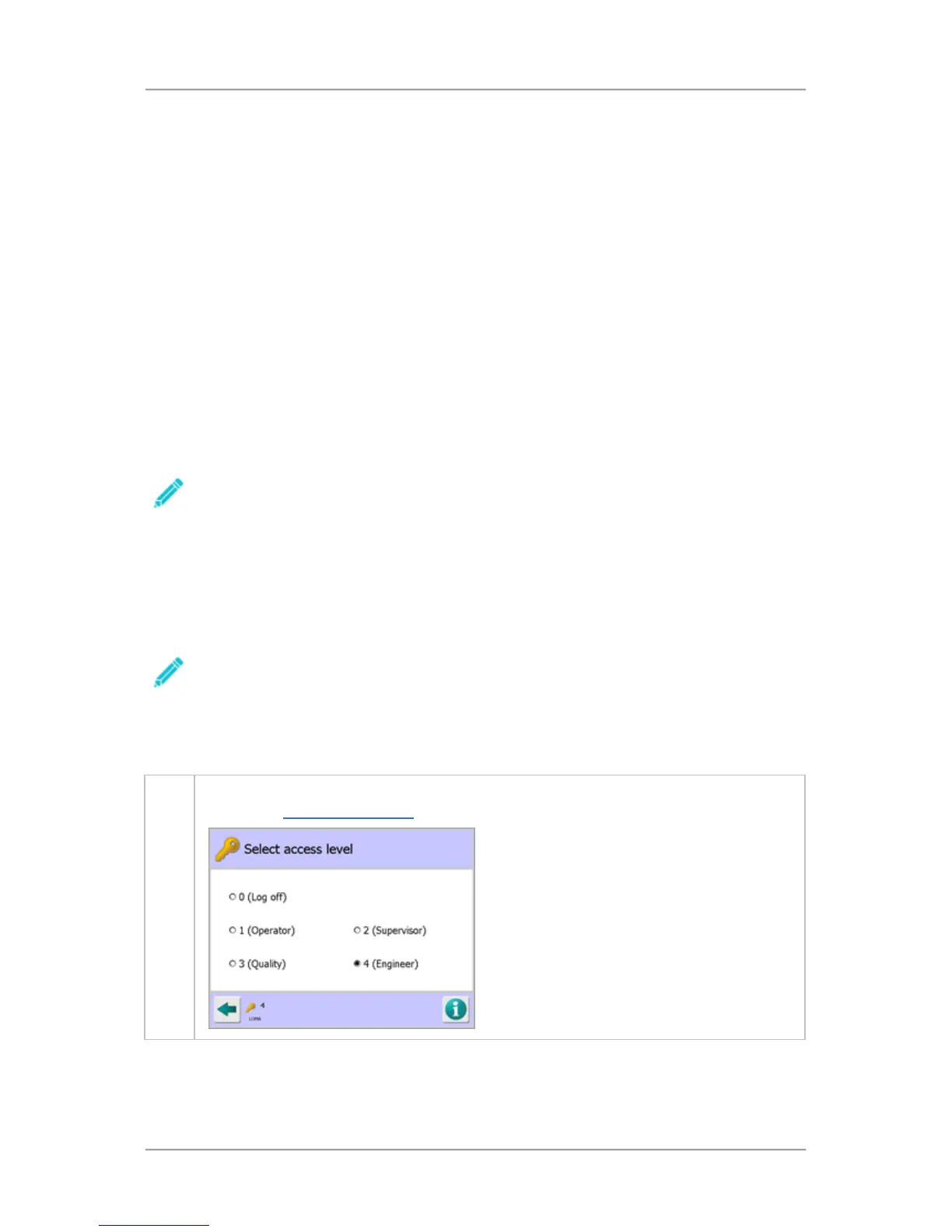
1. Select the Key symbol at the bottom left hand corner of the currently displayed screen to
display the Select Access Level
screen.



 To Next Page