Operating Instructions
171
8.
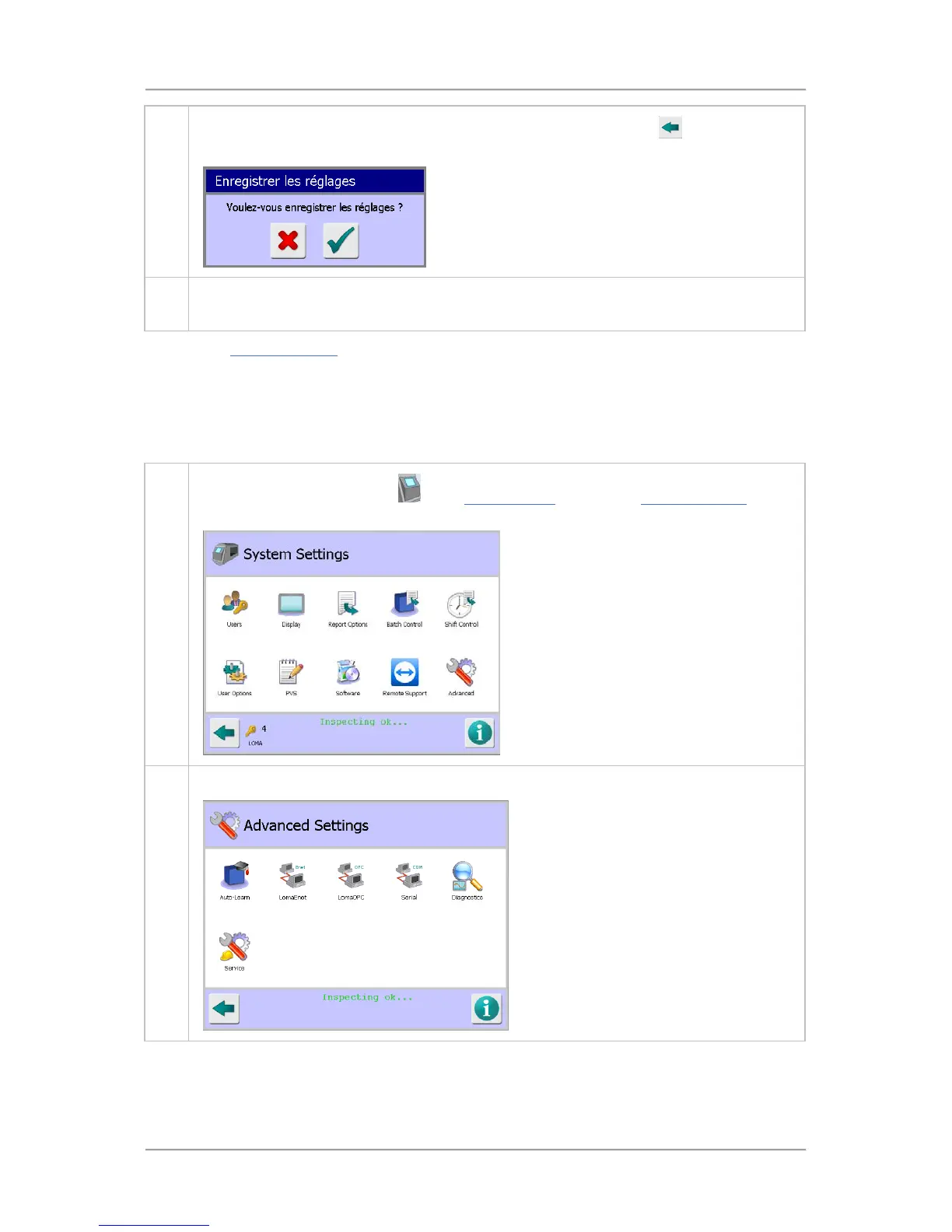
Tap on the flag to select the language and then tap on the Back button
. The Save
Settings pop-up screen will be displayed. Note that the text is now displayed in French.
9. Tap on the green tick 'OK' button to save the language change. The text in all screens will
now be displayed in French.
Also see the Language Setup screen section for further details.
Setting the Machine ID
The Machine ID is printed out on any Reports or Logs and can be edited to a convenient name to
allow them to be easily associated to a machine.
To add or edit a Machine ID, proceed as follows:
1.
Tap on the control panel area
in the System Setup screen. The System Settings screen
is displayed.
2. Tap on the Advanced icon to display the Advanced Settings screen.



 To Next Page