The folder hierarchy recorded on the USB stick is as follows:
For Logs:
LomaIQ3/<MACHINE_ID>/Logs/LogName/<files> stored under date/time filenames.
For Reports:
LomaIQ3/<MACHINE_ID>/Reports/ReportName/<files> stored under date/time
filenames.
Further files as they are downloaded are added to the existing folder. The log can
hold up to 20 records. If the log exceeds 20, then the oldest is deleted and replaced.
The log consists of the following information:
-
Date: Report date.
-
Time: Report time.
-
Number: Product number.
-
Trace Code: Traceability code assigned to the batch (if enabled in the Batch
Control menu).
-
Accepts: Number of accepted products (if PEC enabled in the Conveyor
menu).
-
Rejects: Number of rejected products.
Note: An accept count is only present if a product registration photo-eye is fitted.
This icon is displayed if an SD Card is fitted on the display board in the search head.
Up to 500 reports can be saved to the SD card. If this number is exceeded, then the
oldest report is deleted. Therefore it is advised to observe a strict download regime
to avoid loss of data.
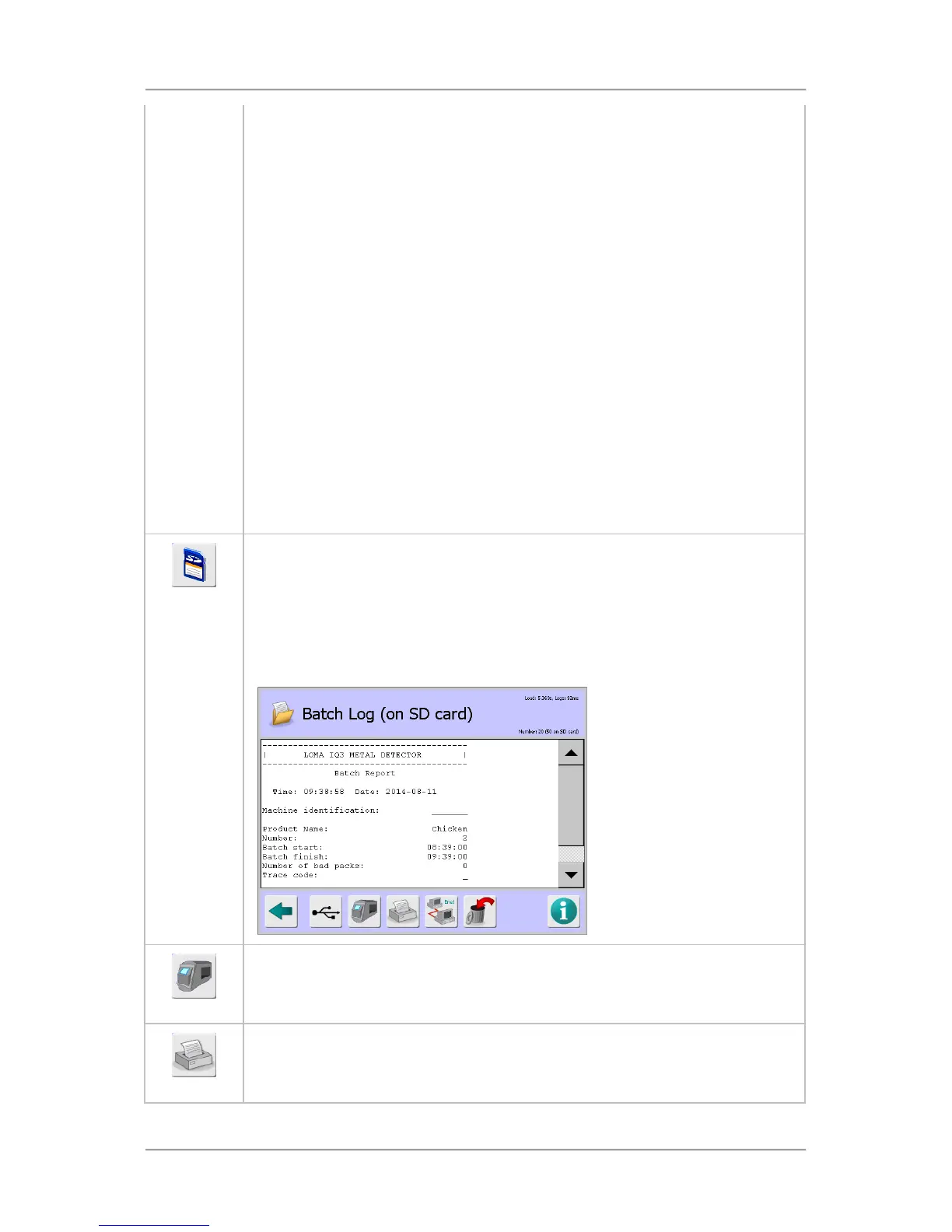
Tapping on the icon displays the Batch Log (on SD card) screen which provides a
list of reports generated in chronological order. Tapping on a report then displays it
on the screen.
This icon is displayed after tapping on the SD Card icon.
Tapping on the icon changes the screen back to the Batch Log screen and the icon
changes back to the SD Card icon.
This icon is displayed if the Reports option has been selected in the Usage field
when setting up the serial connection in the Serial Comms Setup screen.
Tapping on the icon automatically downloads the report to the connected device.



 To Next Page