Installation
39
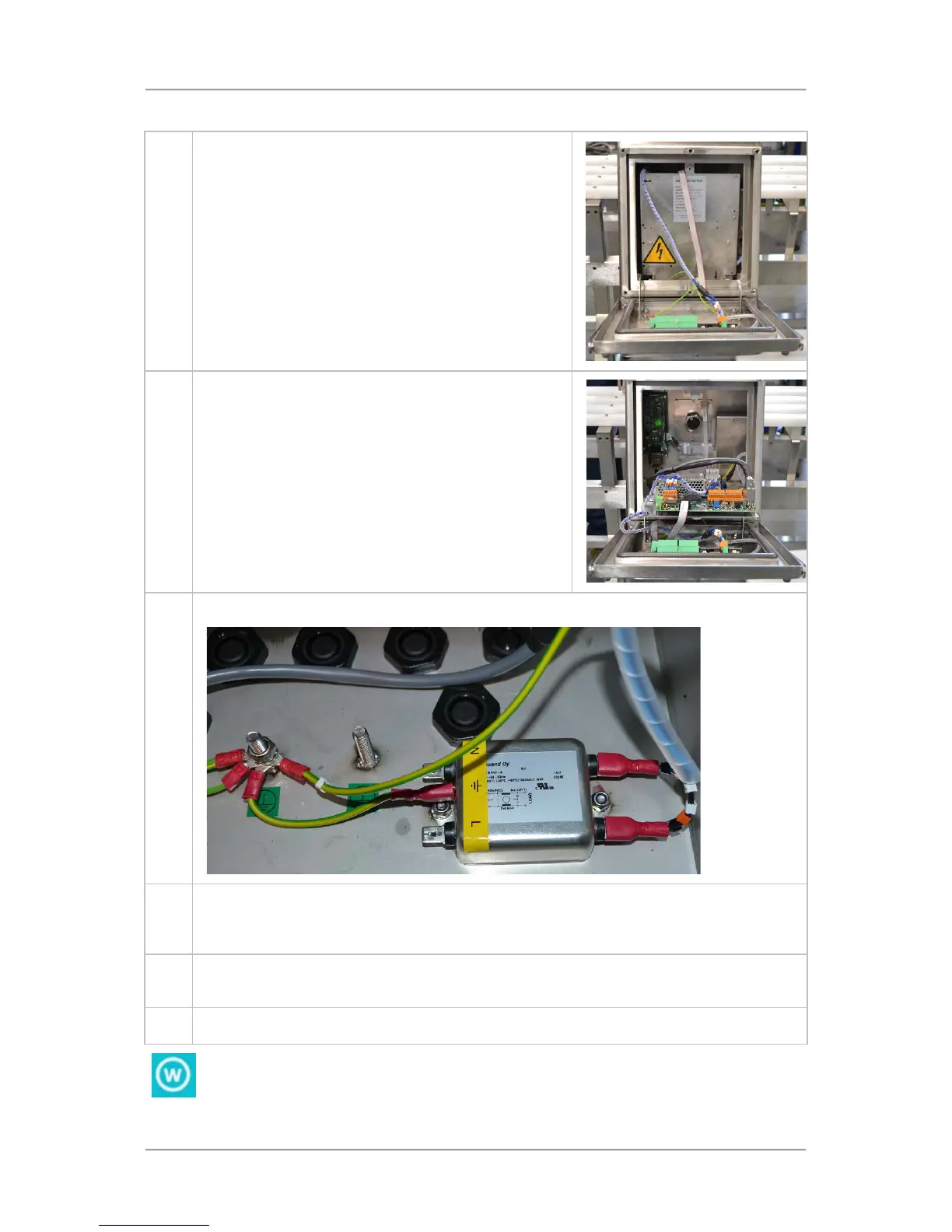
To connect an electrical supply, proceed as follows:
1. Remove the six front cover retaining bolts and drop
down the cover until it is held against the supports
Remove the screw from the top of the metal cover plate
and lower it down carefully
3. The Mains Filter is mounted inside the panel housing mounted on the right hand side.
4. Push the mains cable up through one of the available cable glands. Then Split the cable
inside the box and cut the wires to suitable lengths. An armoured/braided cable is
recommended when cable conduit is not used. A suitable earth conductor is also to be fitted.
5.
Crimp connectors onto the wires and connect to the Mains Filter as specified in the table
below.
6. Check that all connections are secure then refit the metal cover plate and front cover.
Ensure that the front panel cover fixing bolts have been tightened to 4Nm torque to
maintain the integrity of the IP69K rating for the head; preventing ingress of water or
condensation.



 To Next Page