www.longer3d.com support@longer3d.com
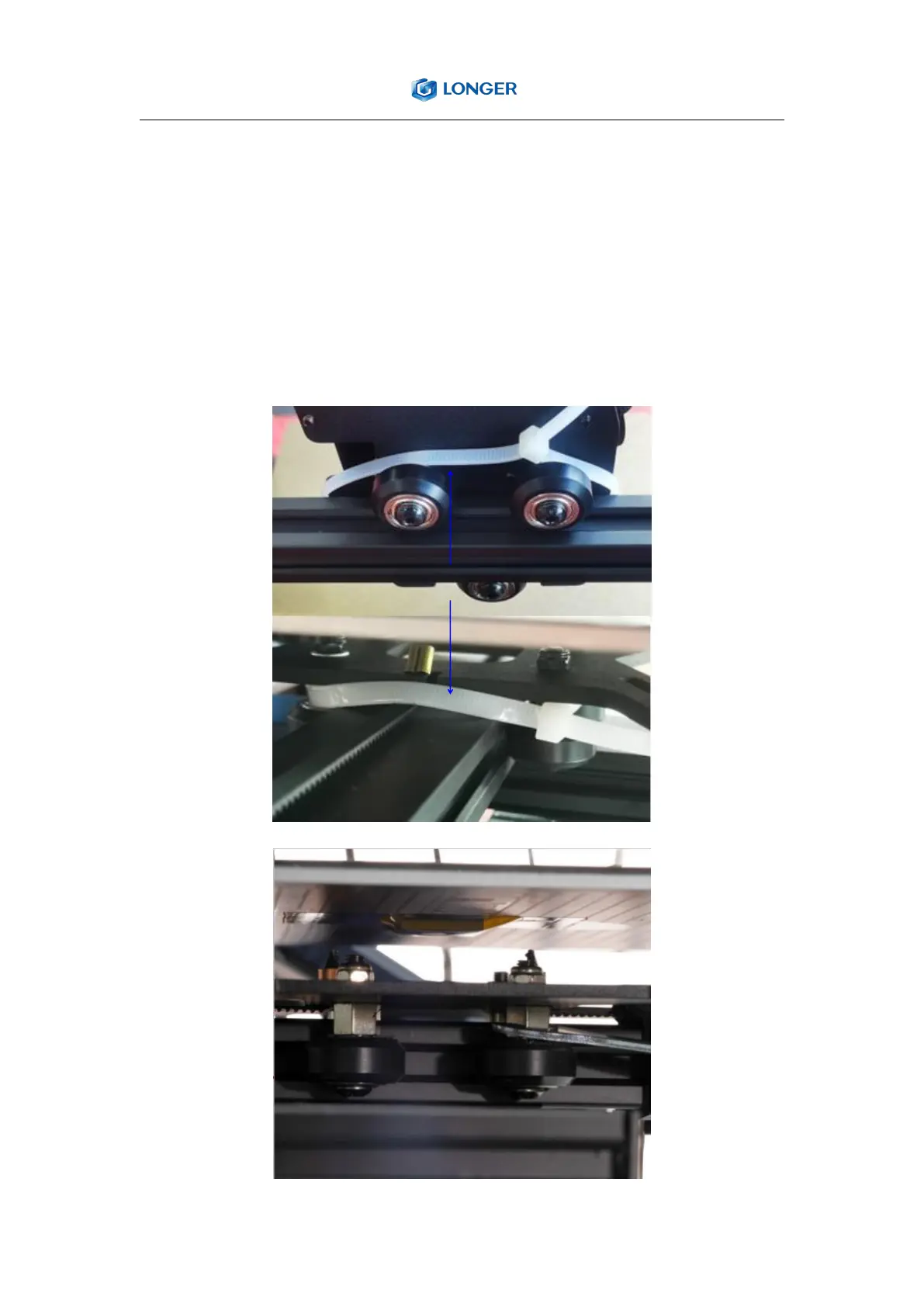
2.6. Check the X and Y axis
Cut the white cable ties that fix the extruder and the hot bed. Shake the
print head and hot bed, if it wobbles, tighten the wheel by rotating the
eccentric nut with open-end wrench until it does not wobble and moves
smoothly.



 To Next Page