www.longer3d.com support@longer3d.com
More Operations:
a) Change position: left click the model, hold on and drag it to move.
b) Zoom in/out: scroll the mouse wheel.
c) Change viewing angle: right-click and move the mouse.
For more detailed software instructions, please refer to the link :
https://support.ultimaker.com/hc/en-us/sections/360003548339-Ultima
ker-Cura
4.4. Slicing parameters
We recommend using the default parameters and LONGER filaments to
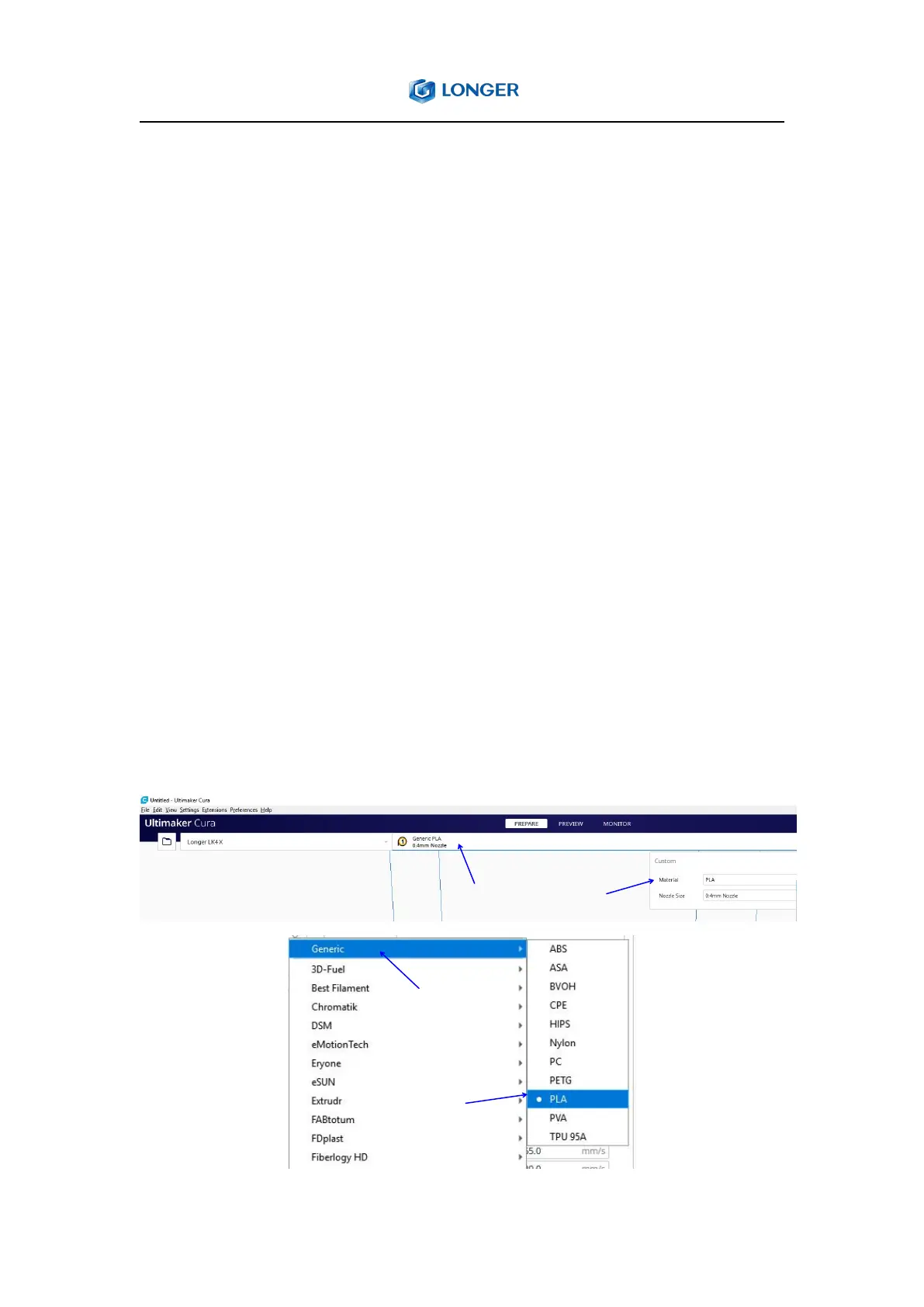
get the best printing results. If you need to print other materials such as
ABS, PETG, TPU, you can click custom, select the Material, and select the
corresponding filaments from Generic filament list.



 To Next Page