www.longer3d.comsupport@longer3d.com
4. Installation and use of Cura software
4.1. Software installation
It is necessary to convert 3D files (such as STL files) into Gcode files
before printing. Software that converts the 3D file into Gcode files is
called slicing software.
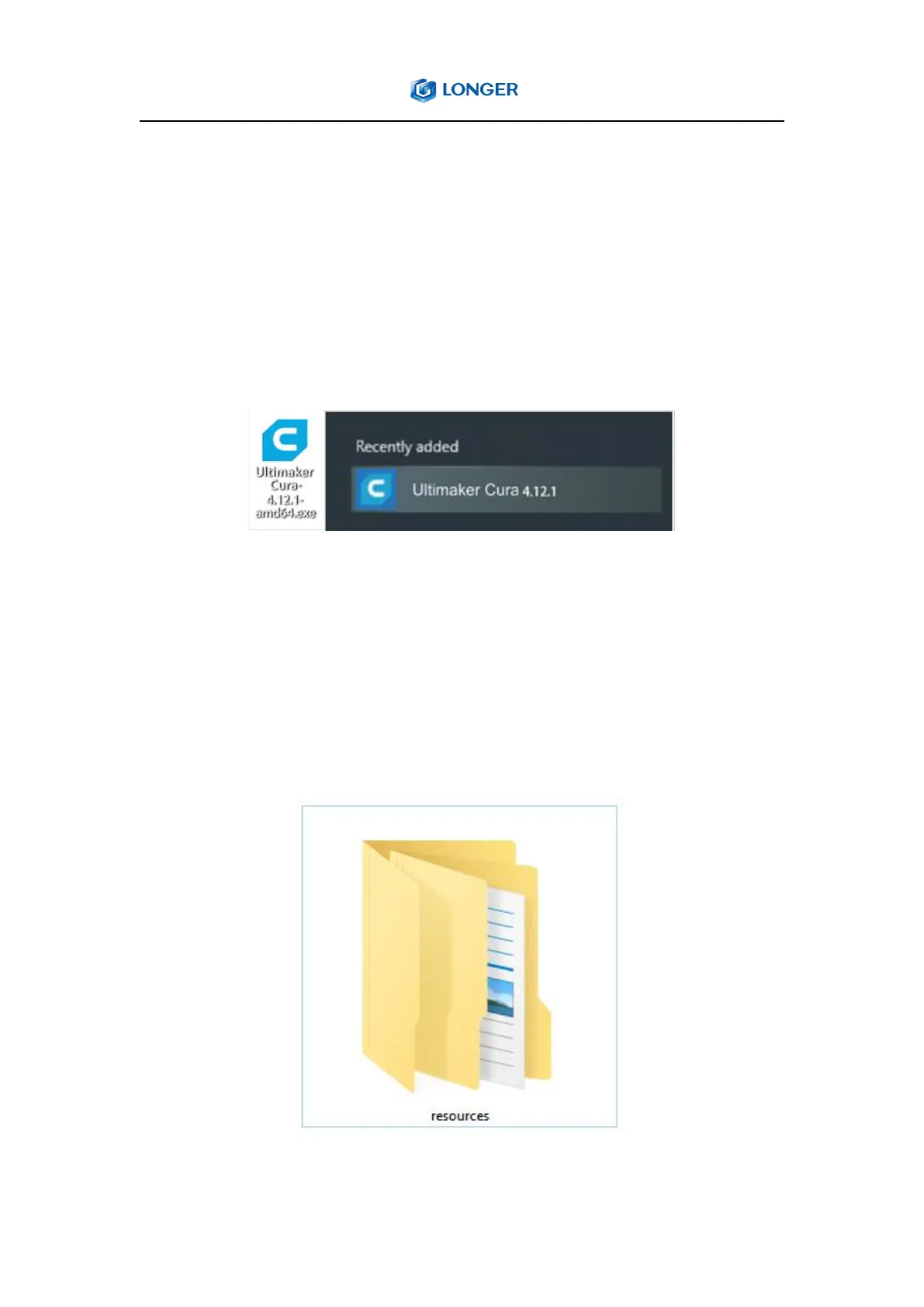
Double-click the installation file and follow the instructions to finish the
installation. Different versions of the software installation files are saved
in the Cura folder in the SD crad. Copy the “resources” files in the Cura
folder in the SD card, paste and replace it in the software installation
directory such as C:\Program Files\Ultimaker cura4.12.1.



 To Next Page