www.longer3d.com support@longer3d.com
4.6. Slice and preview
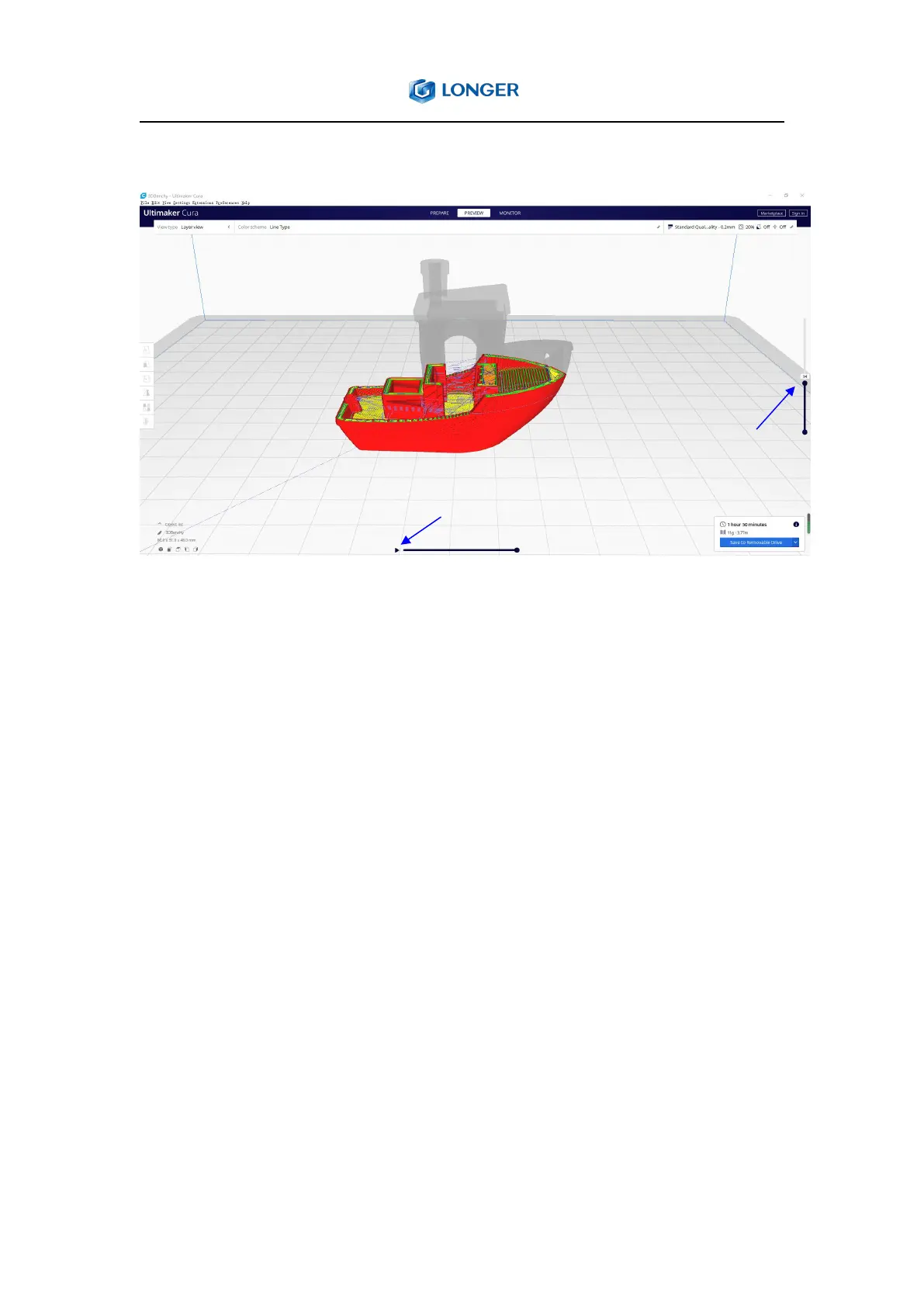
Preview the nozzle moving path
Preview the sliced pictures
Click the "Slice" button in the lower right corner of the software. After
the slicing is finished, click the "preview" to view the sliced data, such as
support, nozzle moving path, etc.
4.7. Print online
(1) Connect the computer and the printer with a USB 2.0 A-Male to
B-Male cable and turn on the printer. First, confirm whether the serial
port driver is installed normally, that is, right-click My Computer, select
Manage, click Properties, select Device Manager, and check whether the
CH340 serial port driver is automatically installed. The actual serial
number will vary with different computers. If the serial port driver is not
installed normally, please download the installation file from the
following link, then double-click it and click INSTALL.



 To Next Page