www.longer3d.com support@longer3d.com
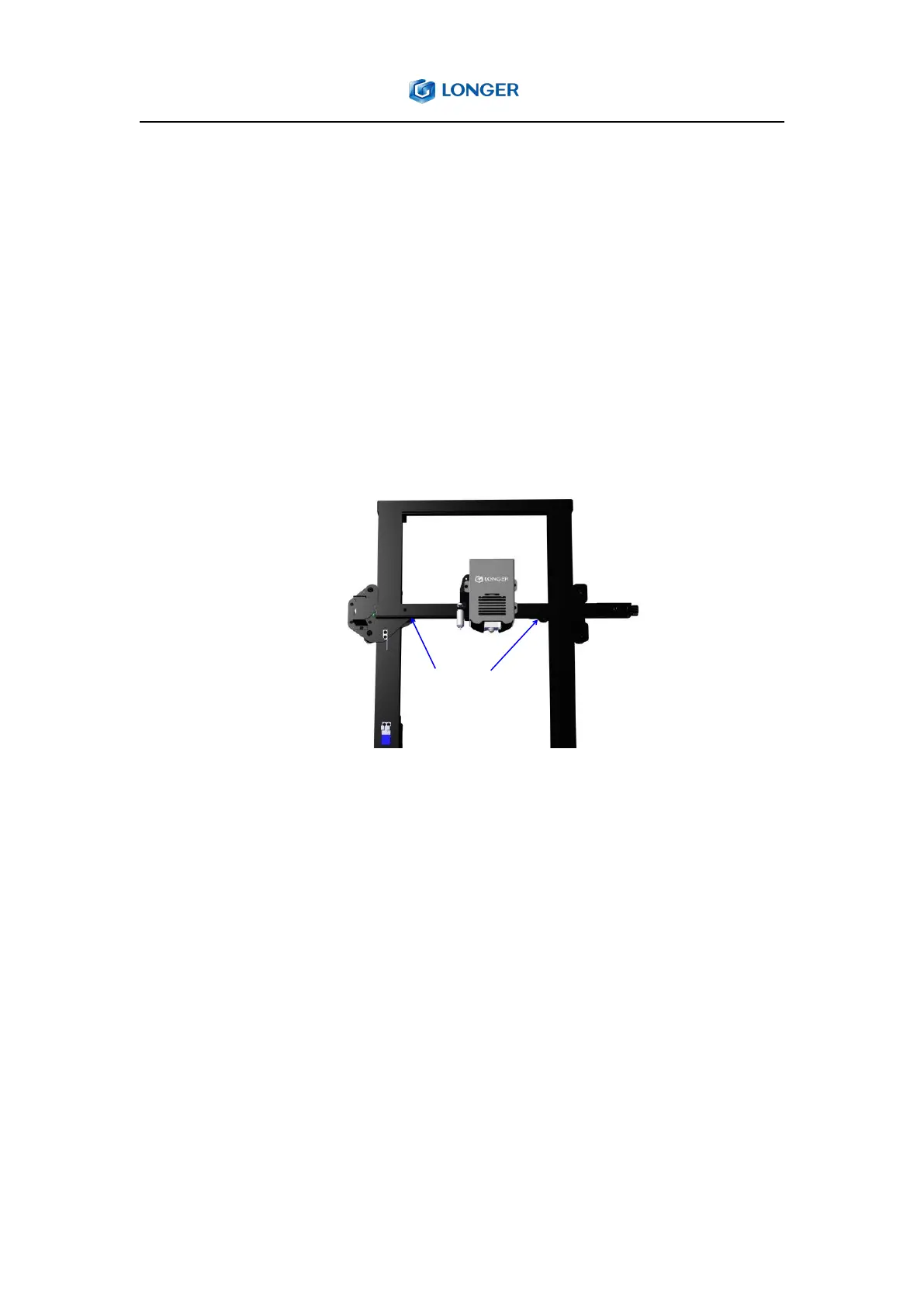
3) If one side of the hot bed can not leveled properly, it may caused by
the tilted X-axis beam.Then please level the X-axis beam by adjusting the
eccentric nut with a wrench.First loosen the two eccentric nuts on the
inner side of the X-axis with an open-end wrench, use two equal-height
strips to put under the X-axis profile, first tighten the left eccentric nut,
and then tighten the right eccentric nut to ensure that the X-axis does
not shake, then level the bot bed again.
5.4. How to solve filament does not adhered to the hot bed?
1) First check whether the hot bed has been properly leveled, if the
nozzle is too high from the hot bed, please re-level the hot bed;
2) Then make sure that the hot bed is properly heated to the right
temperature to ensure a sufficient adhesion between the filament and
the hot bed, such as 60℃ for PLA, 75℃ for PETG;
3) In addition, in order to ensure good adhesion between the model and
the platform, a raft can be added to the 3d model when sliced in the



 To Next Page