www.longer3d.com support@longer3d.com
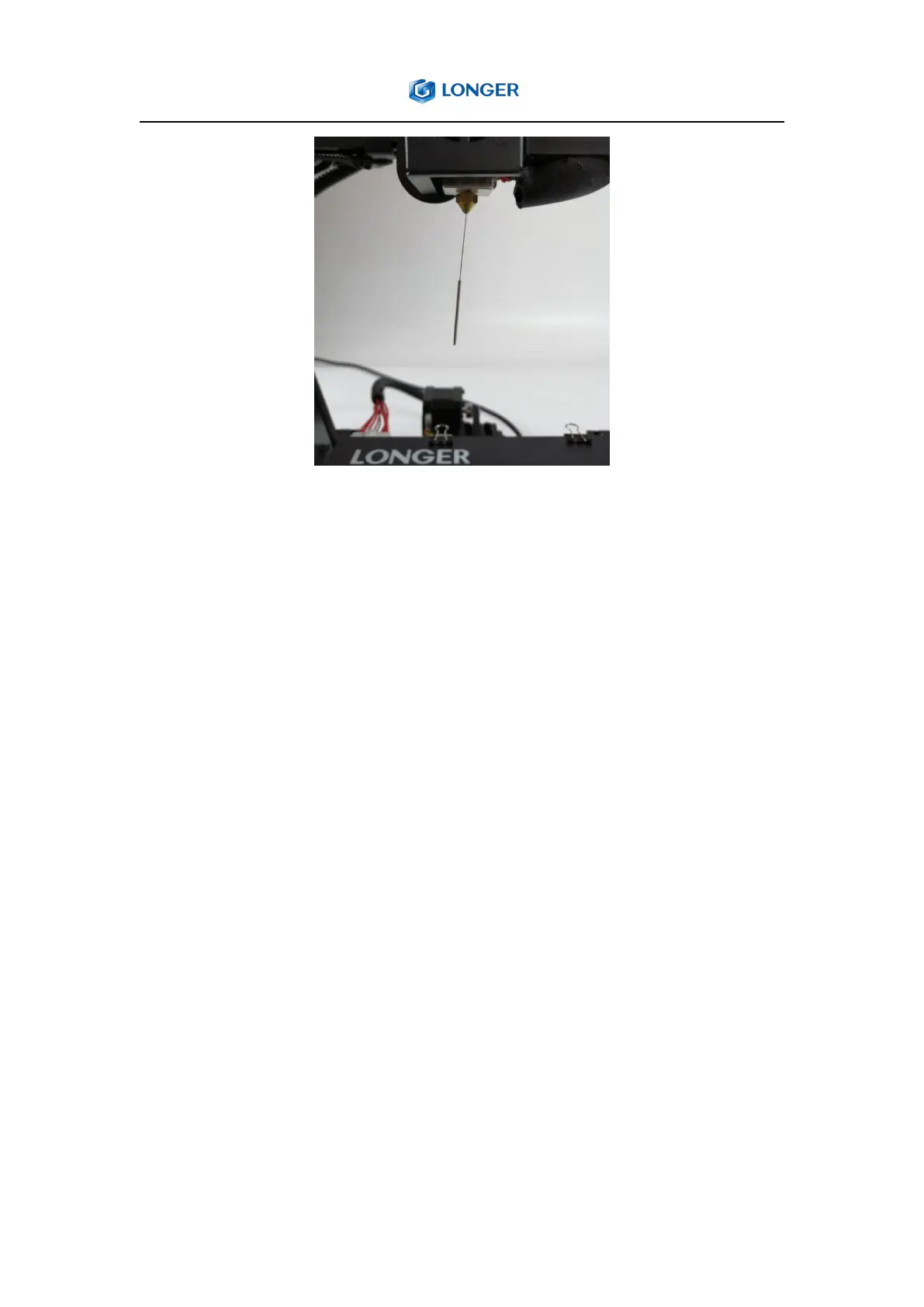
3) Note:the nozzle will be clogged if the temperature of nozzle is too low
or too high, or nozzle is too closed to the bed, or there is dirt in the
filament. So please set a right temperature that matches the filament,
level the hot bed properly or use the good filament. And be careful to
avoid burns when cleaning the clogged nozzle because the nozzle is
heated to a high temperature.
5.3. What to do if the hot bed can not be leveled?
1) For the printer with auto level sensor
First, confirm whether the cable of the sensor is properly connected, and
whether the blue light of sensor is always on; if the cable is connected,
but the sensor does not light blue, the sensor needs to be replaced.
If the sensor lights up blue normally, please make sure that the nozzle is
clean and no residual and adjust the platform to a lower position. Click



 To Next Page