www.longer3d.com support@longer3d.com
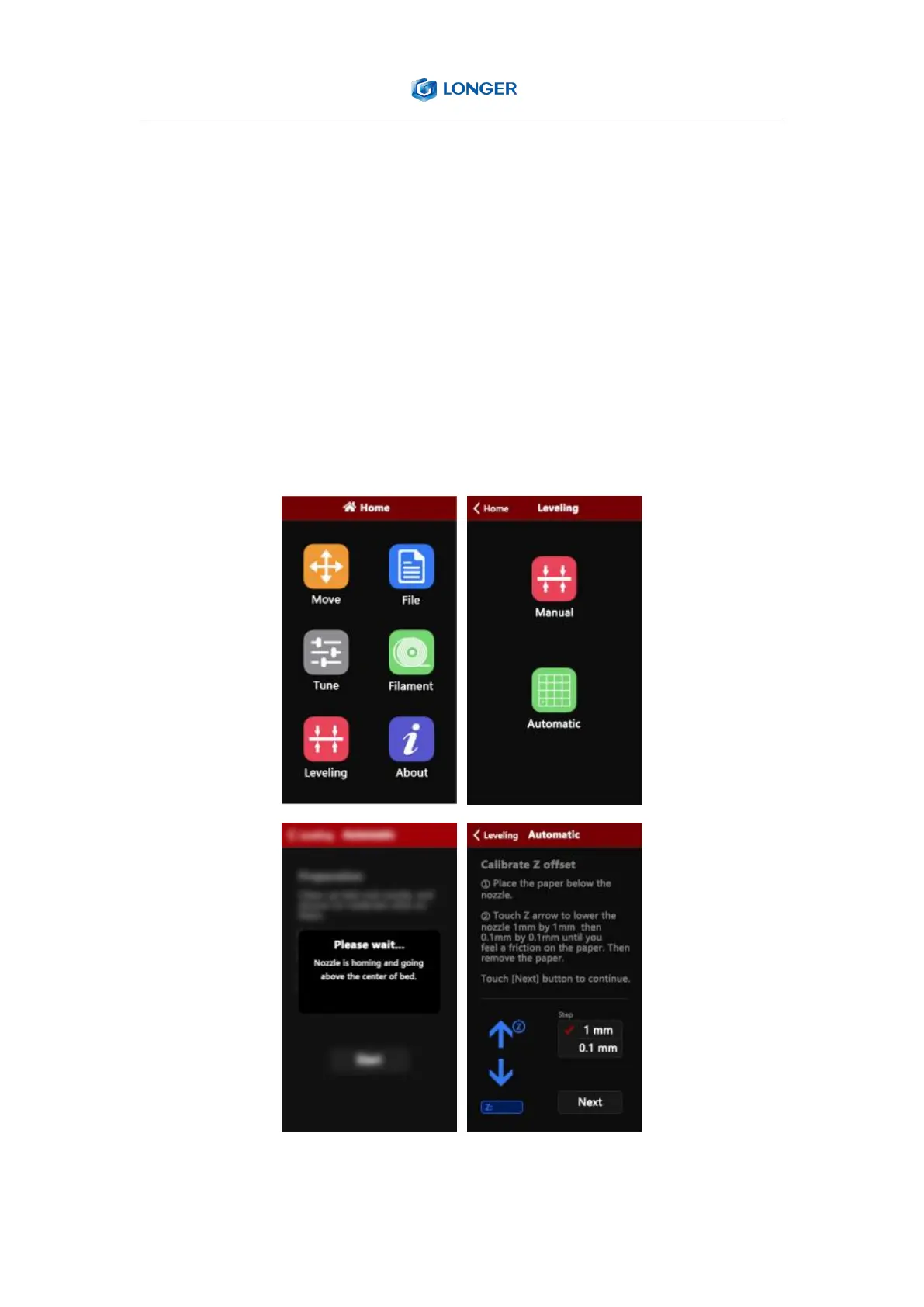
2) Automatic leveling
Before auto-leveling, it is recommended to manually level the print bed
first. Click LEVELING, select Automatic, put a piece of paper with a
thickness of 0.1mm between the nozzle and the hot bed, fine-adjust the
Z height manually, the nozzle height is ok when feel slight drag resistance
when pull the paper, then click NEXT, the printer will automatically level
the hot bed.



 To Next Page