99
Section 6:
Basic GPS Operations
This section addresses the unit's most basic GPS operations. The tuto-
rials presented in Sec. 6 follow a chronological order. Sec. 7, Advanced
GPS Operations, will discuss other more advanced functions and utili-
ties. Material in Sec. 7 is arranged in alphabetical order.
Before you turn on the unit and find where you are, it's a good idea to
learn about the different keys, the four Page screens and how they all
work together. BUT, if you just can't wait to get outside, turn to the
one-page Quick Reference on page 112.
Keyboard
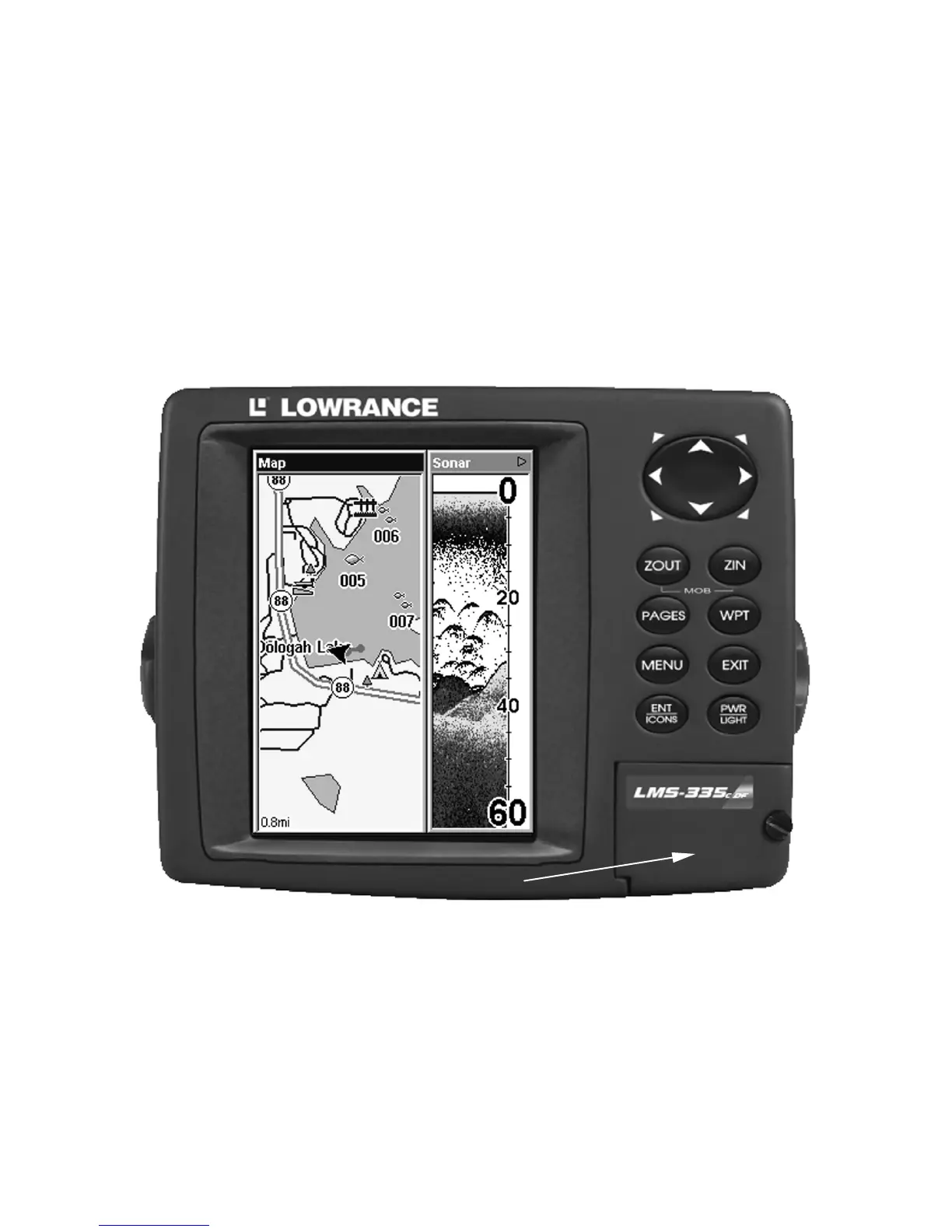
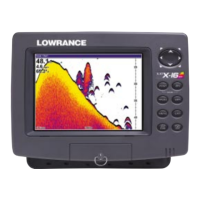
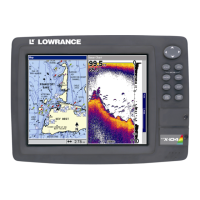
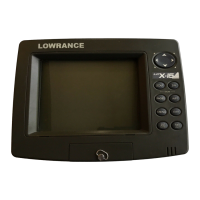
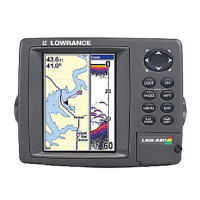
LMS-335C DF Sonar/GPS unit, front view, showing full sonar chart,
keyboard and access door for the MMC slot.
1. PWR/LIGHT (Power & Light) – The PWR key turns the unit on and
off and activates the backlight.
2. PAGES – Pressing this and the ← → arrow keys (4) switches the
unit between the four different page screens. (Satellite Status Page,
Navigation Page, Map Page and Sonar Page.) Each page represents one
of the unit's major operation modes.
5
4







 To Next Page