85
Digital Data.
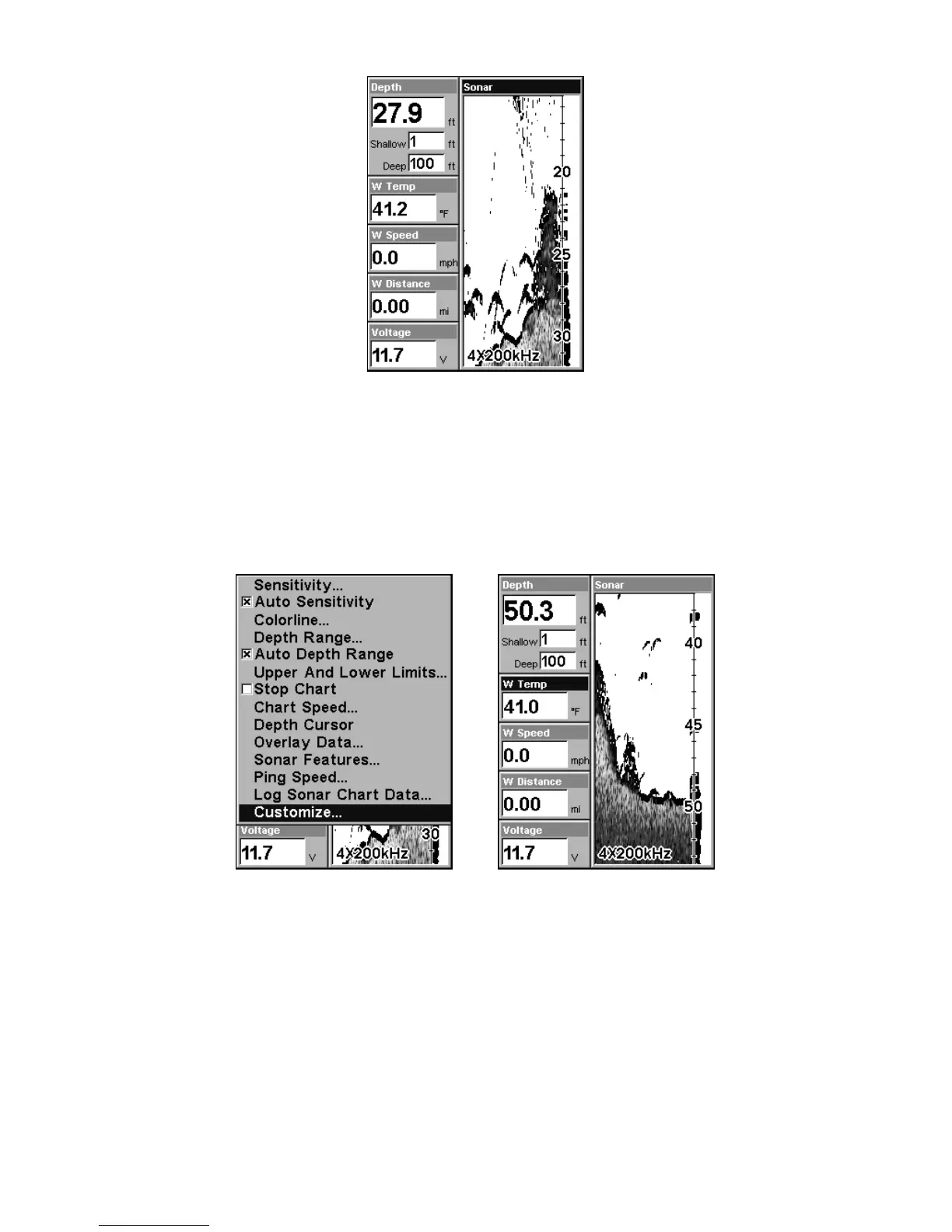
Customizing the Digital Data Screen
The Digital Data screen can be customized to show digital data differ-
ent from the defaults first shown. To customize this screen:
1. From the Sonar Page (in Digital Data mode), press
MENU|↓ to
CUSTOMIZE|ENT.
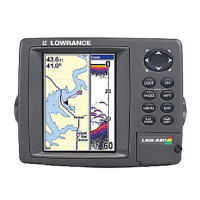
At left, the Sonar Page Menu showing the Customize command high-
lighted. At right, the label for the first customizable data box (Water
Temperature, or "W Temp") begins flashing to indicate it is selected.
2. The Water Temperature box title bar flashes, indicating the box con-
tents can be changed. Press
ENT|↑ or ↓ to select data type|ENT|EXIT.
(The top Depth box cannot be customized.)






 To Next Page