88
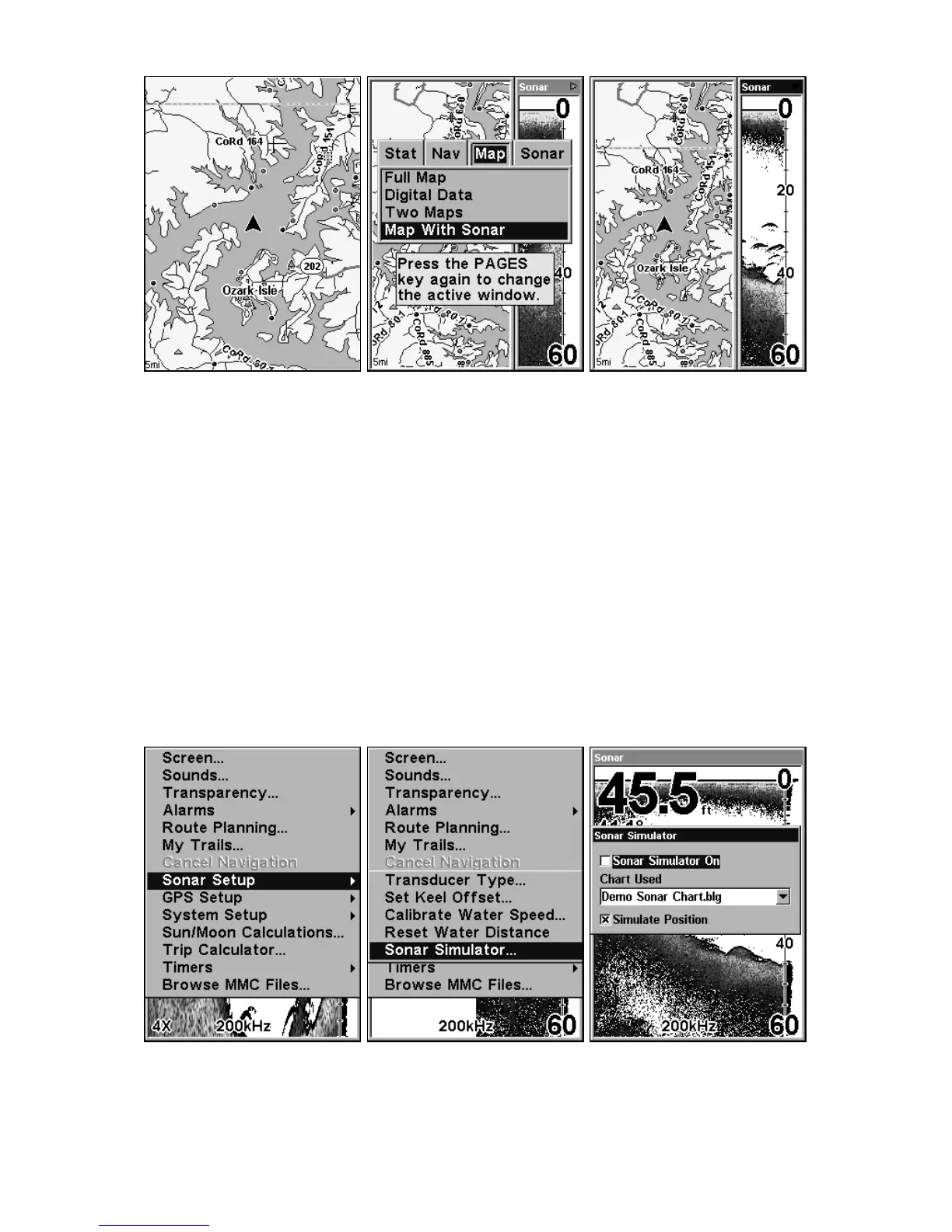
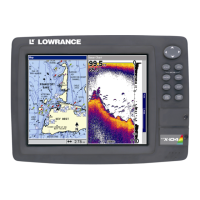
Map With Sonar split screen option. At far left, the full Map Page is
shown. The Pages Menu with the Map option list is shown in the
center. At right, the Map With Sonar split screen is shown.
When this screen is activated, you need to specify which side the Menu,
Zoom In and Zoom Out keys correspond to. To do this, press
PAGES|PAGES. The window with the black title bar at the top of the screen
is the active window. To switch back, just press
PAGES|PAGES again.
Sonar Simulator
This unit has a built-in simulator that lets you run it as if you were on
the water. All sonar features and functions are useable. To use the
simulator:
1. From the Sonar Page, press
MENU|MENU|↓ to SONAR SETUP|ENT|↓ to
SONAR SIMULATOR|ENT|EXIT. Repeat these steps to turn it off.
At left, Main Menu with Sonar Setup command selected. Center, sub-
menu with Sonar Simulator command selected. At right, Sonar Simu-
lator menu, with simulator turned off (check box is unchecked).






 To Next Page