66
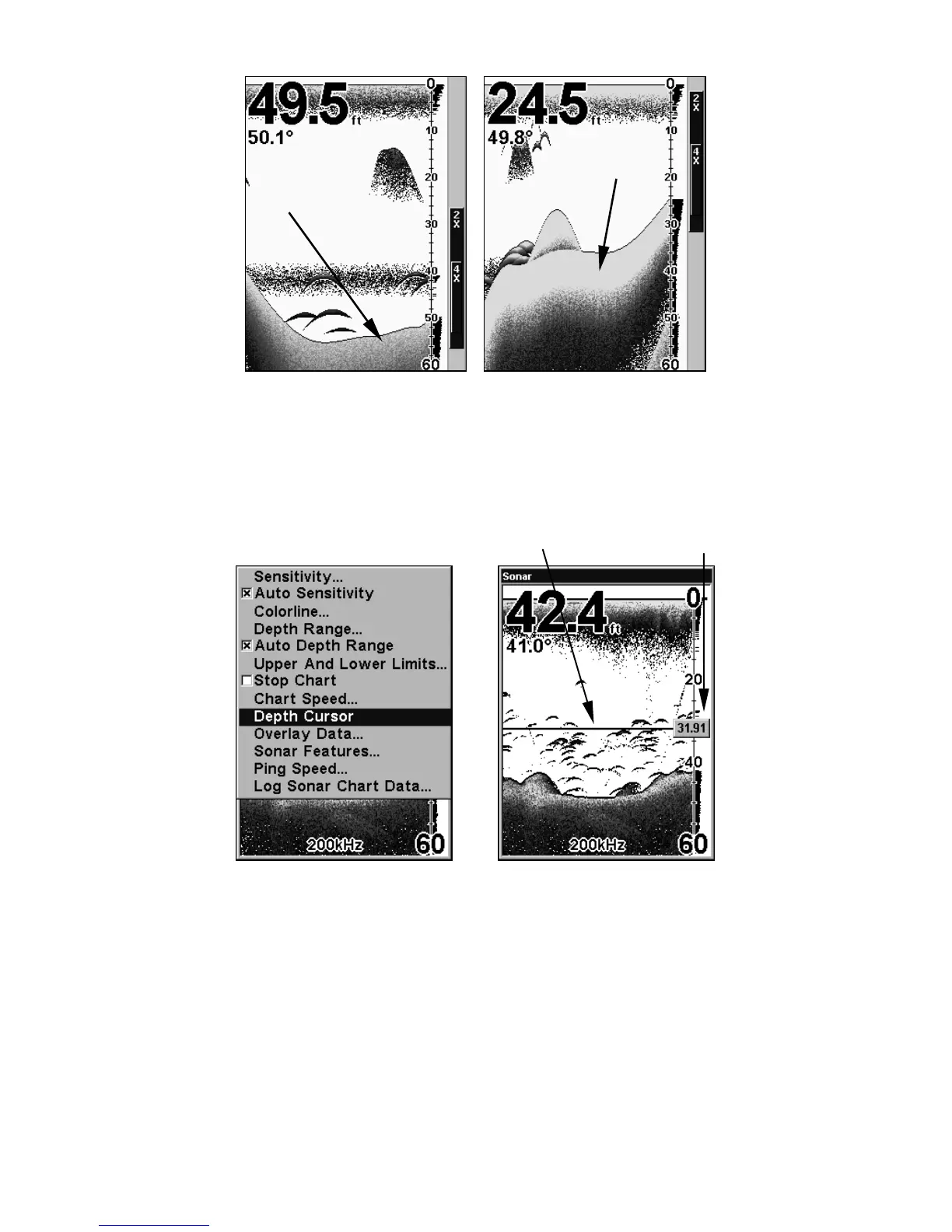
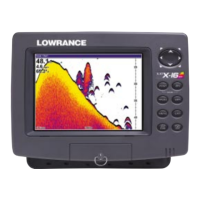
At left, little ColorLine indicates a soft bottom, probably sand or mud.
At right, the wider ColorLine indicates a harder, rocky bottom.
Depth Cursor
The depth cursor consists of a horizontal line with a digital depth box on
the right side. The numbers inside the box show the depth of the cursor.
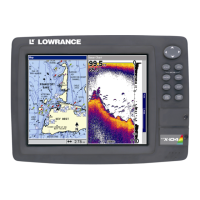
At left, Sonar Page menu with Depth Cursor command selected. At
right, sonar chart with the depth cursor active. The line indicates the
school of fish is 31.91 feet deep.
The cursor can be moved to any location on the screen, letting you pin-
point the depth of a target.
1. From the Sonar Page, press
MENU|↓ to DEPTH CURSOR|ENT.
2. The depth cursor appears. Press ↓ to lower the cursor line; press ↑ to
raise the cursor line.
3. To clear the depth cursor, press
EXIT.
Cursor line
Depth box
Wider
ColorLine
Thin or no ColorLine






 To Next Page