165
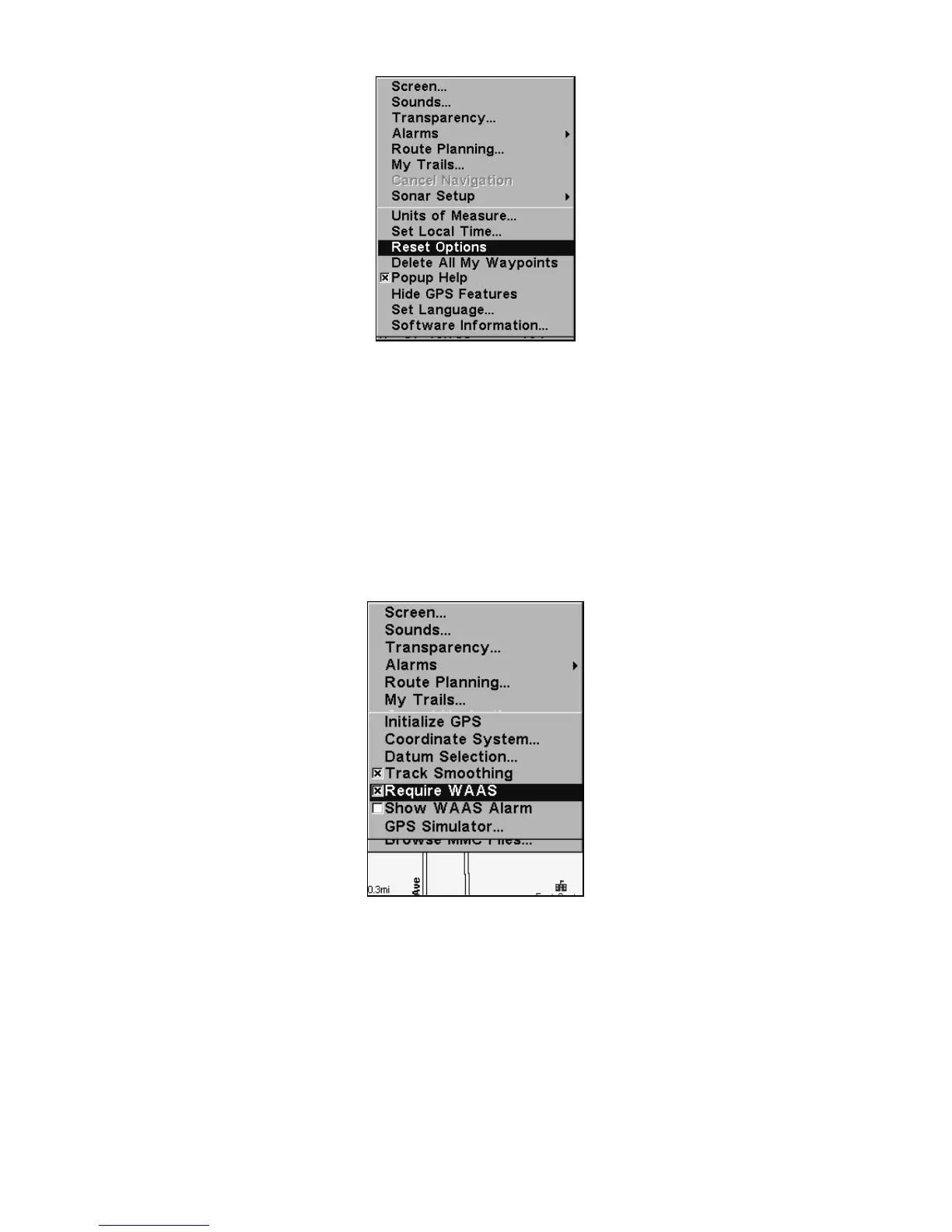
System Menu with Reset Options command selected.
Require WAAS
You can force the unit to require WAAS for reporting a valid position.
(The default setting, off, uses WAAS automatically, but doesn't require
it to yield a position.) Here's how to turn it on and off:
1. Press
MENU|MENU|↓ to GPS SETUP|ENT|↓ to REQUIRE WAAS|ENT.
2. To return to the last page displayed, press
EXIT|EXIT.
3. You can return to this command and press
ENT again to turn the fea-
ture off.
Require WAAS command on the GPS Setup Menu.
Screen Contrast and Brightness
To access the Screen menu, press MENU|MENU|ENT.
Once in the Screen menu:
To adjust the display's contrast:
The
CONTRAST slider bar is already selected. Press → or ← to move the
bar. The left end of the scale is minimum contrast; the right end is
maximum contrast.






 To Next Page