116
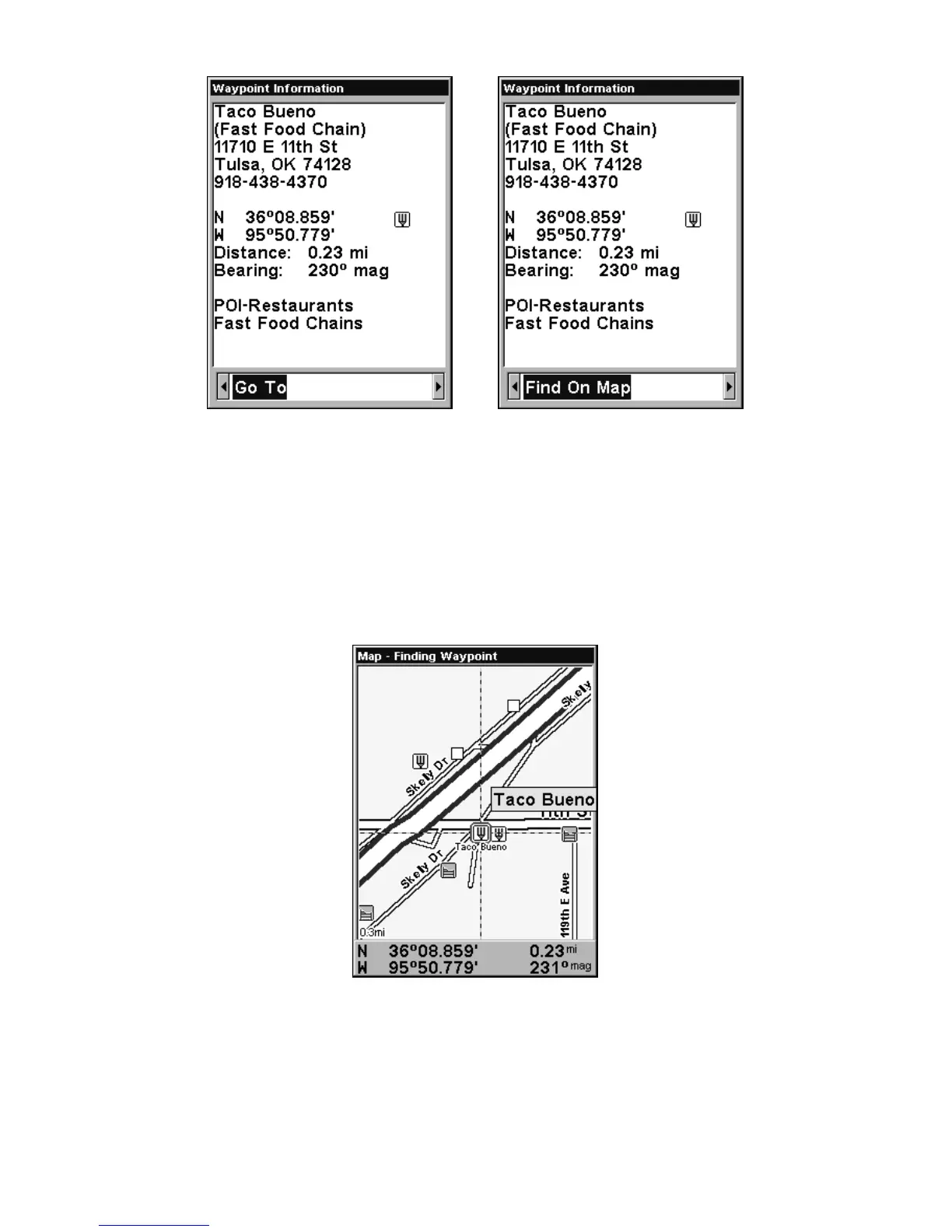
POI information screen on fast food restaurant nearest this position.
Screen shows name, street address, phone number, latitude/longitude,
distance to restaurant and its compass bearing. Figure at left shows
Go To waypoint command; right figure shows Find On Map command.
6. The unit's map appears, with the cross-hair cursor highlighting the
restaurant' s POI symbol. A pop-up data box shows the POI's name. A
data box at the bottom of the screen displays the location's latitude and
longitude, distance and bearing.
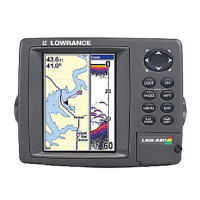
Map screen showing Finding Waypoint,
the result of a restaurant search.
7. To clear the search and return to the last page displayed, press
EXIT|EXIT|EXIT|EXIT. (Before you completely exited out of the Search
menus, you could have gone looking for another place.)






 To Next Page