Cura LulzBot Edition
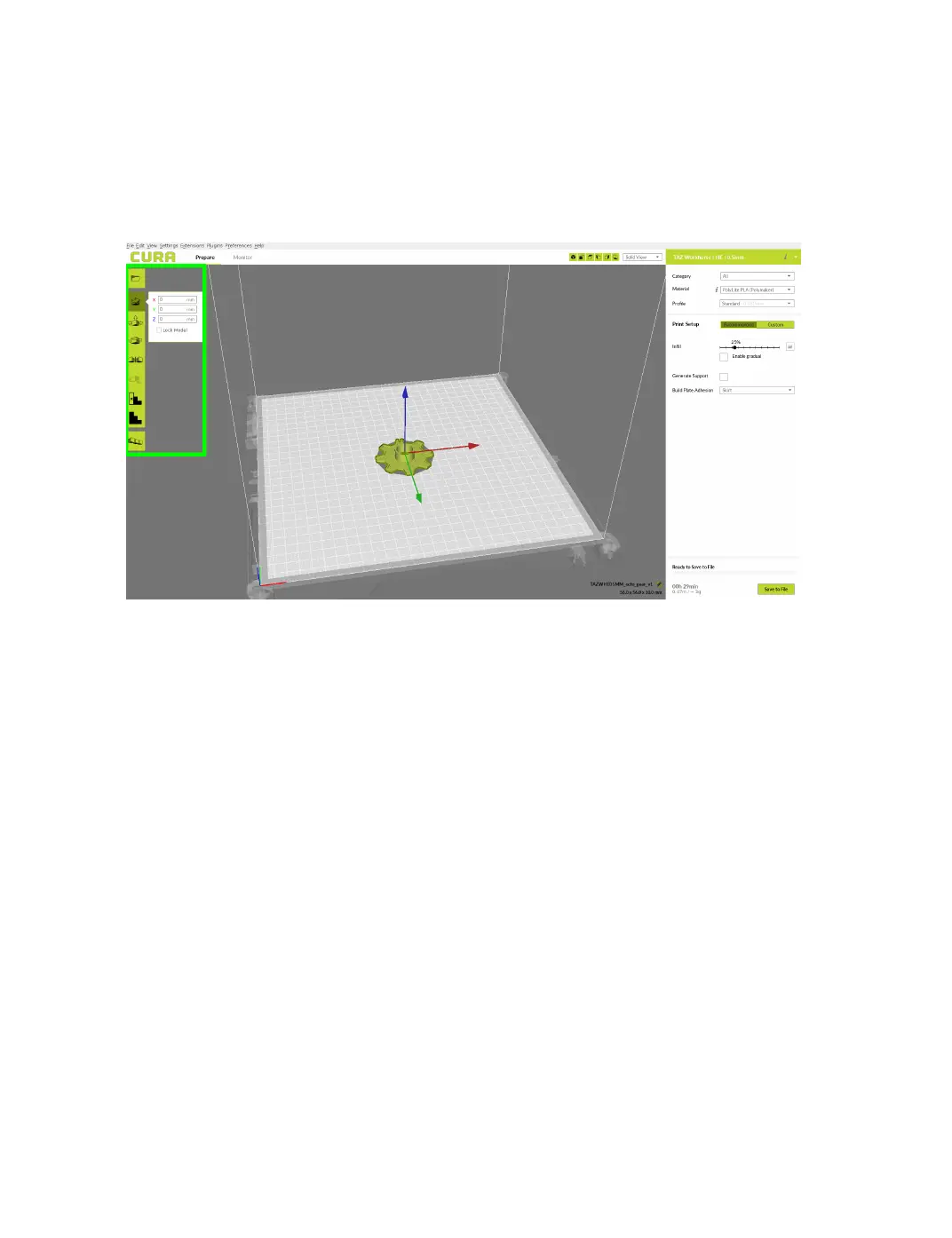
The blue, red, and green outlined corner of the 3D print bed view
represents the front left hand corner of the build plate on your printer. You
can view your model from dierent angles by holding down the right mouse
button and dragging.
Figure 2.2: Options after selecting model
Scale
The Scale button displays the model dimensions, along with the ability
to scale along the X Y or Z axes. Anything below the percentage 100
will reduce the objects size, while anything above the percentage 100 will
increase the objects size. As a default, this is set to uniform scaling when
rst being selected. This will cause the X Y and Z axes to be scaled by
the same amount when you make a change to any of them. To disable this,
unselect the uniform scaling in the lower right hand corner.
20



 To Next Page