2.2. RECOMMENDED PRINT SETTINGS
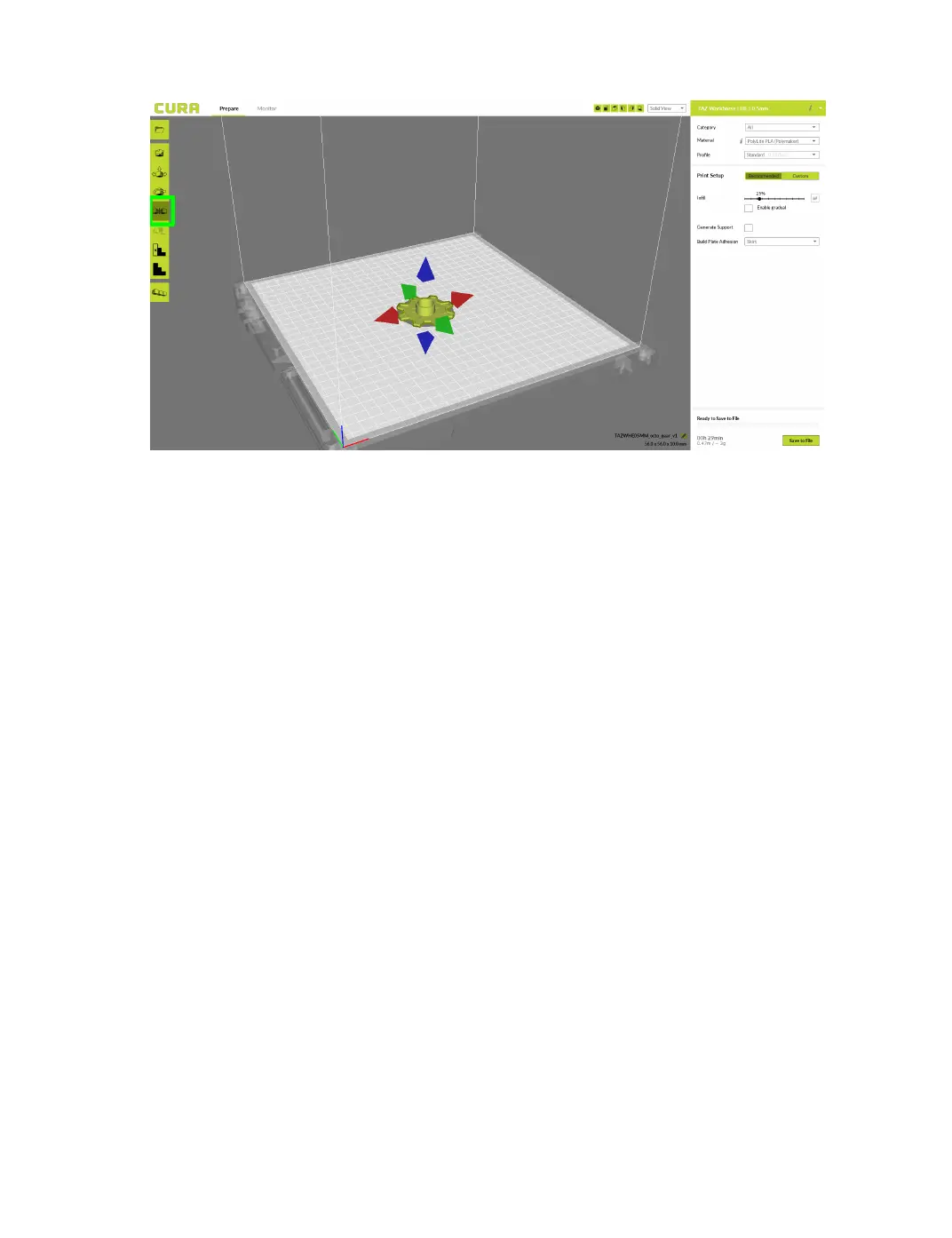
Figure 2.5: Mirror Button Location
Per Model Settings
The Per Model Settings allows you two print two or more objects
with dierent slicing settings between the two. To activate this, rst
select which model you would like to modify settings on. Once se-
lected, switch to ”custom” settings on the right hand side to activate
the button. A drop down option will appear that contains options for
“normal mode,” “Print as support,” “Don't support overlap with
other models,” “Modify settings for overlap with other models,”
and “Modify settings for infill with other models.” After select-
ing the way you want to change your settings, click “Select settings.”
23



 To Next Page