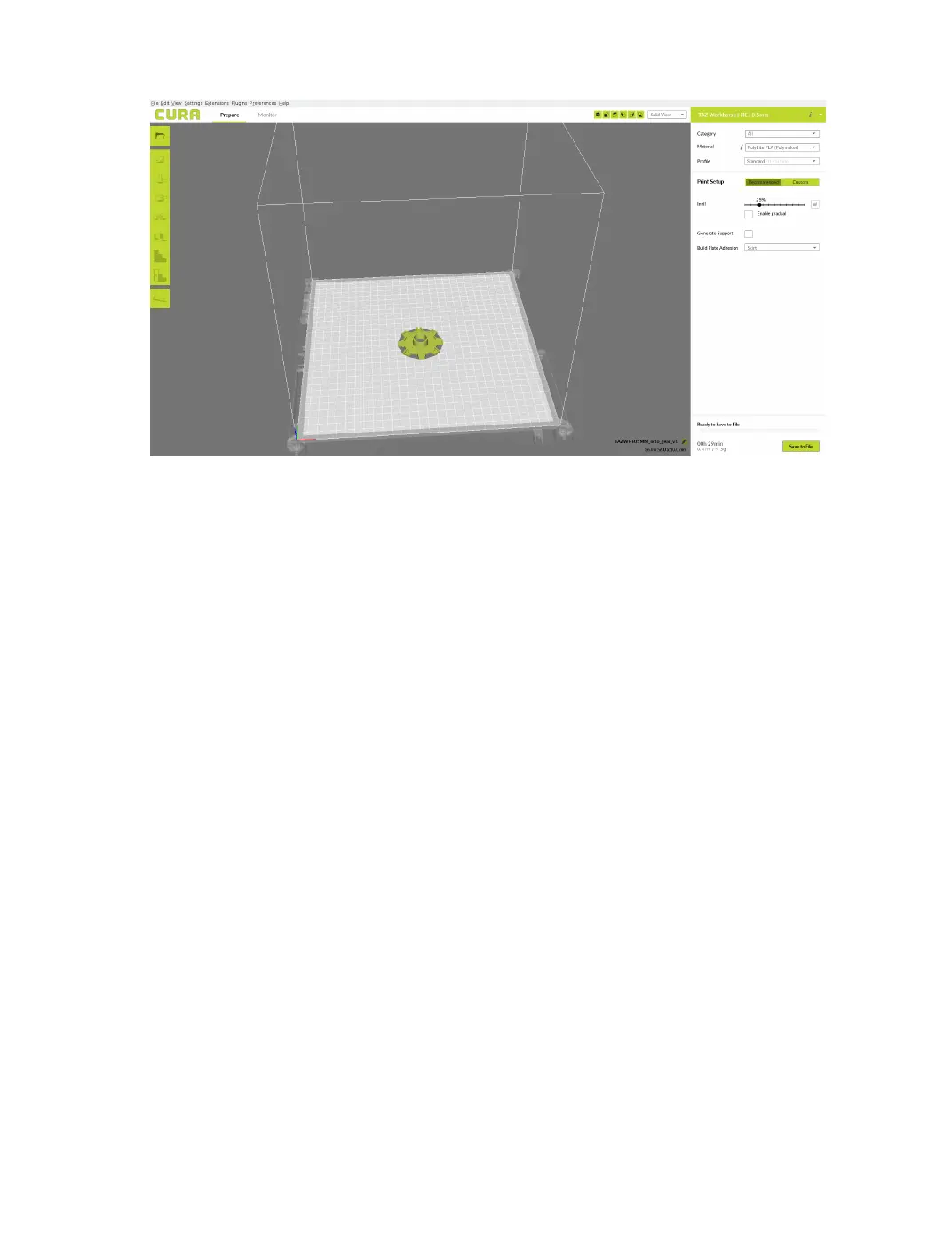
2.2. RECOMMENDED PRINT SETTINGS
Figure 2.1: Recommended Settings
Material Selection
The lament type categories are separated by ease of use in the top right
corner of the screen. From the Category drop down, select "All" to view
all LulzBot approved and tested materials, or ease of use that you are
comfortable with. The printer ships with a lament sample for the rst
print(s). Refer to the included Quick Start Guide for the proper “First
Run” settings.
Selecting a Quick Print Profile
The prole quality settings can be found in the top right corner of the
window, just below material selection. For most laments, there will be
High Detail, Standard, and High Speed options. Some of the more exotic
laments may only have a single prole.
High Detail
Designed to give greater detail in ner and curved objects. This will
have a smaller layer height, which will make each layer thinner, so
that curves seem more natural and layers seem less noticeable. This
setting will also increase the total number of layers in the print, which
will increase the overall print time.
17



 To Next Page