Cura LulzBot Edition
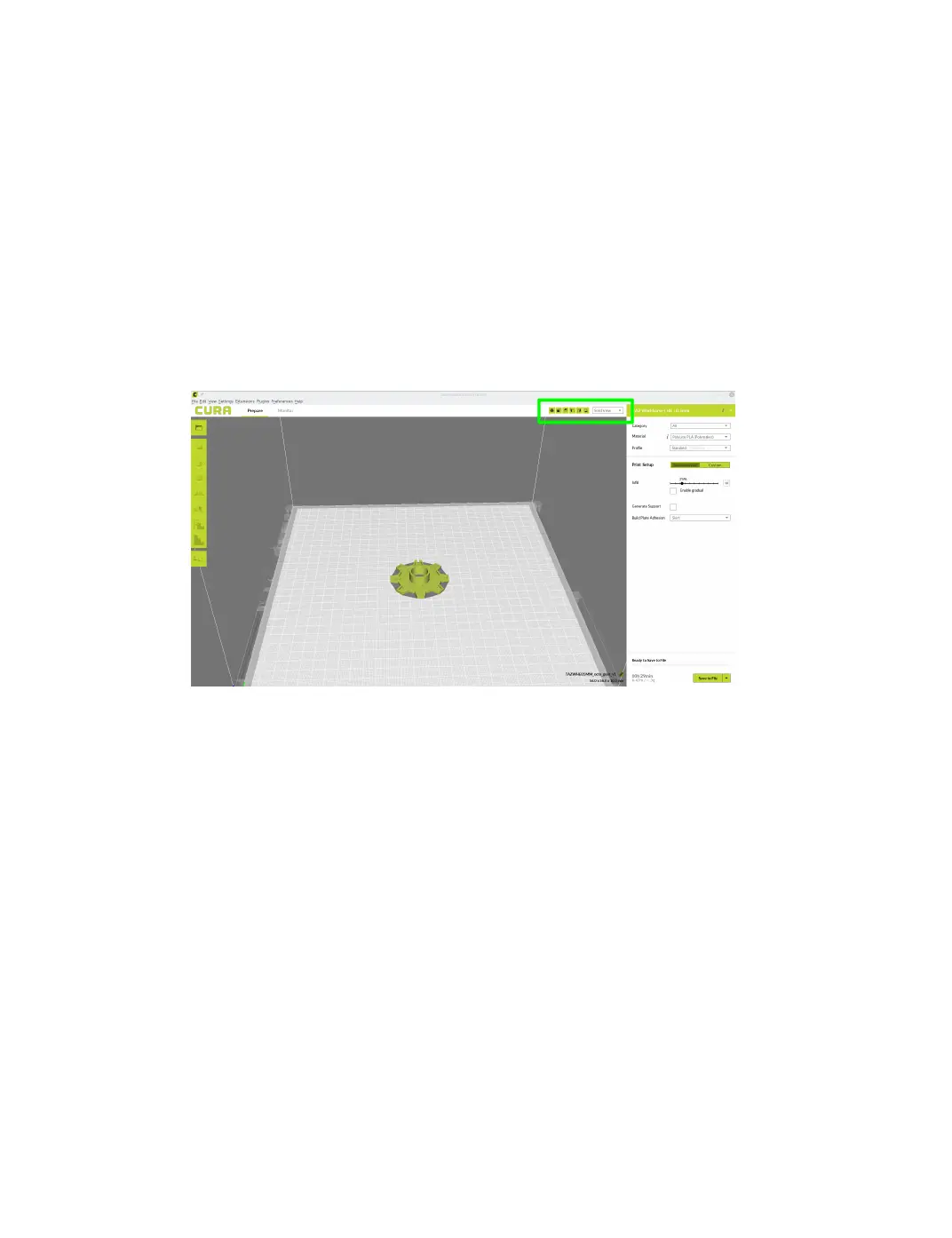
2.3 View Options
Dierent modes allow you to view your model in a variety of ways. This
can be helpful for spotting issues before the print even starts. In the top
right hand corner, you can select your dierent view types.
Solid View
This is the standard view and shows the solid outer surfaces of the model.
(Fig. 2.8, page 26):
Figure 2.8: View in Normal Mode
X-Ray View
X-ray allows you to look inside of the object. This is helpful for detecting
any manifold errors or other possible issues with your model. Problem
areas will be highlighted in red. (Fig. 2.9, page 27)
26



 To Next Page