Cura LulzBot Edition
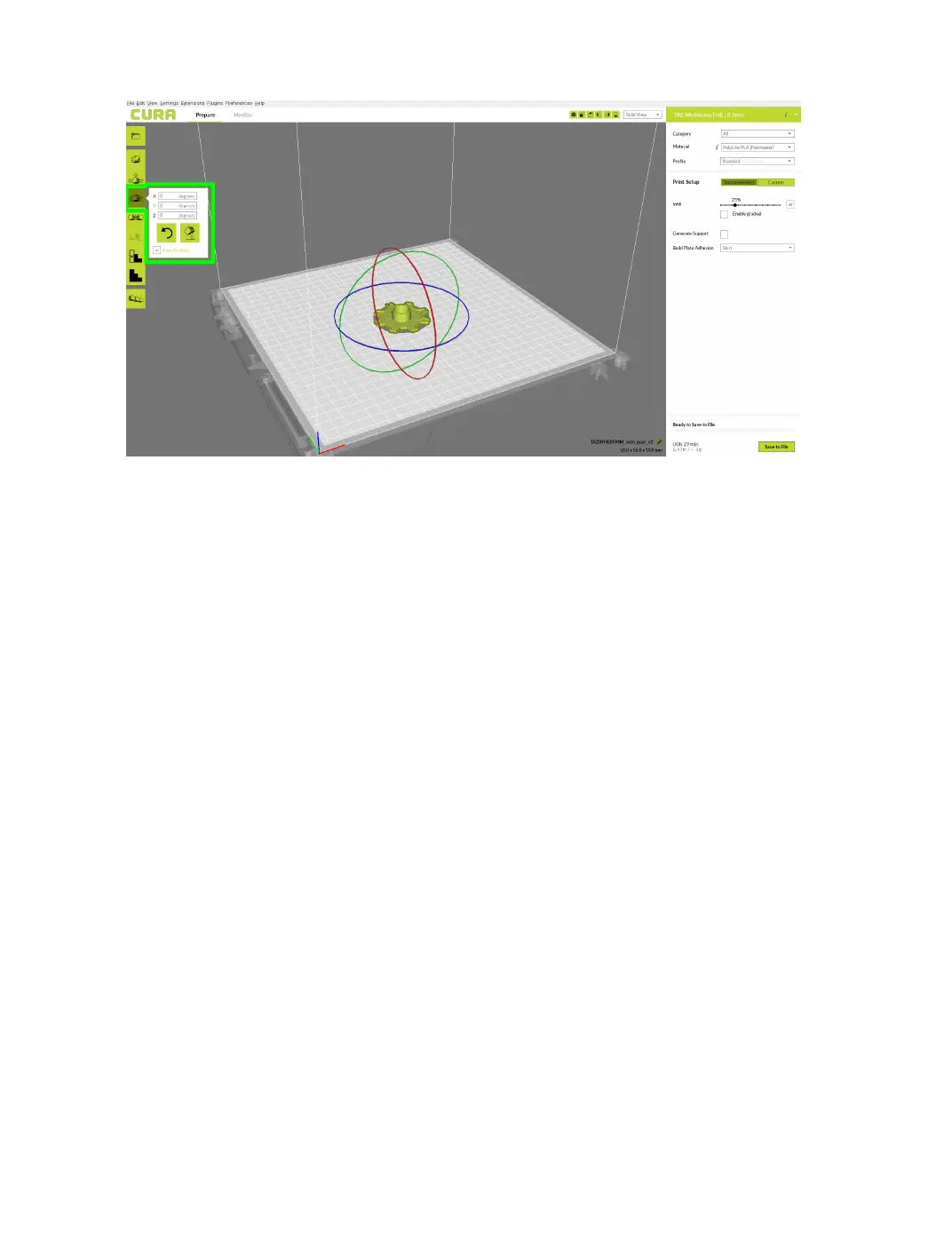
Figure 2.4: Rotating your Model
Lay Flat
The Lay Flat option is available after selecting the rotate button. This
will ensure that the at portion of your print is securely attached to the
bed. It is highly recommended to use this option after rotating your model
in the Z direction, as it will help prevent potential adhesion issues during
the print.
Reset
The Reset option is available after selecting the rotate button. This
will return your model to the original orientation as dened by the CAD
program when rst loaded.
Mirror
The Mirror button creates a reversed / mirrored image of the selected
object in either the X, Y, or Z axis directions.
22



 To Next Page