2.4. MONITOR SCREEN
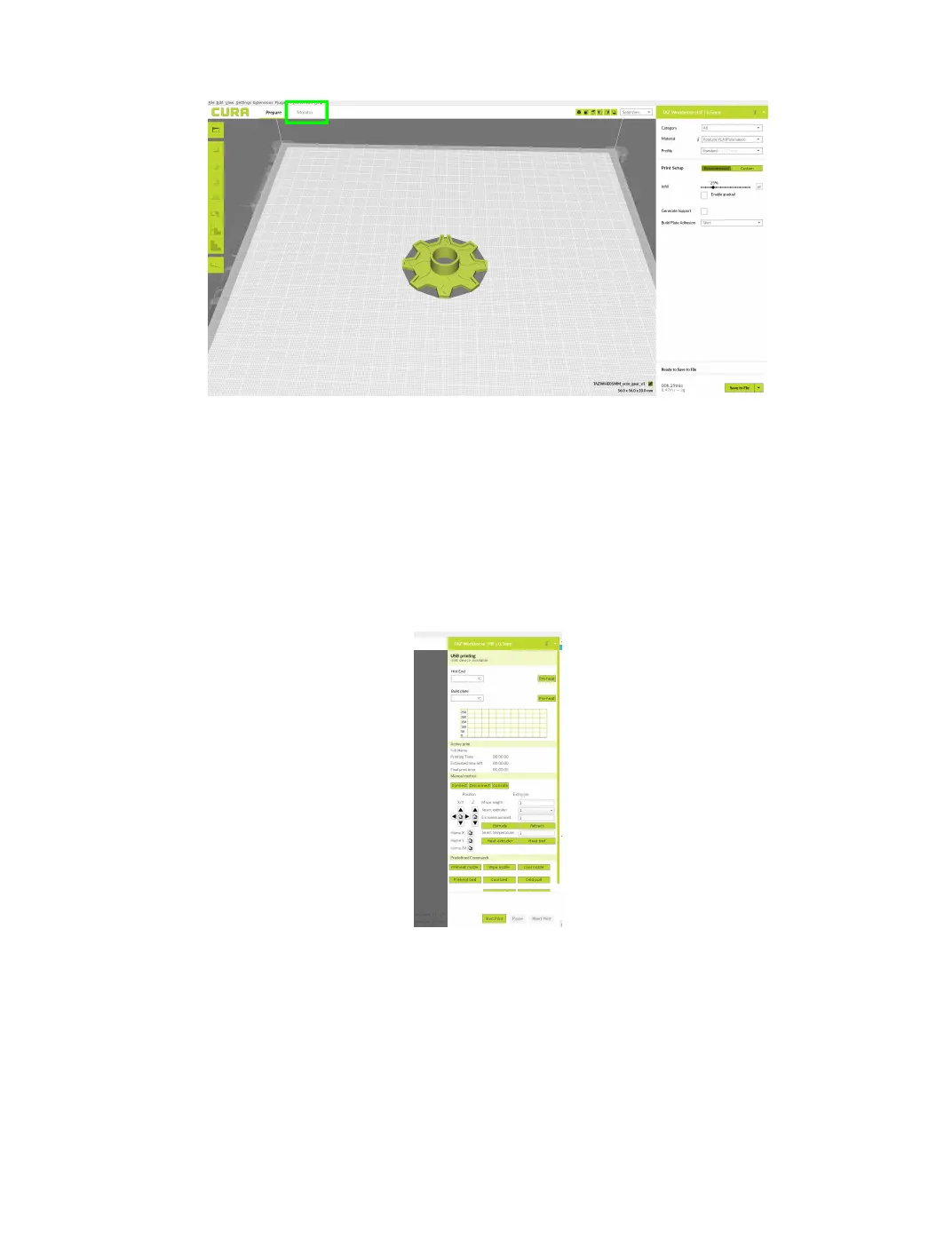
Figure 2.13: Monitor Button Location
After switching to the monitor tab, the right hand side of the screen
will change and new options will be available to control your 3D printer.
There are 4 main sections that comprise of Temperature Control and Mon-
itoring, Active Print Information, Manual Controls, and nally Predened
Commands.
Figure 2.14: Monitor Control Options
29



 To Next Page