Cura LulzBot Edition
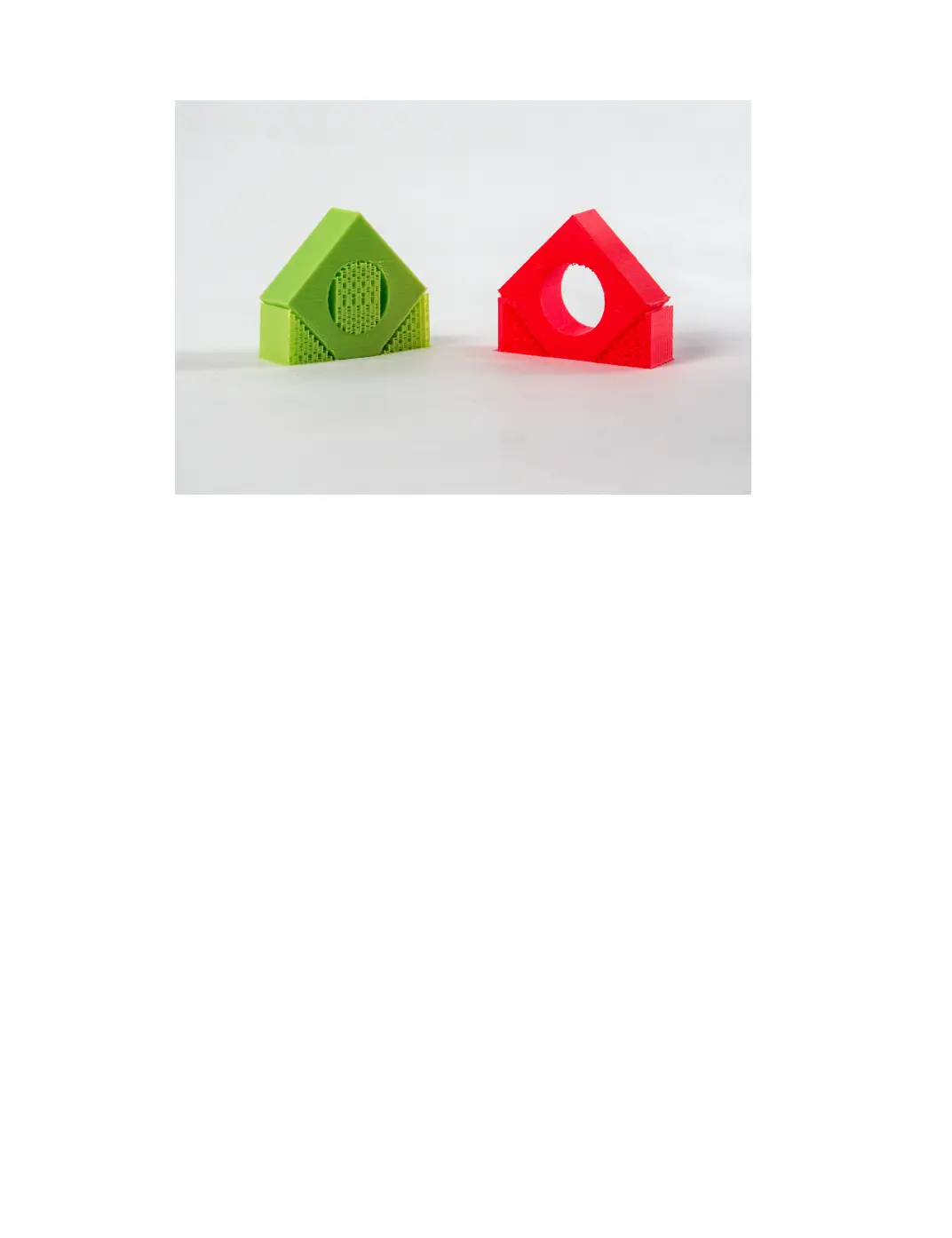
Figure 2.17: Dierent Support Options
Support Overhang Angle
The support overhang angle will work to limit what areas of the object are
support and what are not. A 90 degree setting will only support objects
that are parallel to the build plate, while a 0 degree option will support
everything. A good recommended starting point is 45-60 degrees for most
laments.
Support Pattern
As with inll, there are dierent patterns for support generation available.
Be sure to check your layer view before printing to ensure support place-
ment is where it is needed, and not where it is not.
Support Density
The support density setting will determine how dense your support struc-
tures are. A more dense support structure will better support your object,
but will be harder to remove post print. When setting a support density
percentage, the line distances will automatically be calculated. You can
60



 To Next Page