User Manual CANopen/EtherCAT
10
Address setting using DIP switch
An address between 0 and 127 can be decimally selected using DIP switch S4 on the
position controller.
The DIP switch is assigned as follows: Positions 1-7 are reserved for the address setting,
position 8 for the activation/deactivation of the 120 Ohm bus termination in the device.
Function/assignment:
Dip switch 1 - ð significance 20 = 1
Dip switch 2 - ð significance 21 = 2
Dip switch 3 -
ð significance 22 = 4
...
Dip switch 7 - ð significance 26 = 64
Dip switch 8 = Bus termination ON/OFF
Figure DIP switch
Example of use of the DIP switches:
Setting address “3“ using the Dip switch:
- ð Set switch 1 and switch 2 to ON
- ð 20 + 21 = 3
- ð Resultant device address = 3
- ð (If the software address = 0 is set)
IMPORTANT: Switch 8 = Bus termination!!!
Note: Changes to the CAN address are applied on a
- Reset node command
- Restart (device power-up).
Note: The active bus address can be found in the boot-up message.
2.2 Meanings of LEDs
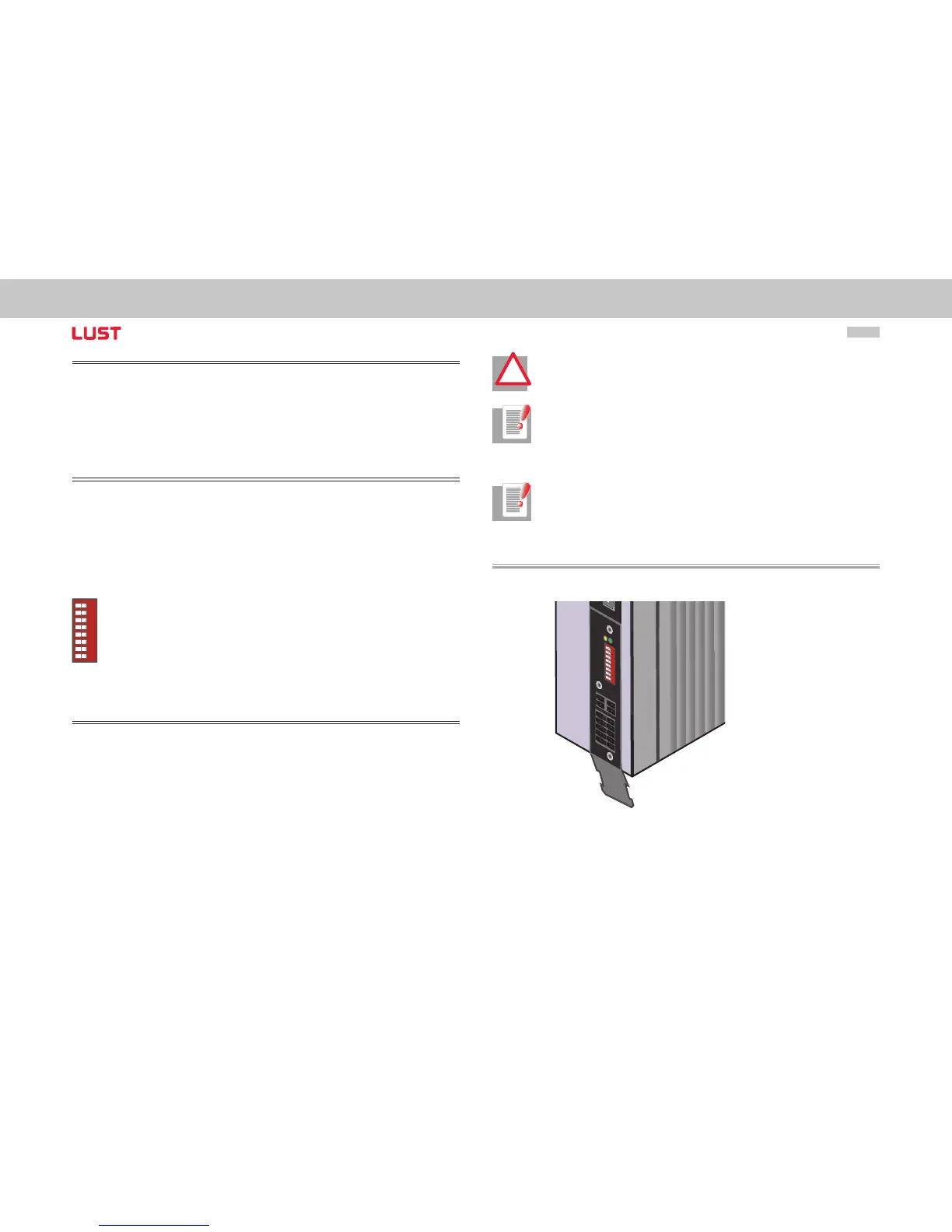
The CAN option of ServoOne has two diagnosis LEDs (H14, H15).
AC
H
TUNG
WA
R
NIN
G
K
on
den
sa
tore
nent-
lad
ezeit
>
3
m
in.
B
etriebsanleitu
n
g
bea
c
hten!
C
ap
a
cit
or disc
harge
tim
e
>
3
m
in.
P
ay
at
t
ention to
th
e
ope
ra
tion
m
anual!
1 2 3 4 5 6 7 8
x
32
s
4
x
33
h
14
h
15
Figure Device with CANopen option


 To Next Page