LX 10k
Vario Indicator Unit
Document name: LX 10KUM
Document revision: R1
7.1.1.2 Digital numeric indicators
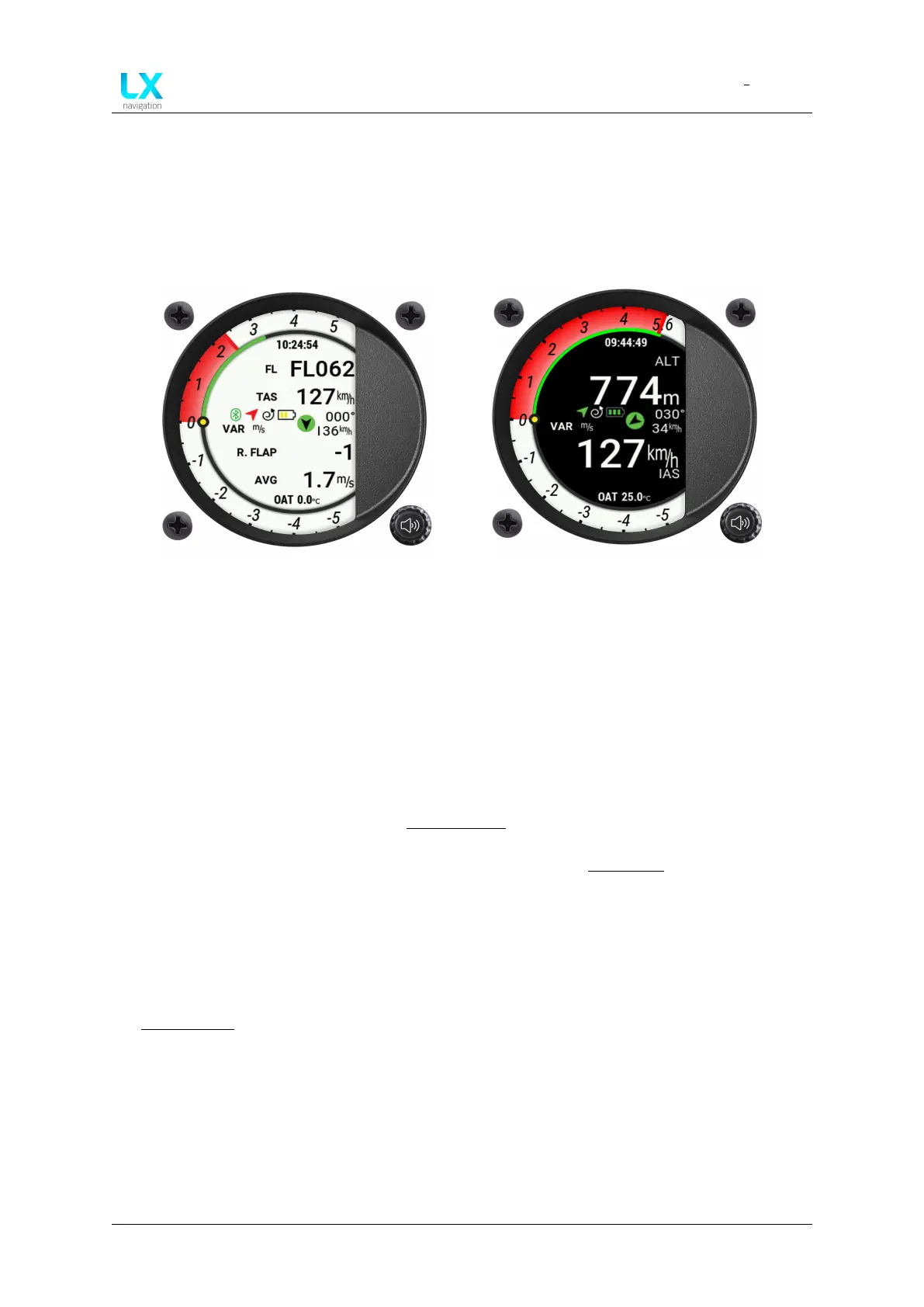
The digital indicator’s main page features either two or four numerical indicators. If two indi-
cators are chosen, the info shown is twice as large, which is why this setting is recommended
with pilots who have short-sightedness issues.
Figure 81. Four indicators on a white back-
ground theme
Figure 82. Two indicators on a black back-
ground theme
Each of these indicators is formatted in the same way. On the far-left, the name of the indicator
is displayed, noting which flight parameter the indicator is showing. Next, with larger fonts,
the actual value is shown, with the value unit to the right of the shown value. These indicators
are the only pilot-adjustable fields on this page, apart from assigning the flight parameter the
digital needle arc will show.
Pilots can choose between the number of indicators, which indicators will be shown, as well
as a separate set of indicators for both Flight modes (circling and straight flight).
For more info on how to set the numerical indicators, check the Indicators setup menu.
7.1.1.3 Current time and OAT
These indicators embody the central part of the screen from the top and bottom, respectively.
The Current time indicator shows the current GPS time in regards to the timezone chosen in
the Localisation setup menu. The OAT indicator shows current Outside Air Temperature, or
more exactly, the temperature measured by the OAT probe. This item is non-configurable.
Device manual Public 85



 To Next Page