LX 10k
Vario Indicator Unit
Document name: LX 10KUM
Document revision: R1
7.1.1.4 Flarm status indicator
Is represented with a red Flarm symbol, depicted with Flarm status indicator icon. If the Flarm
icon is present, the device has an established connection with a Flarm device. On how to get
more info from the Flarm device, check the Info page section. For information about Flarm
objects and the Flarm radar page, check the Flarm radar page.
Figure 83. Flarm status indicator icon
7.1.1.5 Connectivity status indicator
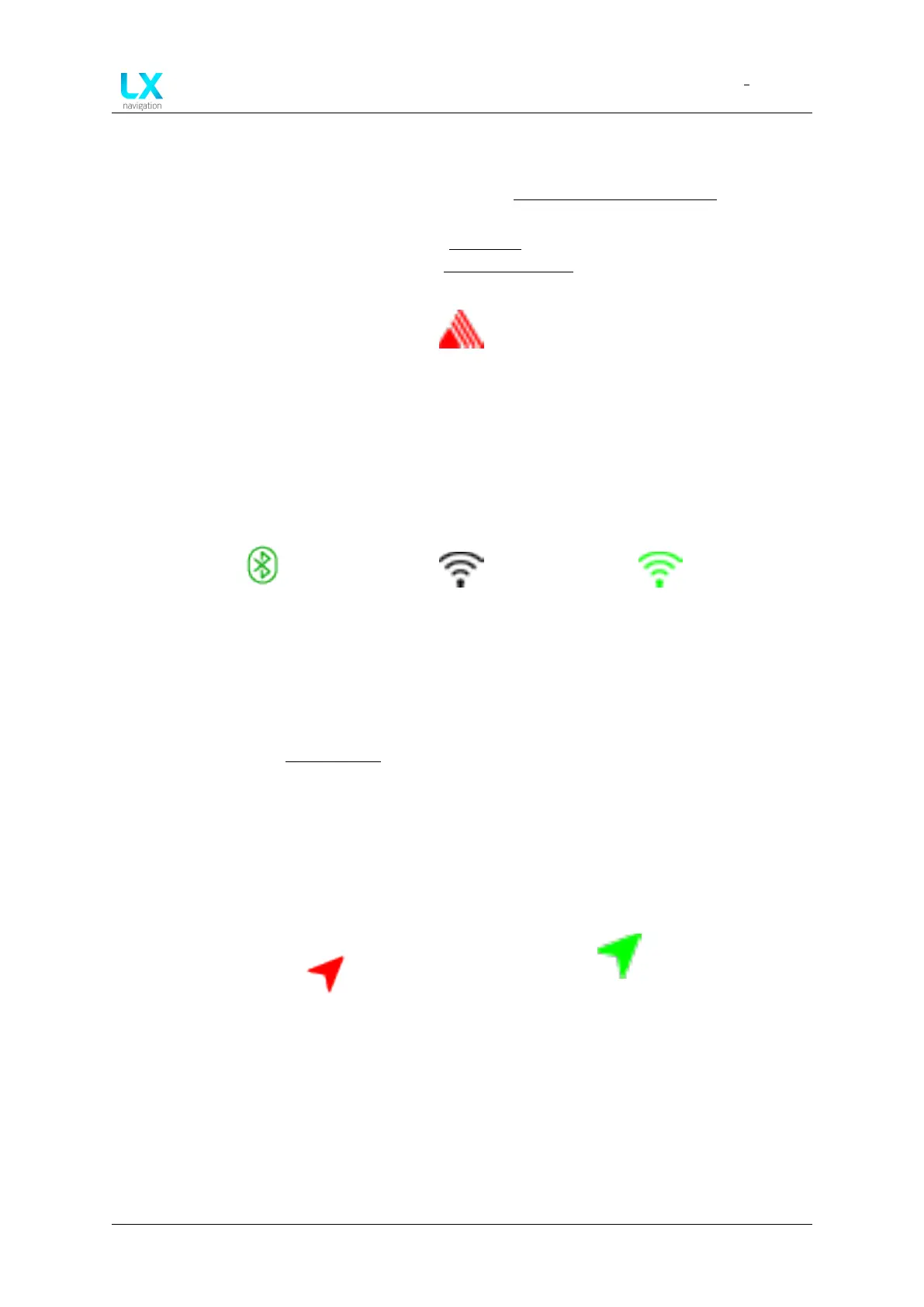
The LX 10k has both Bluetooth and WiFi capability. Both modes are depicted with an appropri-
ate icon.
Figure 84. Bluetooth
status indicator
Figure 85. WiFi is on in-
dicator
Figure 86. WiFi is con-
nected indicator
The Bluetooth icon indicates the current wireless mode is set to Bluetooth. The WiFi icon
shows in two colours. A black WiFi icon indicates the wireless mode as set to WiFi, while the
green WiFi icon indicates that we have established a connection. For more information on
connectivity, check the Connectivity section.
7.1.1.6 GPS status indicator
The GPS status indicator indicates whether or not the device has a valid GPS lock. Under valid
GPS lock, a connection to at least four satellites is required.
Figure 87. GPS signal is not valid
Figure 88. GPS signal is
valid
Device manual Public 86



 To Next Page