LX 10k
Vario Indicator Unit
Document name: LX 10KUM
Document revision: R1
The wind is being calculated both in circling and in straight flight. It will update at all times and
no settings are required.
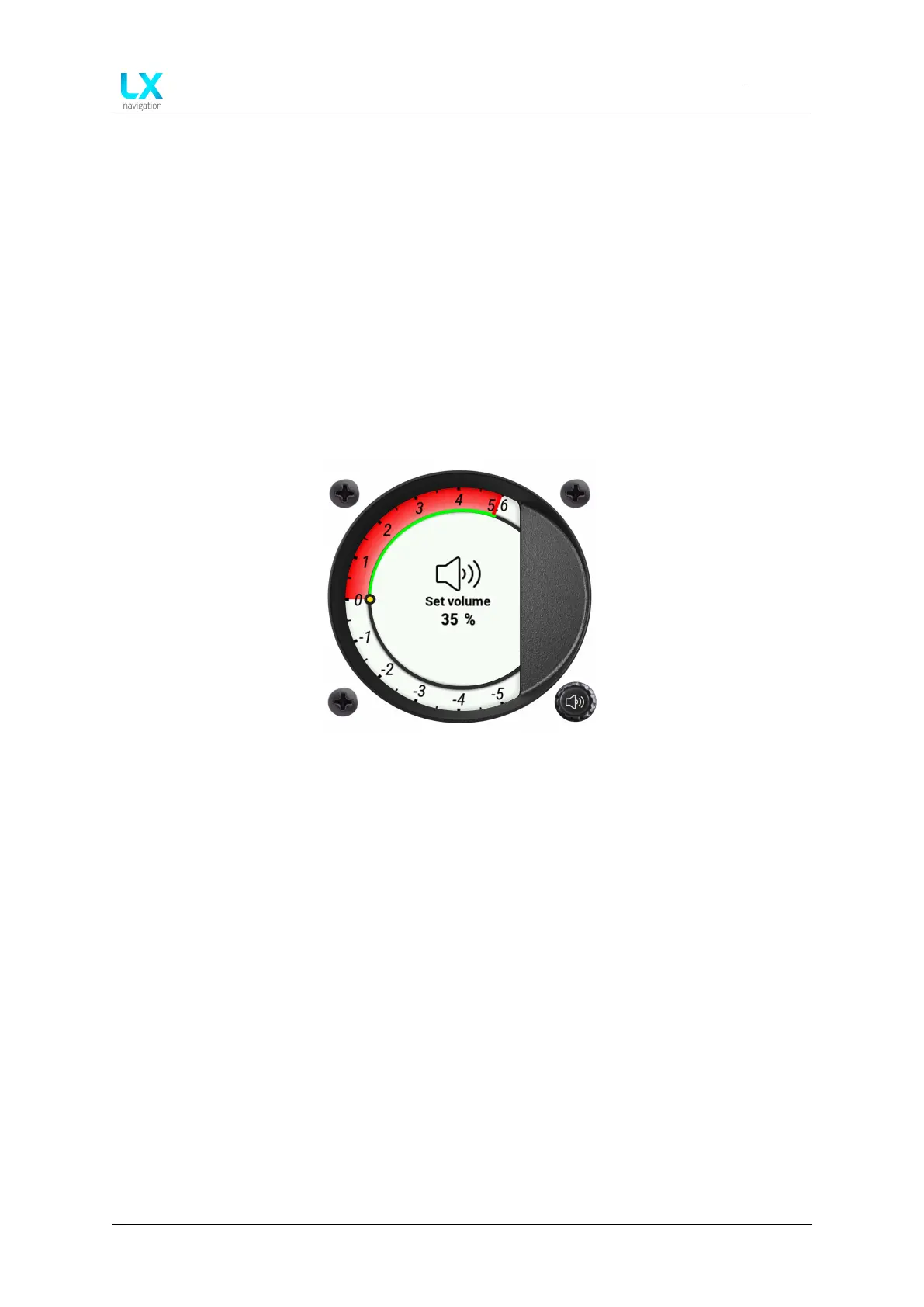
7.1.1.10 Volume setting
A pilot can change volume in two ways:
• Turning the Volume push-rotary knob on the vario indicator unit
• Going though the MC sub-page on the main unit, as described earlier
Once the Volume sub-page is open, you can close it by pressing the push-rotary knob on the
digital vario indicator, or by waiting for 3 seconds for it to auto-close.
Figure 98. Volume setting
Device manual Public 88


 To Next Page