LX 10k
Vario Indicator Unit
Document name: LX 10KUM
Document revision: R1
white with a black edge when light theme is used) represents the strongest part of the thermal
during your last circle.
To the left of the Thermal assistant, we can see a colour arc, indicating IAS. The current IAS is
framed, and behind it sliding colour arcs can be seen. The colour arc boundaries can be set in
the Glider section.
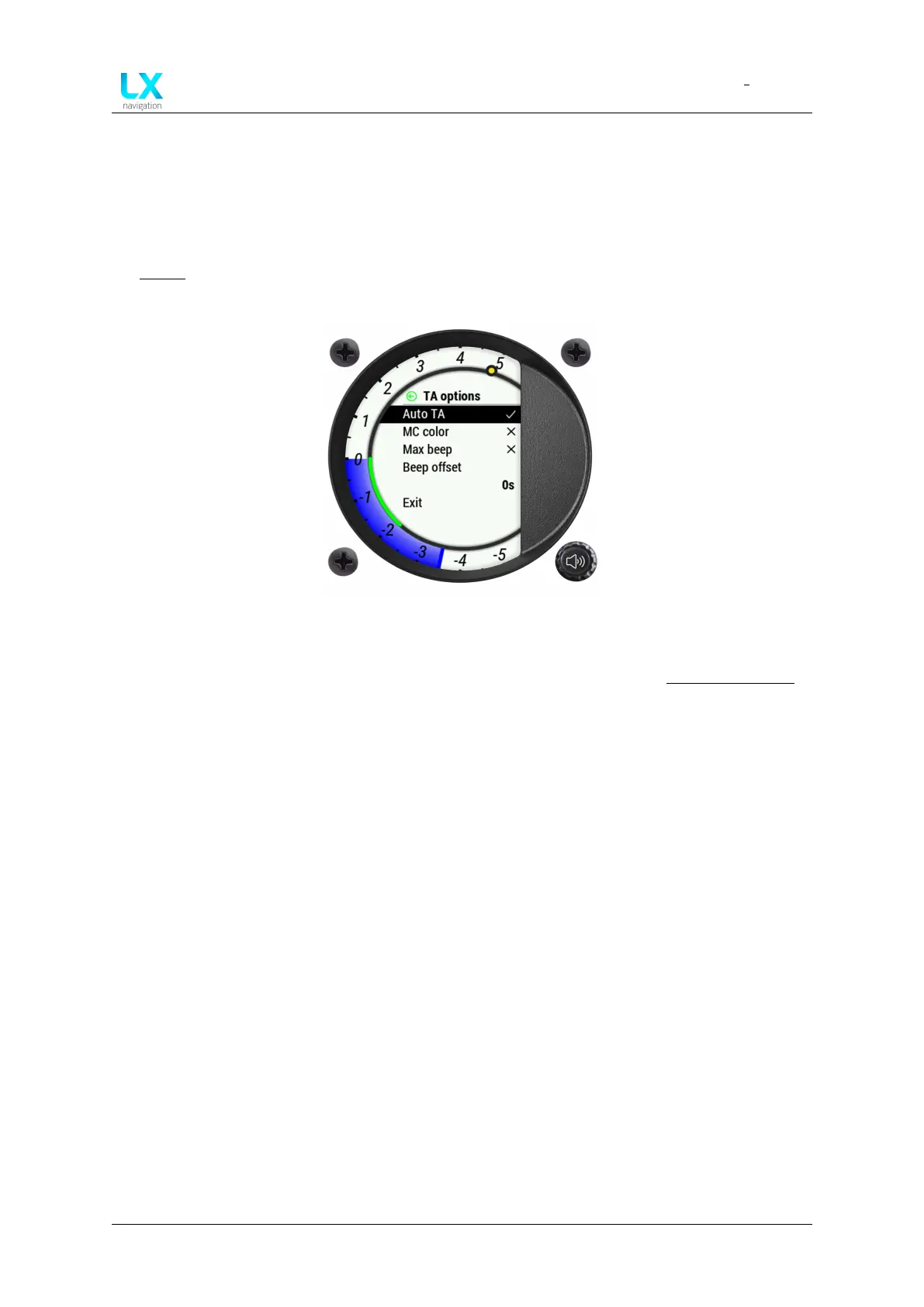
Figure 100. TA options overview
Additional settings for the thermal assistant can be accessed through the Vario setup page
7.1.3 Vario setup page
To access the Vario setup page, long-press the volume push-rotary knob on the vario unit for
at least 3 seconds.
Here, the following menu pages are available:
• Graphics
• Thermal assistant
• Service
• Shutdown
7.1.3.1 Graphics
Theme
The Theme sub-menu offers the pilot to choose between 4 themes. The Era features has two
areas for themes - the vario scale and the internal part (everything inside of the vario scale).
For each of these two a white or black option is available, giving us four combinations.
The first colour indicates the colour of the central part of the display, and the second colour
indicates the digital needle part of the display:
Device manual Public 90



 To Next Page