34
Hiding and displaying the Menu Bar and Information Bar
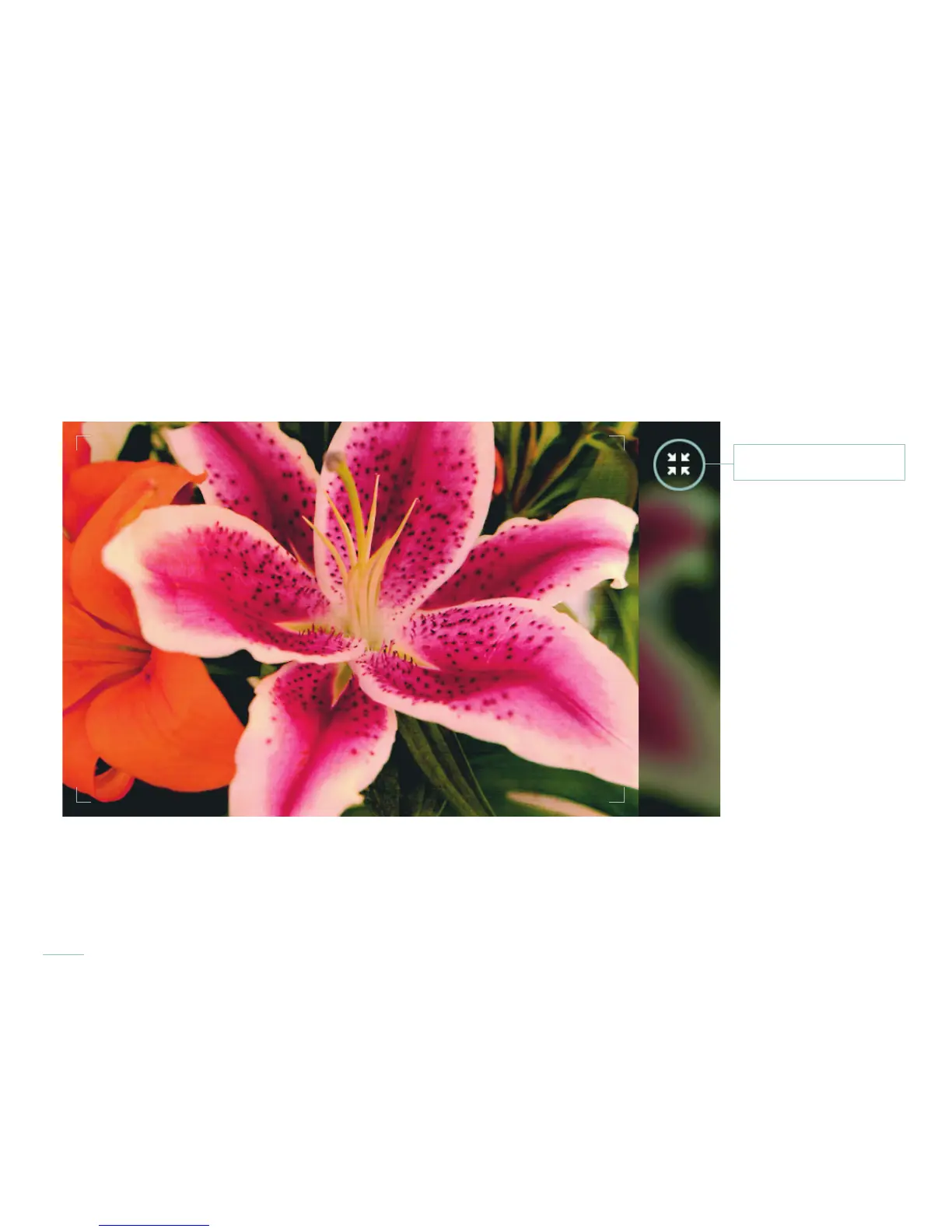
The Menu Bar and Information Bar can be hidden by touching the Full Screen Preview icon in the upper right corner of the preview
window. To display all menus again, touch the Full Screen Preview icon again. To hide just the Information Bar swipe it down. To display
it again, swipe up from the bottom edge of the screen.
The Full Screen Preview icon will hide all menus with a single touch. A second touch returns all menus.
Full Screen Preview icon



 To Next Page