50
Using the live exposure histogram
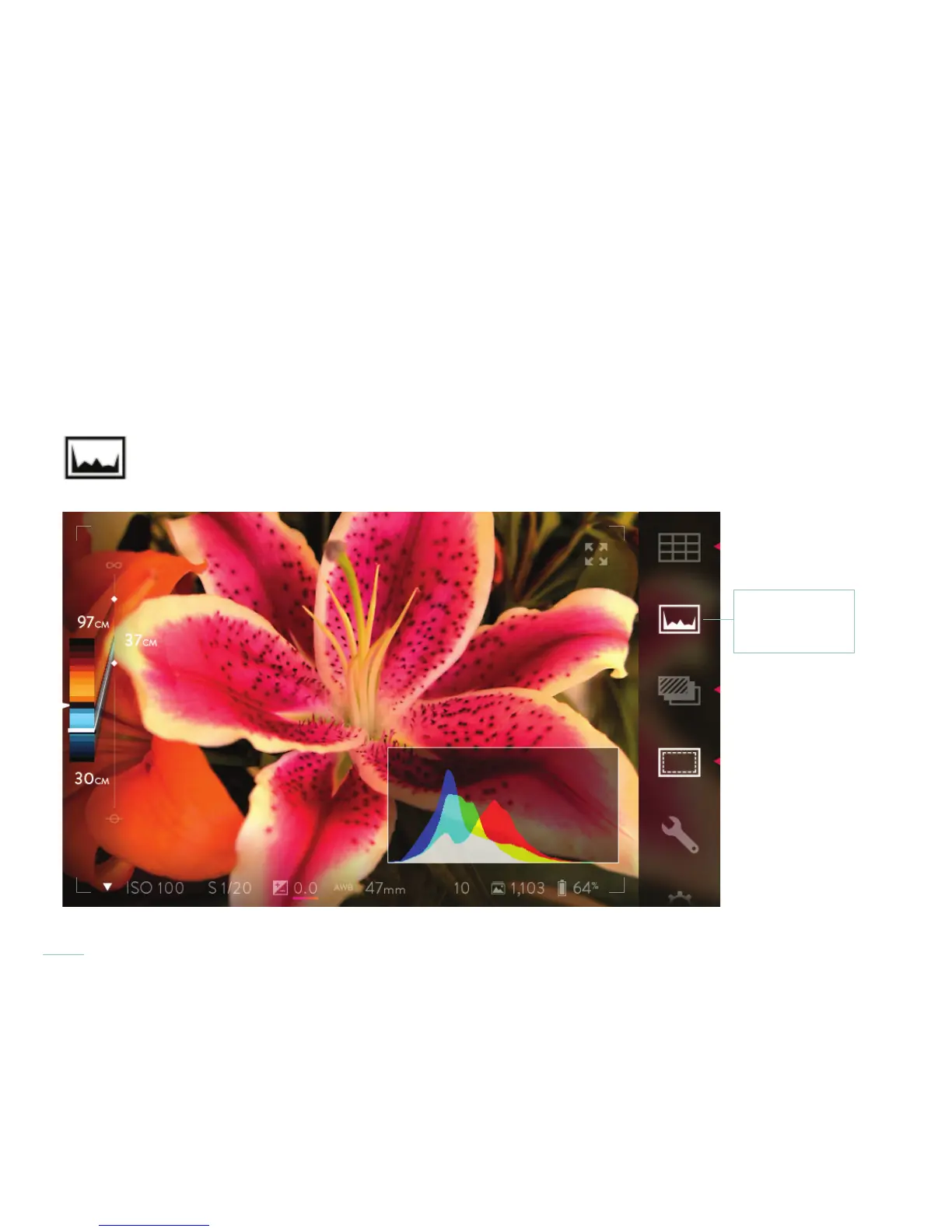
To view an exposure histogram for the live view, tap the Exposure Histogram icon in the Menu Bar at the right-hand edge of the screen.
The icon will illuminate, and the histogram will be displayed in the lower left-hand corner of the screen. To close the histogram, tap the
icon again.
Activate the live exposure histogram to evaluate a potential shot.
Live Exposure
Histogram icon



 To Next Page