40
Setting the shutter speed
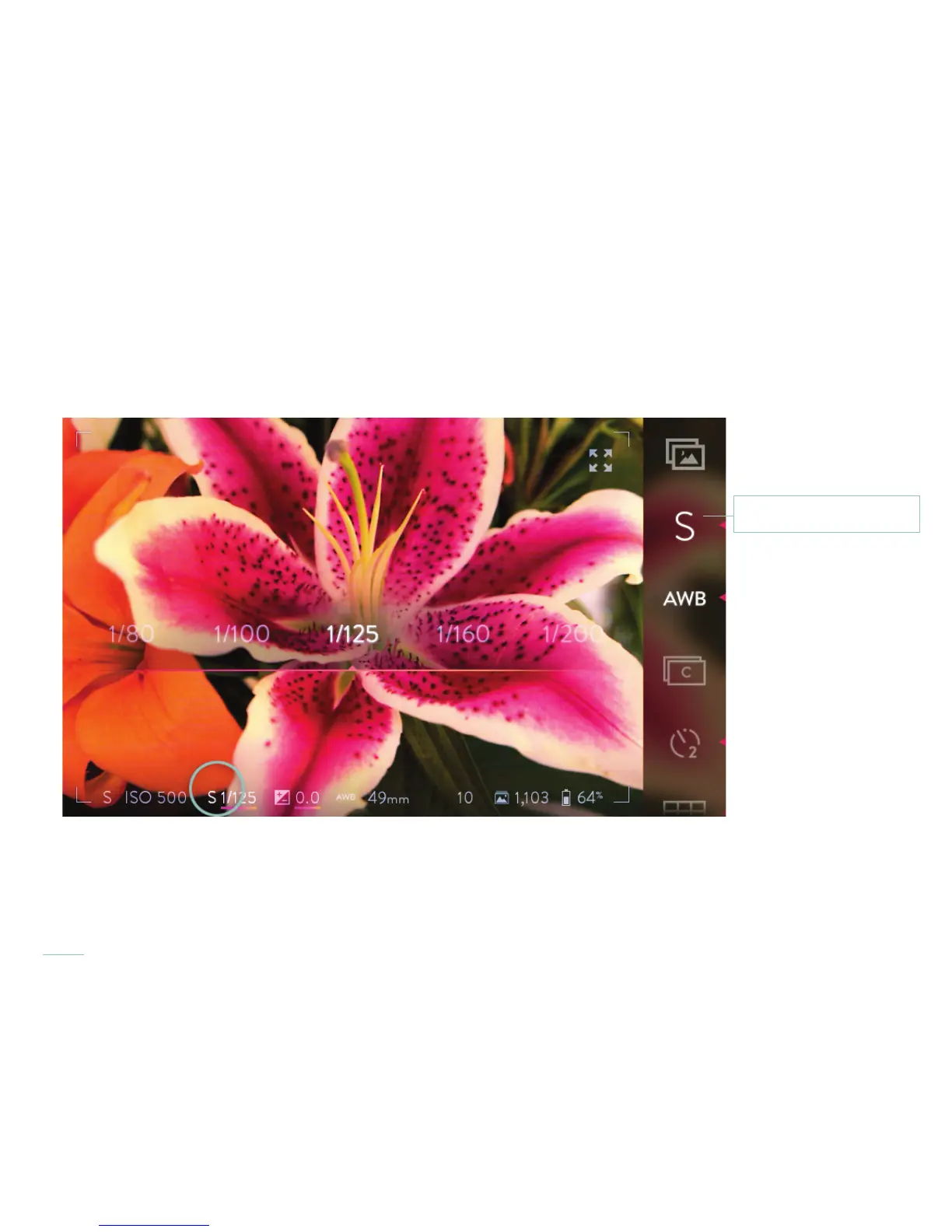
In Shutter Priority Mode and Manual Mode, set the shutter speed by tapping the shutter speed indicator in the information bar at the
bottom of the screen. A selection band will open across the middle of the screen, with the current speed at the center. Available shutter
speeds range from 1/4000th of a second to 32 seconds.
Tap the shutter speed indicator to open the shutter speed selection band.
Shutter Priority Mode icon



 To Next Page