65
Processing a Living Picture for refocusing
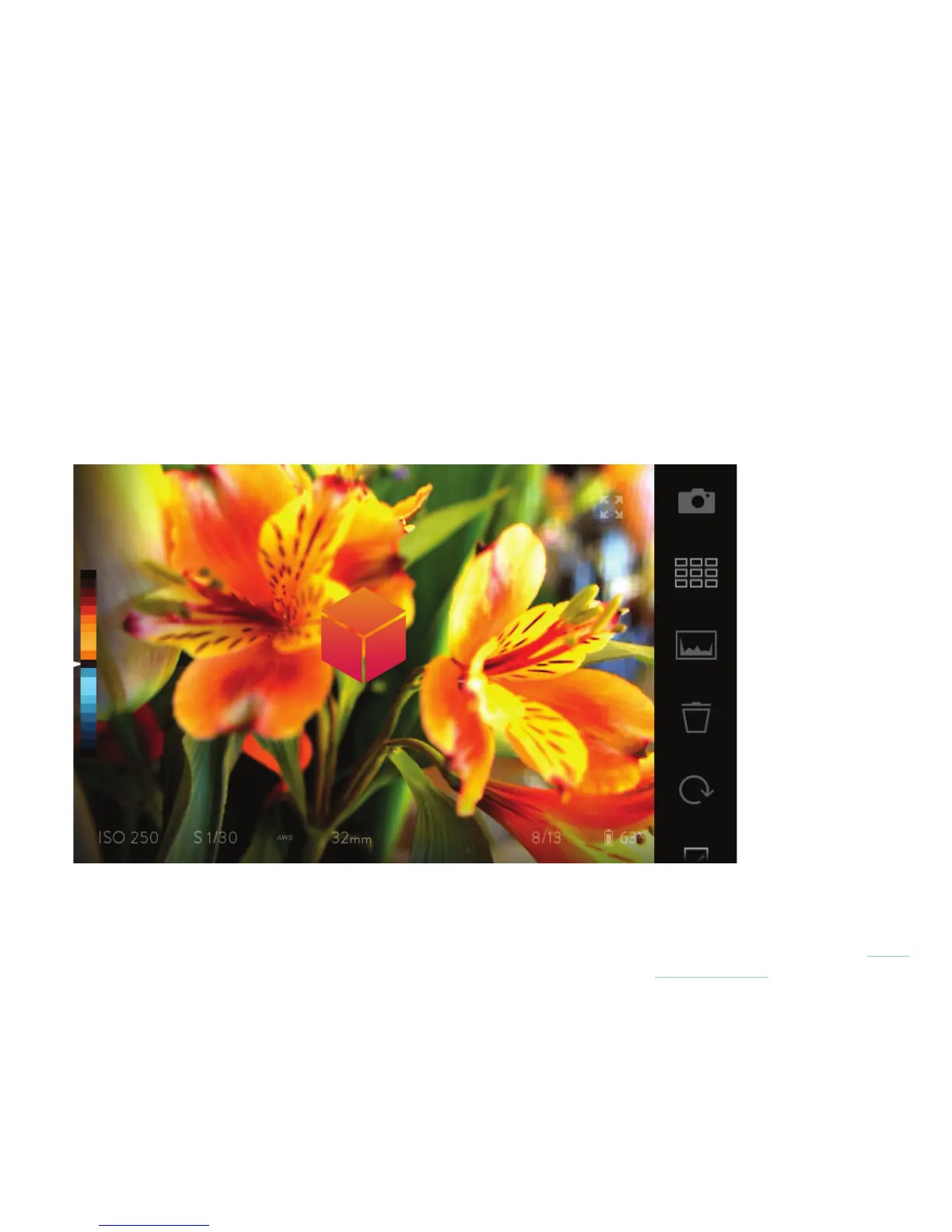
A Living Picture can be refocused by simply tapping the screen, but the camera has to process the picture rst.
The rst time a picture is viewed, it will automatically be processed for refocusing.
A small animated progress icon will appear over the center of the picture during processing. When the progress
icon disappears — usually in just a second or two — the picture is ready to be refocused by tapping the screen.
Indicator of a Living Picture being processed



 To Next Page