67
Virtual Aperture in a Living Picture
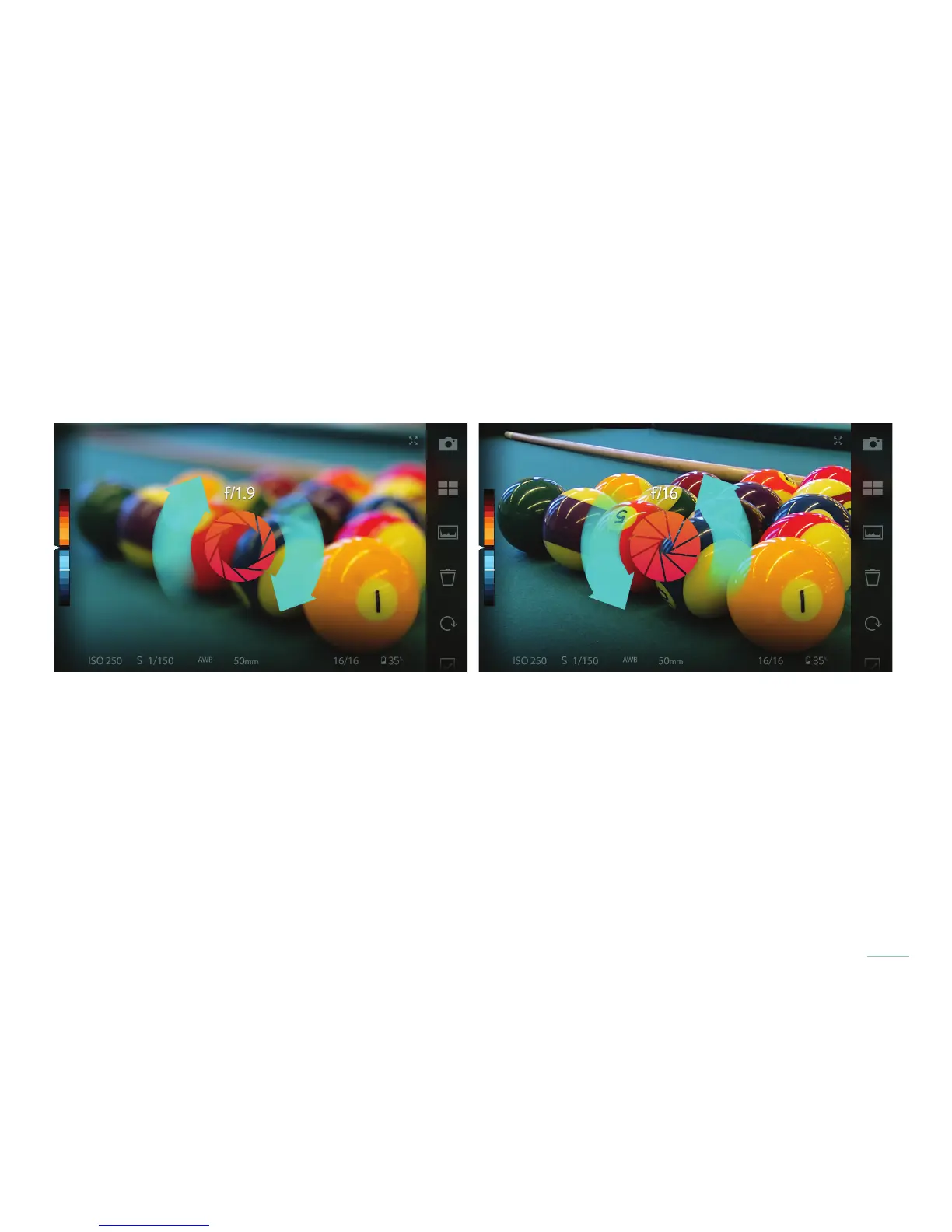
You can interactively change the Virtual Aperture in Living Pictures. With two ngers touching the screen, twist clockwise or counter-
clockwise to tighten or open the virtual aperture. The range is from f/1 to f/16.
Use two nger gestures to change the Virtual Aperture
ILLUM 2.0 processes your Light Field captures into Living Pictures that support Lytro’s interactive Virtual Aperture. A clockwise two-n-
ger gesture on the camera’s Playback Screen opens the aperture to a maximum of f1; the opposite counter clockwise gesture tightens
the Virtual Aperture to f16.



 To Next Page