66
Refocusing a Living Picture
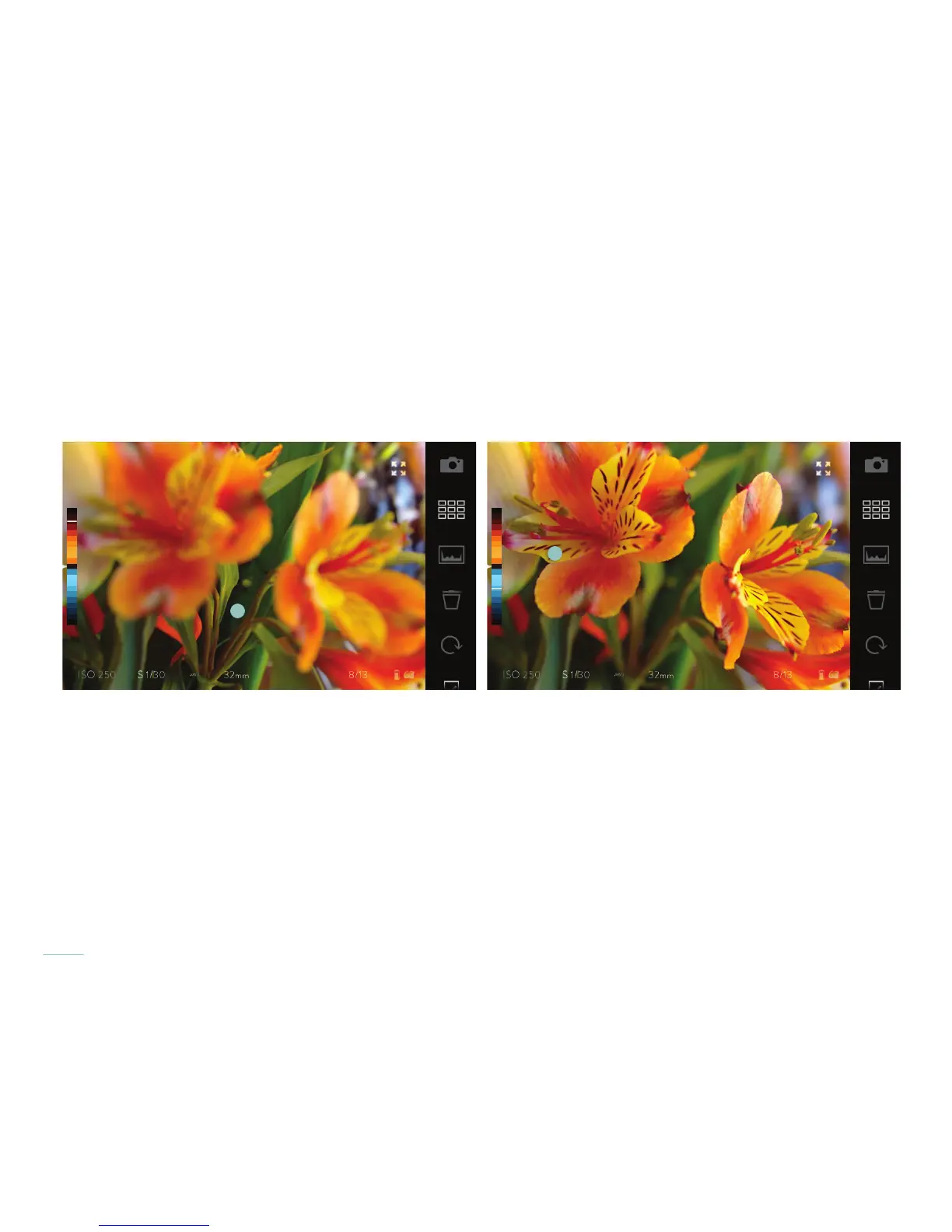
Once a picture has been processed, refocus it by just tapping the screen. The camera will re-center the focus as closely as possible to
the spot tapped. Depending on the composition of the picture, some areas may fall outside the refocusable range — essentially the
maximum range in which the picture can be refocused sharply.
Refocus a Living Picture by tapping the touchscreen.
As the focus of the picture changes, the depth value for that focus is displayed in the Depth Assist Bar as a white line.



 To Next Page