59
Using a ash
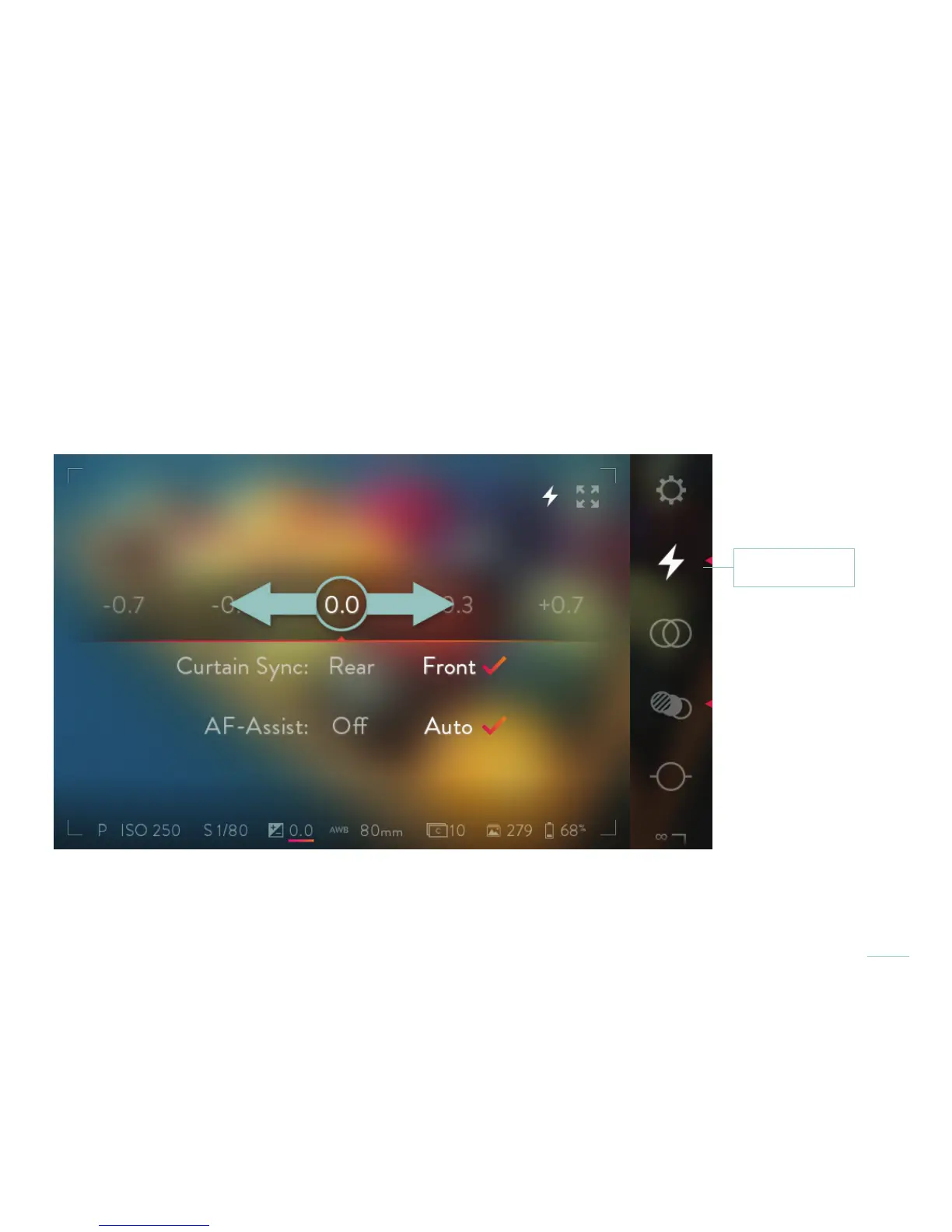
The ILLUM provides full support for the Viltrox JY680L TTL Flash. In the ILLUM Menu, the ash interface controls allow you to select
exposure compensation, choose front or rear curtain sync and enable auto focus assist.
A standard ash can be mounted to the camera’s hot shoe, allowing basic ash synchronization. The ash will be triggered each
time the shutter opens. The sync speed (the fastest shutter speed at which you can use a ash) is 1/250.
With the Viltrox JY680L TTL ash mounted to the ILLUM hot shoe and powered on, touch the Flash icon
to open the ash control interface. Swipe left or right to adjust TTL compensation values. Tap again to
close the control interface.
Flash settings



 To Next Page