68
Interactive Perspective Shift in a Living Picture
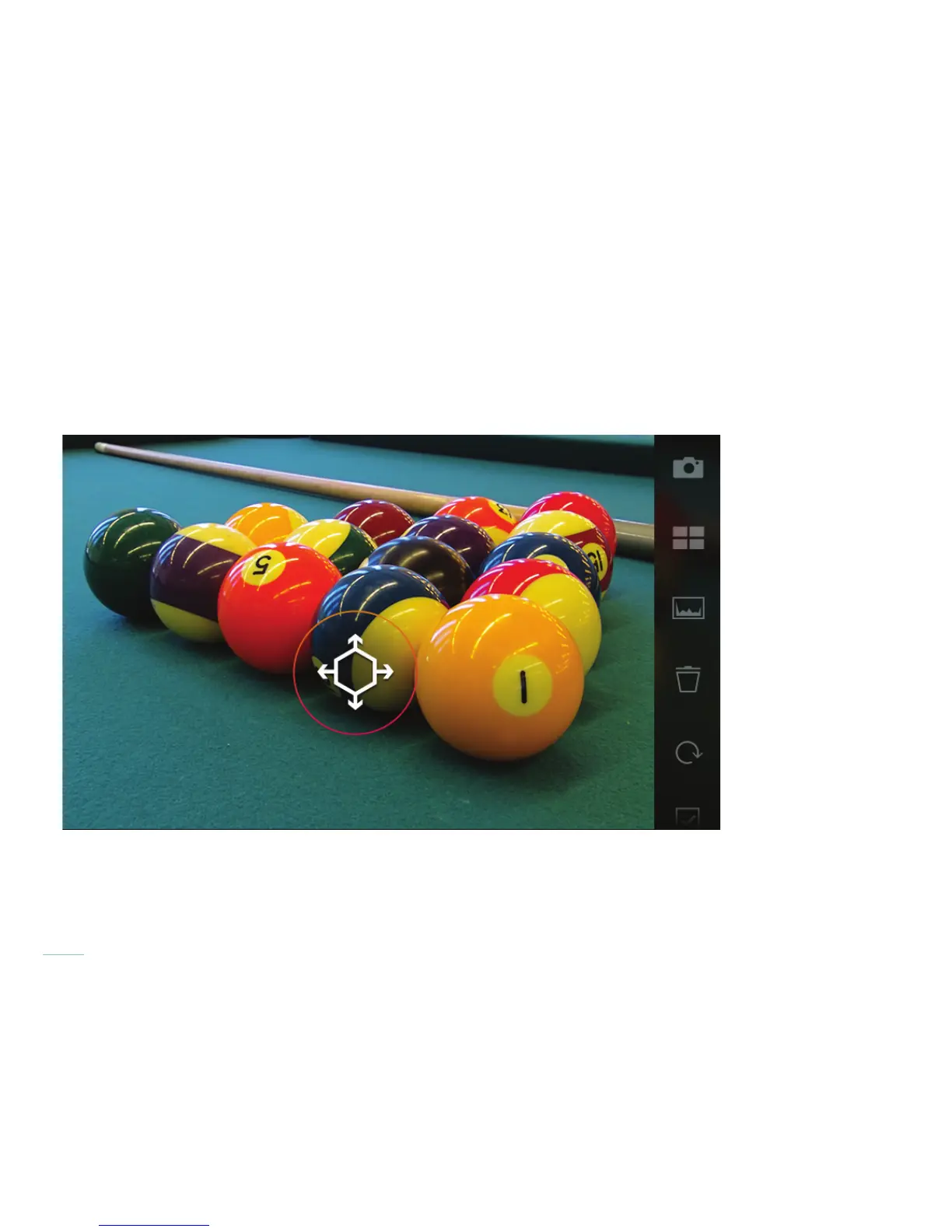
Living Pictures permit you to shift and preview the perspective in your image. Touch the screen, pause a moment and wait for the
four way arrow to appear, then with your nger still pressing the screen, move the cursor in the image preview to shift perspective
interactively.
Living Pictures in ILLUM 2.0 support Perspective Shift in the Playback Screen. A single nger gesture can be used to select your
refocus area. Pause slightly while touching the screen to start the Perspective Shift mode. By dragging on the Living Picture, the
image’s perspective will interactively shift on screen.



 To Next Page