46
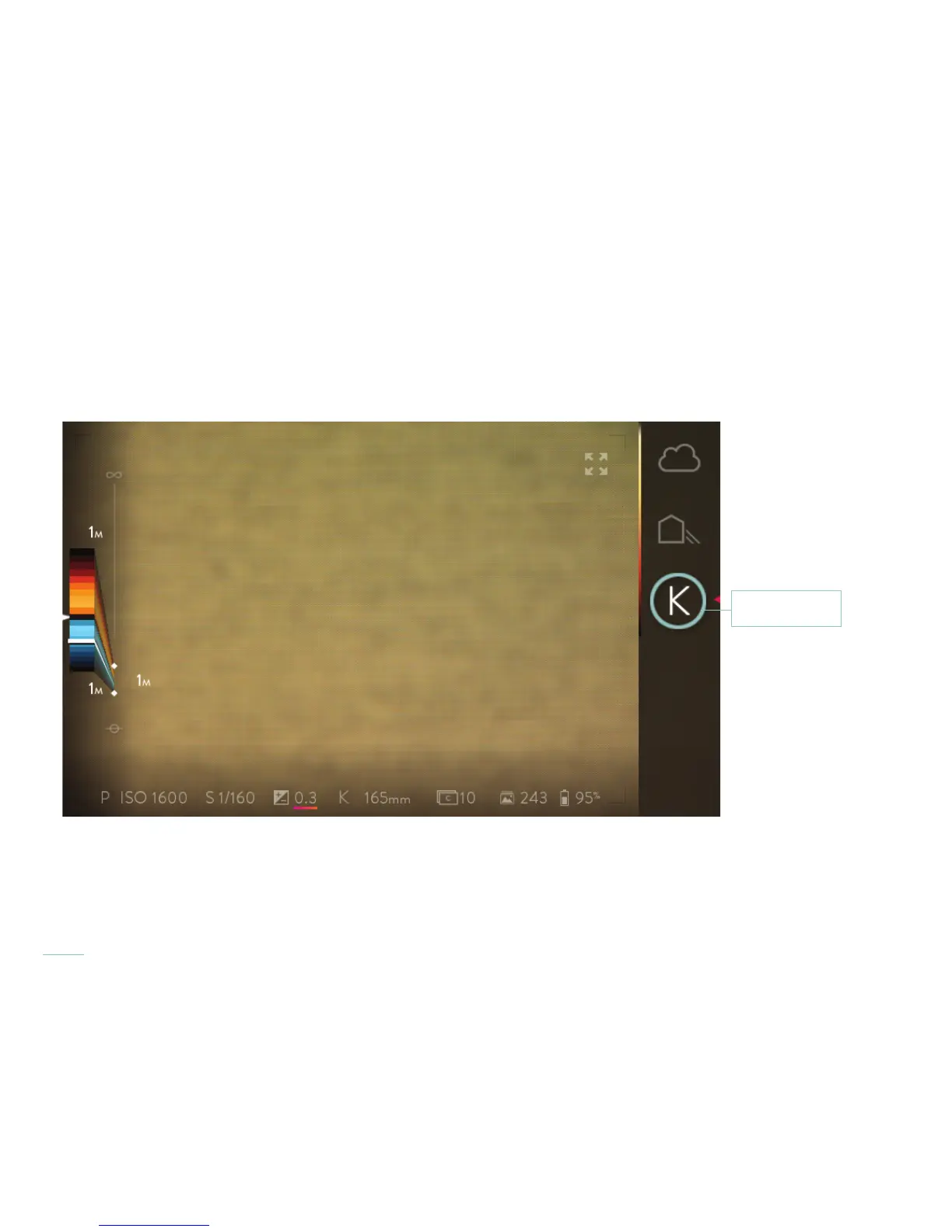
To assist manual setting the white balance, point the lens at a neutral gray card or surface in the same light you are shooting with. Fill
the lens with image of the card’s surface. This will be used as your surface for evaluating the lights’ color and tint. If you have a color me-
ter that displays Kelvin color temperature, this is even more accurate. Press and hold your nger on the Manual white balance icon until
the white balance adjustment sliders are displayed on screen.
Press and hold



 To Next Page